Screenshot style breakdown
Sampled from 4 of Amebaマンガ's App Store screenshots — background, accent and theme, measured by LaunchShots (not something Apple publishes).
#FCFCFC bg
#DDDDDD
#2C8C3C accent
#111111 text
Screenshots
iPad screenshots
Icon palette
About this app
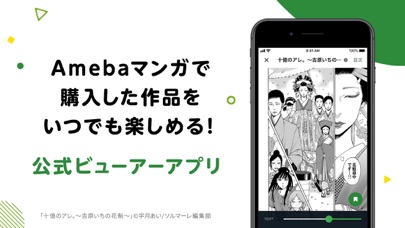
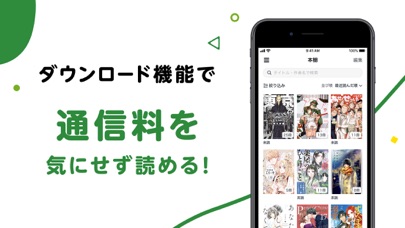
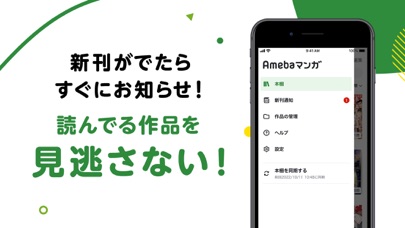
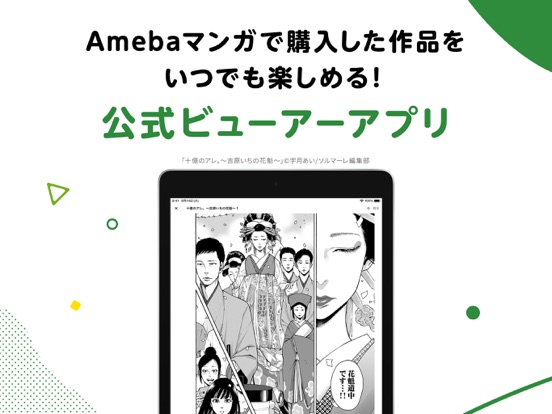
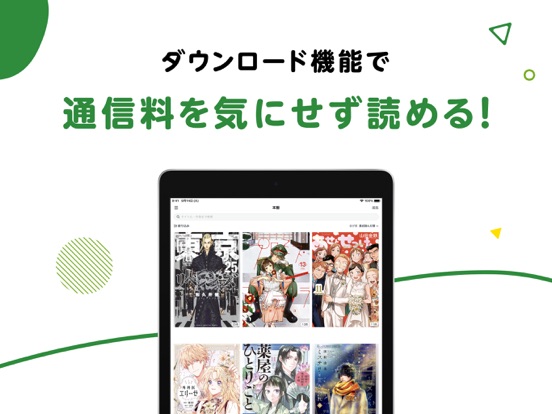
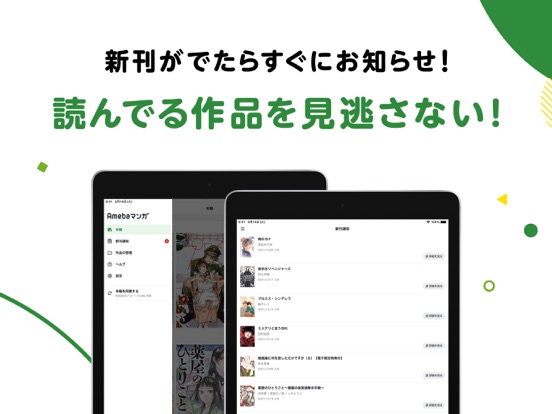
Amebaマンガは会員数600万人突破・100万冊以上の作品をお届けする、日本最大級の電子コミックサービスです。 映画化・実写化・アニメ化で話題のマンガから、あの人気漫画まで豊富なラインナップの電子コミックをお届け! アプリ版Amebaマンガは、Amebaマンガ専用ビューアアプリです。 お気に入りのマンガをいつでも、どこでも、楽し無事ができます。 【アプリの特徴】 ●オフラインで読める 事前にマンガをダウンロードしておくことで、場所や通信環境にとらわれず、いつでも好きな場所でお気に入りのマンガが快適に読めます。 ●使いやすい操作性 シンプルでわかりやすく、直感的な操作性のため誰でも簡単に利用できます。 ●お知らせ機能 お気に入りのマンガの新刊情報をいち早くお届けします。 ●複数端末で同期可能 お持ちの端末を最大4台まで同期が可能です。
App details
What you can learn from Amebaマンガ
Every shipping app on the App Store has gone through the same decisions you're working through right now: which screenshot goes first, what caption sits over it, which device frame to show, what color the background should be. The 8 screenshots above are Amebaマンガ's answers to those questions — they're public, they're real, and they made it through Apple's review.
What the numbers say: Amebaマンガ runs a light set with one background colour (#FCFCFC) carried across every screenshot — the listing reads as a single poster when the shots sit side by side in search results. The accent colour we picked up, #2C8C3C, is the one to reuse for badges, arrows and highlighted words if you borrow this look. Hit Use this style to open the editor with these exact colours and drop your own screenshot in.
Notice the first screenshot in particular. It's the one users see in search results and on the product page, and it's where most apps spend their best caption and tightest design. Look at the proportion of background to phone, where the text sits, what one thing the image is trying to communicate.
Want to see how other Book apps approach the same problem? Browse more Book apps in the showcase.
Take what works into your own screenshots
Open LaunchShots and design your App Store & Google Play screenshots — pick a device frame, drop captions, ship in minutes. Free, in your browser.
Open the screenshot editor →Apps with a similar look
Closest background + accent colours among the listings we've analysed — useful when you want to see the same palette handled by a different team.