Chart position — tracked daily by LaunchShots
Screenshot changes — detected by LaunchShots
Screenshot style breakdown
Sampled from 5 of ユビー 医療AIパートナー's App Store screenshots — background, accent and theme, measured by LaunchShots (not something Apple publishes).
#ECDCEC bg
#CFC1CF
#DC3474 accent
#111111 text
Reading the caption text from the screenshots in your browser…
Screenshots


iPad screenshots



Icon palette
About this app
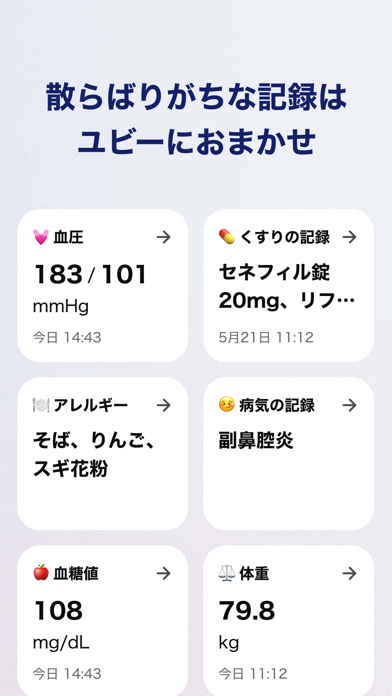
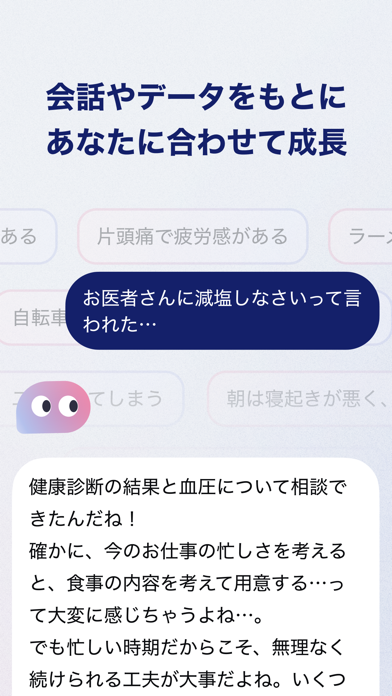
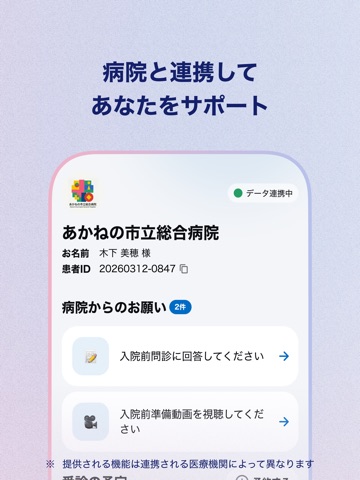
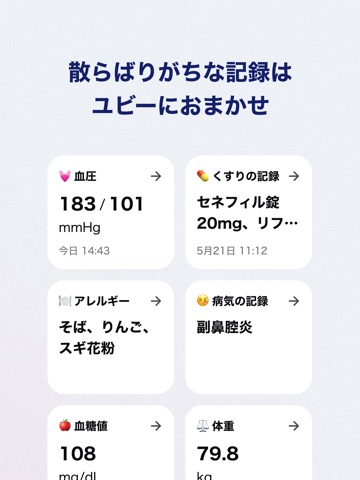
医療AIパートナー「ユビー」は、あなたの健康について相談できる頼れる医療AIパートナーです。 チャット形式で対話しながら、症状や体調の不安から日常の健康管理まで、親身になってサポートします。 【月間利用ユーザー数 1,300万人※1】 ※1. 2025年9月時点 ◆ 医療AIパートナー「ユビー」でできること ・健康の悩みをチャットで相談 体調不良、症状の不安、病気についてなど、24時間いつでもAIに無料で相談可能 ・あなただけの医療・健康パートナーに成長 話せば話すほどあなたのことを理解し、会話やデータをもとに、一人ひとりに最適な情報を提供 ・散らばりがちな健康記録の管理もおまかせ 通院記録、処方薬、血圧、血糖値、症状日記、肌日記など、大切な記録をユビーに集約。継続的な健康管理をサポートします ・お医者さんに伝えたいことを自動で整理 メッセージで思いつくままに話すだけで、症状の伝え方や質問内容を整理した受診メモがつくれます ・適切な受診先をスマートに案内 症状に応じた診療科と医療機関を、理由とともにご提案 ・連…
App details
What you can learn from ユビー 医療AIパートナー
Every shipping app on the App Store has gone through the same decisions you're working through right now: which screenshot goes first, what caption sits over it, which device frame to show, what color the background should be. The 10 screenshots above are ユビー 医療AIパートナー's answers to those questions — they're public, they're real, and they made it through Apple's review.
What the numbers say: ユビー 医療AIパートナー runs a light set where the background shifts from screenshot to screenshot (first shot #ECDCEC) — each image has to stand on its own, so the captions carry more of the story. The accent colour we picked up, #DC3474, is the one to reuse for badges, arrows and highlighted words if you borrow this look. Hit Use this style to open the editor with these exact colours and drop your own screenshot in.
Notice the first screenshot in particular. It's the one users see in search results and on the product page, and it's where most apps spend their best caption and tightest design. Look at the proportion of background to phone, where the text sits, what one thing the image is trying to communicate.
Want to see how other Medical apps approach the same problem? Browse more Medical apps in the showcase.
Take what works into your own screenshots
Open LaunchShots and design your App Store & Google Play screenshots — pick a device frame, drop captions, ship in minutes. Free, in your browser.
Open the screenshot editor →Apps with a similar look
Closest background + accent colours among the listings we've analysed — useful when you want to see the same palette handled by a different team.