Screenshot changes — detected by LaunchShots
Screenshot style breakdown
Sampled from 6 of 三井住友信託スマートライフデザイナー's App Store screenshots — background, accent and theme, measured by LaunchShots (not something Apple publishes).
#FCFCFC bg
#DDDDDD
#049CB4 accent
#111111 text
Reading the caption text from the screenshots in your browser…
Screenshots


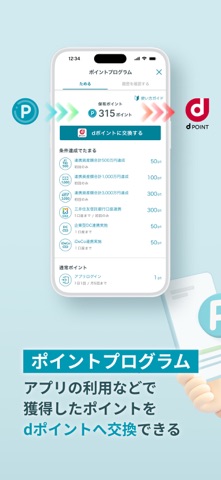
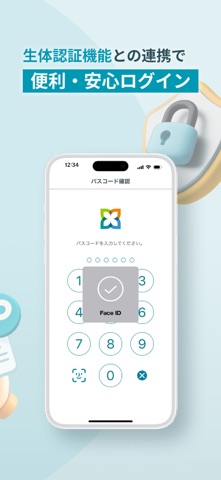

Icon palette
About this app
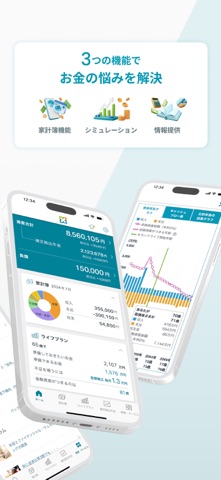
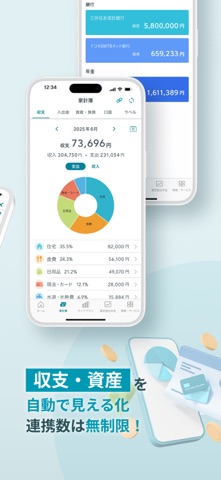
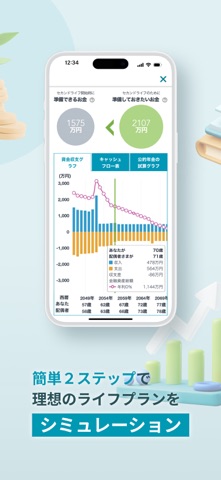
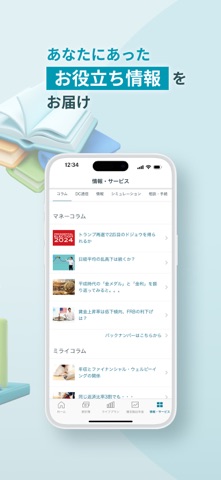
【新規ユーザー登録について】 本アプリは三井住友信託銀行に口座をお持ちでない方もご利用いただけます。ユーザー登録にあたって登録が必要な情報は以下です。 ・メールアドレス ・ログインパスワード(登録画面で設定) ・生年月日 【本アプリで提供する主な機能】 ●ライフプランシミュレーション 簡単2ステップ(ご自身やご家族、収入や住まいの状況などを入力)で、将来必要となるお金を試算できます。さらに、詳細なライフイベントを入力することで、より正確な見通しの把握を行うこともできます。 また、結果に応じたヒントが表示されるため、資産形成等の対策の検討にも役立てることができます。 ●家計簿 マネーフォワードの口座連携機能で、三井住友信託銀行以外の口座も含め、クレジットカード、確定拠出年金など幅広い情報を連携でき、毎月の収支や資産情報を一括管理できます。 ●資産形成やライフプランに関する情報提供 人生100年時代に知っておきたい、信託銀行ならではのお役立ち情報をコラム記事などでお届けします。通知をオンにすることで、タイム…
App details
What you can learn from 三井住友信託スマートライフデザイナー
Every shipping app on the App Store has gone through the same decisions you're working through right now: which screenshot goes first, what caption sits over it, which device frame to show, what color the background should be. The 9 screenshots above are 三井住友信託スマートライフデザイナー's answers to those questions — they're public, they're real, and they made it through Apple's review.
What the numbers say: 三井住友信託スマートライフデザイナー runs a light set with one background colour (#FCFCFC) carried across every screenshot — the listing reads as a single poster when the shots sit side by side in search results. The accent colour we picked up, #049CB4, is the one to reuse for badges, arrows and highlighted words if you borrow this look. Hit Use this style to open the editor with these exact colours and drop your own screenshot in.
Notice the first screenshot in particular. It's the one users see in search results and on the product page, and it's where most apps spend their best caption and tightest design. Look at the proportion of background to phone, where the text sits, what one thing the image is trying to communicate.
Want to see how other Finance apps approach the same problem? Browse more Finance apps in the showcase.
Take what works into your own screenshots
Open LaunchShots and design your App Store & Google Play screenshots — pick a device frame, drop captions, ship in minutes. Free, in your browser.
Open the screenshot editor →Apps with a similar look
Closest background + accent colours among the listings we've analysed — useful when you want to see the same palette handled by a different team.