Chart position — tracked daily by LaunchShots
Screenshot changes — detected by LaunchShots
Screenshot style breakdown
Sampled from 6 of Anatomy Learning - Anatomia 3D's App Store screenshots — background, accent and theme, measured by LaunchShots (not something Apple publishes).
#3CBCB4 bg
#34A59E
#AC4C2C accent
#111111 text
Screenshots


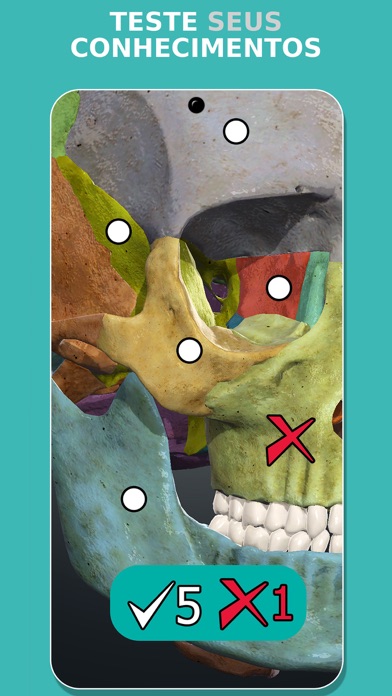


iPad screenshots


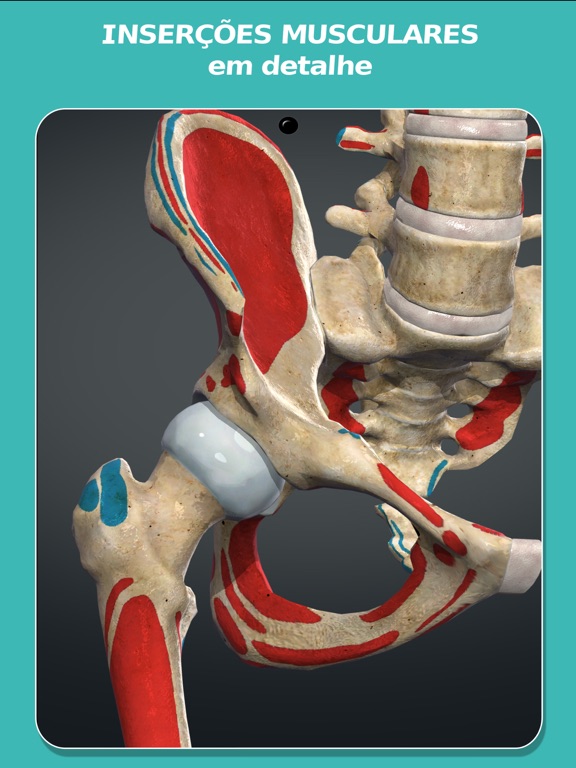
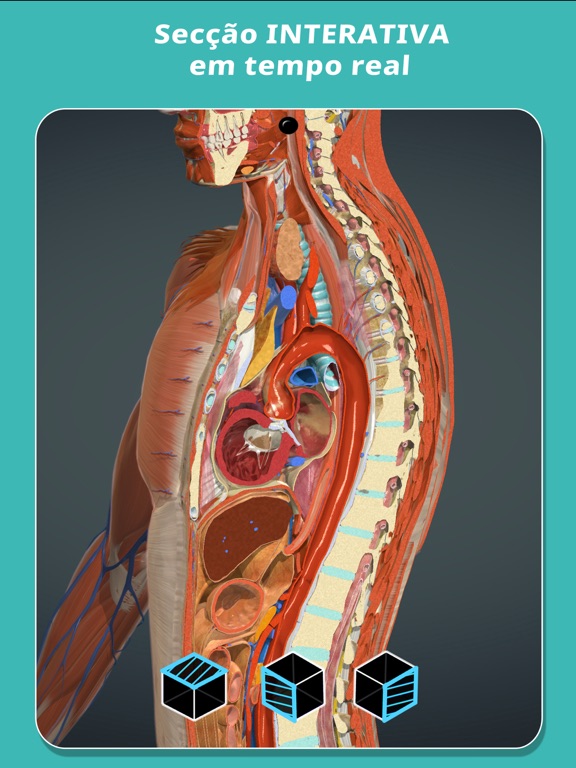
Icon palette
About this app
Anatomy Learning é um atlas interativo de anatomia humana em 3D para estudantes de medicina, enfermagem, fisioterapia e medicina dentária. Mais de 6.000 pontos anatómicos etiquetados sobre um modelo real em 3D, e funciona sem ligação à internet: estuda nas aulas, no hospital ou no metro. O QUE INCLUI - Modelo anatómico completo em 3D real, rodável em qualquer ângulo e com zoom até ao detalhe - Mais de 6.000 pontos anatómicos etiquetados - Dissecação camada a camada: retira cada estrutura para veres a que está por baixo - Animações interativas de músculos e articulações - Anatomia seccional orientada para a radiologia - Mais de 500 questionários etiquetados para te autoavaliares - Atlas estruturado por sistemas e por regiões: cabeça e pescoço, tronco, membro superior e membro inferior - Ativa e desativa cada sistema anatómico em separado - Funciona sem ligação à internet CONTEÚDOS - Os…
App details
What you can learn from Anatomy Learning - Anatomia 3D
Every shipping app on the App Store has gone through the same decisions you're working through right now: which screenshot goes first, what caption sits over it, which device frame to show, what color the background should be. The 14 screenshots above are Anatomy Learning - Anatomia 3D's answers to those questions — they're public, they're real, and they made it through Apple's review.
What the numbers say: Anatomy Learning - Anatomia 3D runs a light set with one background colour (#3CBCB4) carried across every screenshot — the listing reads as a single poster when the shots sit side by side in search results. The accent colour we picked up, #AC4C2C, is the one to reuse for badges, arrows and highlighted words if you borrow this look. Hit Use this style to open the editor with these exact colours and drop your own screenshot in.
Notice the first screenshot in particular. It's the one users see in search results and on the product page, and it's where most apps spend their best caption and tightest design. Look at the proportion of background to phone, where the text sits, what one thing the image is trying to communicate.
Want to see how other Medical apps approach the same problem? Browse more Medical apps in the showcase.
Take what works into your own screenshots
Open LaunchShots and design your App Store & Google Play screenshots — pick a device frame, drop captions, ship in minutes. Free, in your browser.
Open the screenshot editor →Apps with a similar look
Closest background + accent colours among the listings we've analysed — useful when you want to see the same palette handled by a different team.