Chart position — tracked daily by LaunchShots
Screenshot changes — detected by LaunchShots
Screenshot style breakdown
Sampled from 6 of HelixExpress скидки на анализы's App Store screenshots — background, accent and theme, measured by LaunchShots (not something Apple publishes).
#FCFCF4 bg
#DDDDD6
#E4BC54 accent
#111111 text
Screenshots
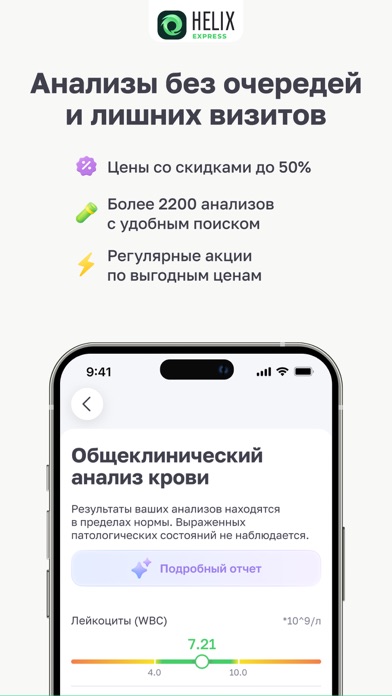


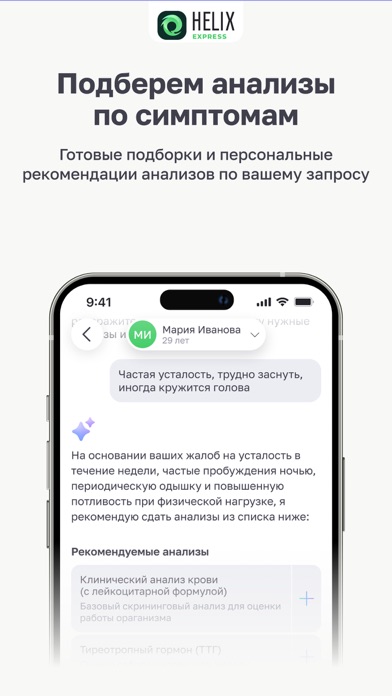


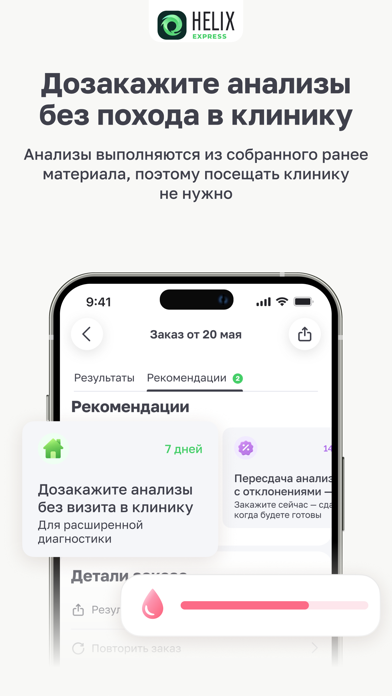
Icon palette
About this app
Не нужно тратить время на очереди и разбираться в сложных медицинских терминах. HelixExpress помогает удобно оформлять анализы онлайн, получать результаты и следить за показателями здоровья в одном приложении. Оформление анализов онлайн: подбирайте нужные анализы и оформляйте заказ за несколько минут. Минимум лишних действий: быстрый доступ к заказам, QR-коду и результатам анализов. Результаты в приложении: получайте результаты сразу после готовности. Некоторые популярные исследования доступны уже через 4 часа. Подбор анализов по симптомам: приложение поможет подобрать анализы в зависимости от ваших симптомов и запроса. Понятная расшифровка результатов: смотрите объяснение показателей простым языком без сложных медицинских формулировок. Контроль показателей здоровья: следите за изменениями уровня витаминов, железа, ферритина и других показателей в динамике. Распознавание назначен…
App details
What you can learn from HelixExpress скидки на анализы
Every shipping app on the App Store has gone through the same decisions you're working through right now: which screenshot goes first, what caption sits over it, which device frame to show, what color the background should be. The 8 screenshots above are HelixExpress скидки на анализы's answers to those questions — they're public, they're real, and they made it through Apple's review.
What the numbers say: HelixExpress скидки на анализы runs a light set with one background colour (#FCFCF4) carried across every screenshot — the listing reads as a single poster when the shots sit side by side in search results. The accent colour we picked up, #E4BC54, is the one to reuse for badges, arrows and highlighted words if you borrow this look. Hit Use this style to open the editor with these exact colours and drop your own screenshot in.
Notice the first screenshot in particular. It's the one users see in search results and on the product page, and it's where most apps spend their best caption and tightest design. Look at the proportion of background to phone, where the text sits, what one thing the image is trying to communicate.
Want to see how other Medical apps approach the same problem? Browse more Medical apps in the showcase.
Take what works into your own screenshots
Open LaunchShots and design your App Store & Google Play screenshots — pick a device frame, drop captions, ship in minutes. Free, in your browser.
Open the screenshot editor →Apps with a similar look
Closest background + accent colours among the listings we've analysed — useful when you want to see the same palette handled by a different team.