Screenshots
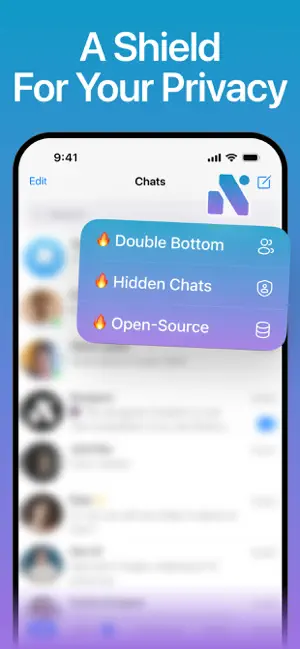
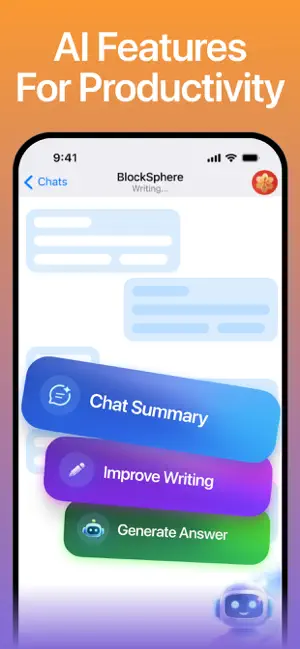
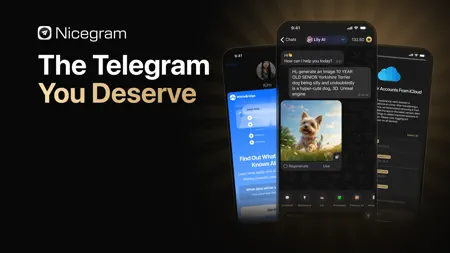
Icon palette
About this app
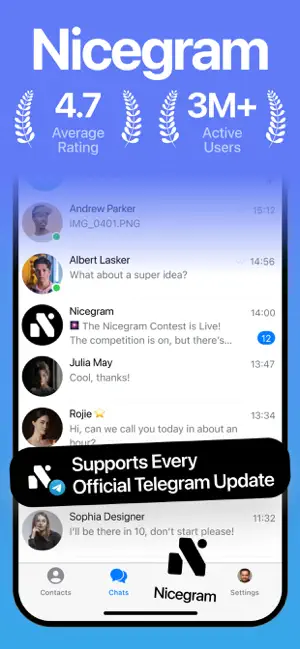
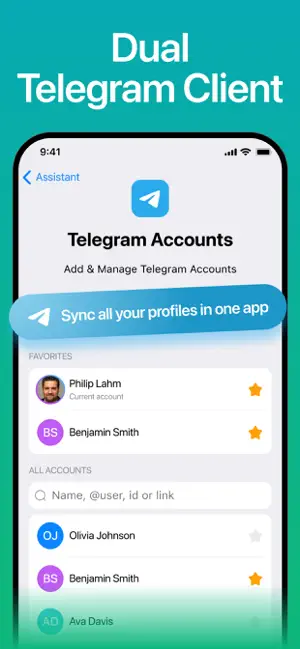
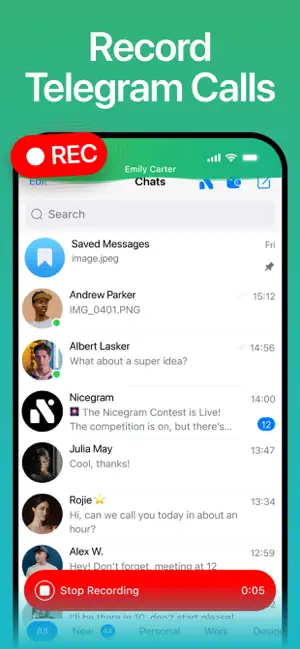
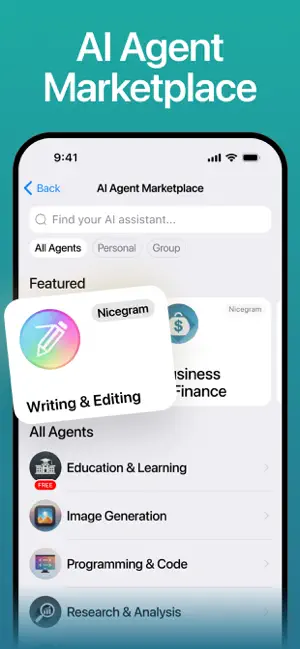
The all-in-one messaging companion for Telegram elevating your conversations! Nicegram is the #1 Telegram companion, equipped with a set of innovative AI-driven features to advance your daily communication: – Unlimited Accounts: Sign in and switch between an unlimited number of accounts on a single device. – Nicegram Wallet: Your personal non-custodial Web3 wallet simplifies managing digital assets with comprehensive security features. Effortlessly send and receive tokens to and from your contacts in-chat, process crypto transactions with ease, and navigate through a broad spectrum of decentralized apps. – AI Assistance: With the Lily AI chatbot built-in and ready to answer any query, utilize AI shortcuts powered by GPT-5, DeepSeek, Gemini, and Claude to instantly streamline messaging with summaries, translations, comments, visual tools and topic explanations. – Upgrade your Telegr…
App details
What you can learn from Nicegram: AI x Dual Telegram
Every shipping app on the App Store has gone through the same decisions you're working through right now: which screenshot goes first, what caption sits over it, which device frame to show, what color the background should be. The 7 screenshots above are Nicegram: AI x Dual Telegram's answers to those questions — they're public, they're real, and they made it through Apple's review.
Notice the first screenshot in particular. It's the one users see in search results and on the product page, and it's where most apps spend their best caption and tightest design. Look at the proportion of background to phone, where the text sits, what one thing the image is trying to communicate.
Want to see how other Social Networking apps approach the same problem? Browse more Social Networking apps in the showcase.
Take what works into your own screenshots
Open LaunchShots and design your App Store & Google Play screenshots — pick a device frame, drop captions, ship in minutes. Free, in your browser.
Open the screenshot editor →