Chart position — tracked daily by LaunchShots
Screenshot style breakdown
Sampled from 6 of ポケトーク - AI音声翻訳・カメラ翻訳・発音練習's App Store screenshots — background, accent and theme, measured by LaunchShots (not something Apple publishes).
#FCE404 bg
#DDC803
#4454C4 accent
#111111 text
Screenshots


Icon palette
About this app
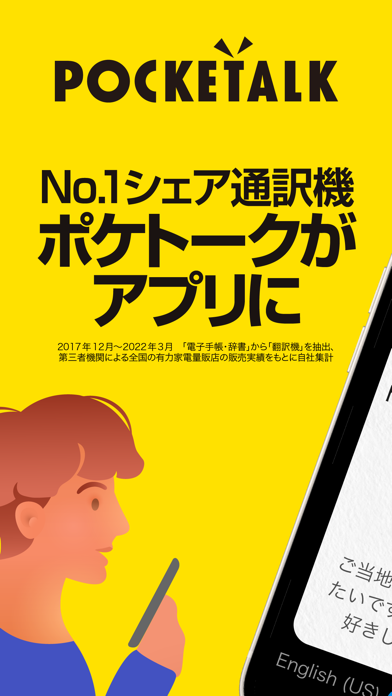
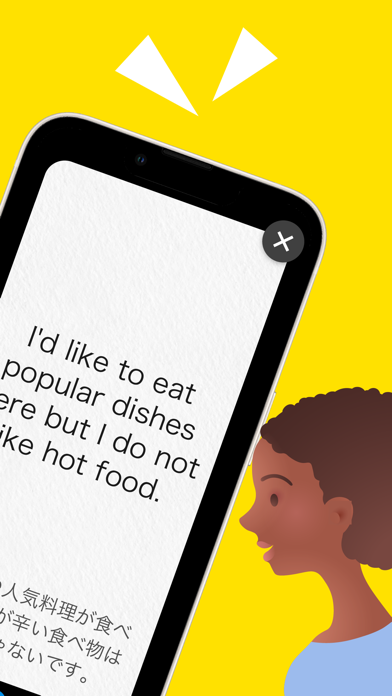
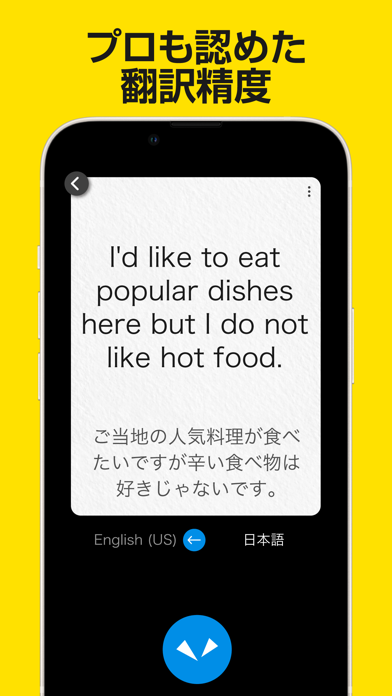
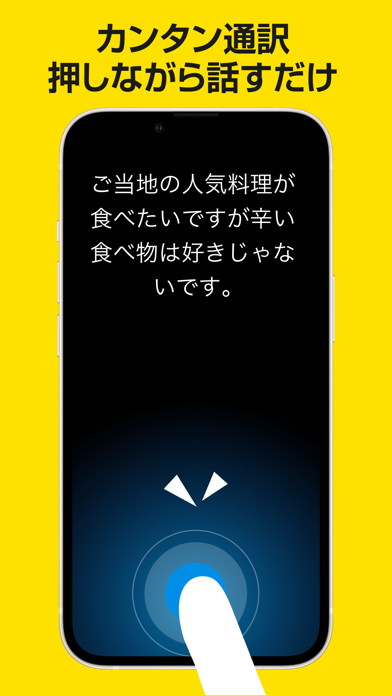
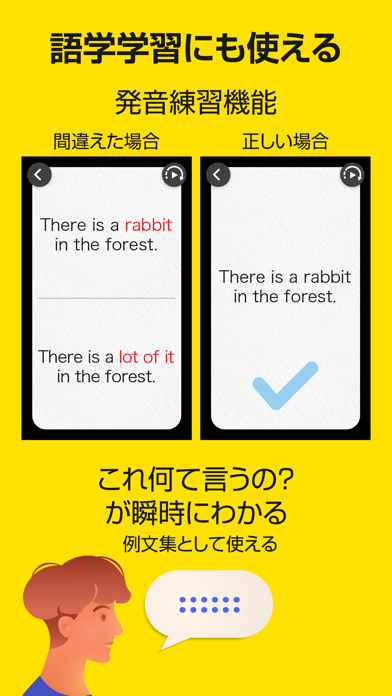
シリーズ累計出荷台数100万台突破したAI通訳機 「ポケトーク」が、待望のアプリ化。 言語ごとに最適な翻訳エンジンを採用し、ネイティブの語学講師も認めた翻訳精度を実現。 AIにより、常に最新かつ精度の高い翻訳結果を、すばやく出力。 【機能】 ・音声通訳: 74言語で音声とテキストに、11言語でテキストのみに翻訳。 合計85言語でコミュニケーションができます。 ・カメラ翻訳: 撮影した文字を翻訳し、画面上に表示します。56の言語を自動で認識。 英語併記など複数の言語が一緒に表示されていても、それぞれの言語として認識できます。 原文、翻訳結果の読み上げも可能。(62言語) ・発音練習: 翻訳履歴にある文章で、発音の練習ができます。 正誤判定のほか、発音の違った単語を赤字で表示し、どこの発音を改善すべきかがわかります。 スピードの調整は3段階。 自分が聞きやすいスピードで 、何回も繰り返し聞けます。 ・再翻訳:翻訳履歴にある文章を、他の言語に再度翻訳できます。 【ポケトークアプリの魅力】 ・会話に特化した通訳アプリ …
App details
What you can learn from ポケトーク - AI音声翻訳・カメラ翻訳・発音練習
Every shipping app on the App Store has gone through the same decisions you're working through right now: which screenshot goes first, what caption sits over it, which device frame to show, what color the background should be. The 7 screenshots above are ポケトーク - AI音声翻訳・カメラ翻訳・発音練習's answers to those questions — they're public, they're real, and they made it through Apple's review.
What the numbers say: ポケトーク - AI音声翻訳・カメラ翻訳・発音練習 runs a light set with one background colour (#FCE404) carried across every screenshot — the listing reads as a single poster when the shots sit side by side in search results. The accent colour we picked up, #4454C4, is the one to reuse for badges, arrows and highlighted words if you borrow this look. Hit Use this style to open the editor with these exact colours and drop your own screenshot in.
Notice the first screenshot in particular. It's the one users see in search results and on the product page, and it's where most apps spend their best caption and tightest design. Look at the proportion of background to phone, where the text sits, what one thing the image is trying to communicate.
Want to see how other Reference apps approach the same problem? Browse more Reference apps in the showcase.
Take what works into your own screenshots
Open LaunchShots and design your App Store & Google Play screenshots — pick a device frame, drop captions, ship in minutes. Free, in your browser.
Open the screenshot editor →Apps with a similar look
Closest background + accent colours among the listings we've analysed — useful when you want to see the same palette handled by a different team.