Screenshot style breakdown
Sampled from 6 of THE 周辺視野トレ|速読・記憶力・反射神経's App Store screenshots — background, accent and theme, measured by LaunchShots (not something Apple publishes).
#1C2C44 bg
#3B495E
#4CF4FC accent
#FFFFFF text
Reading the caption text from the screenshots in your browser…
Screenshots


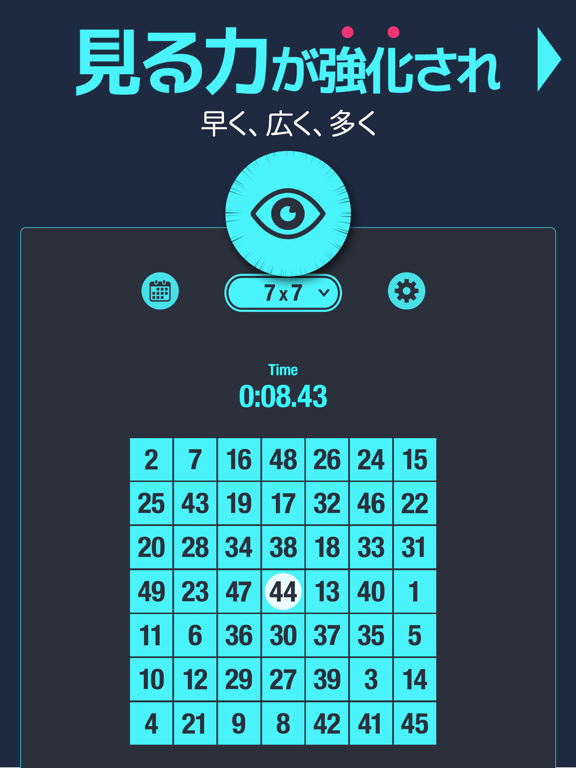
iPad screenshots




Icon palette
About this app
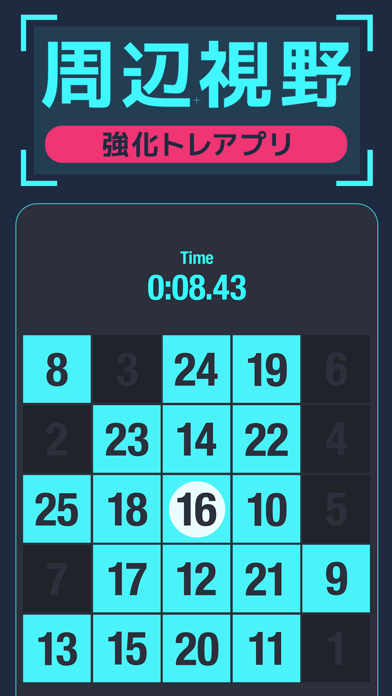
◆ 見る力を鍛える3分習慣 速読、記憶力、反射神経。 数字を追うだけで、脳の反応スピードが上がる。 このアプリは、周辺視野・視野拡大・反応速度など “見る力”をまとめて鍛える、脳科学ベースのトレーニングです。 ◆ 視野が広がると、脳の反応が変わる 人が外から得る情報の80%以上は“目”から入ってくると言われています。 視野内の情報をいかに素早く認識し、判断できるかーー それが「見る力」であり、脳の反応力です。 このアプリは、ドイツの精神科医ウォルター・シュルテ氏が開発した 「シュルテ・テーブル」方式を採用。 注意力・処理速度・視覚探索能力を高める心理学的メソッドとして、 速読や記憶力、反射神経の強化に効果があると評価されています。 ◆ 鍛えられる能力 <見る力> ・視野拡大・周辺視野 ・反応速度・瞬発力 ・視覚処理・集中力 <考える力> ・記憶力・注意力・判断力 ・認知力・右脳活性 ◆ 脳トレに効果的なトレーニング内容 ・速読力、集中力、処理速度を同時にアップ ・数字早押し形式で、瞬発力と反応速度をトレーニング …
App details
What you can learn from THE 周辺視野トレ|速読・記憶力・反射神経
Every shipping app on the App Store has gone through the same decisions you're working through right now: which screenshot goes first, what caption sits over it, which device frame to show, what color the background should be. The 12 screenshots above are THE 周辺視野トレ|速読・記憶力・反射神経's answers to those questions — they're public, they're real, and they made it through Apple's review.
What the numbers say: THE 周辺視野トレ|速読・記憶力・反射神経 runs a mixed light-and-dark set where the background shifts from screenshot to screenshot (first shot #1C2C44) — each image has to stand on its own, so the captions carry more of the story. The accent colour we picked up, #4CF4FC, is the one to reuse for badges, arrows and highlighted words if you borrow this look. Hit Use this style to open the editor with these exact colours and drop your own screenshot in.
Notice the first screenshot in particular. It's the one users see in search results and on the product page, and it's where most apps spend their best caption and tightest design. Look at the proportion of background to phone, where the text sits, what one thing the image is trying to communicate.
Want to see how other Medical apps approach the same problem? Browse more Medical apps in the showcase.
Take what works into your own screenshots
Open LaunchShots and design your App Store & Google Play screenshots — pick a device frame, drop captions, ship in minutes. Free, in your browser.
Open the screenshot editor →Apps with a similar look
Closest background + accent colours among the listings we've analysed — useful when you want to see the same palette handled by a different team.