Screenshots
iPad screenshots
Icon palette
About this app
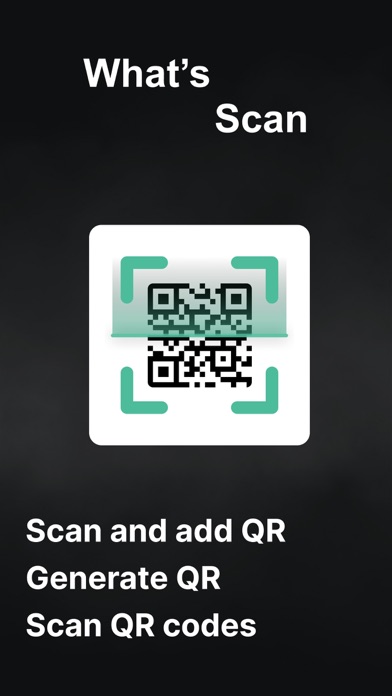
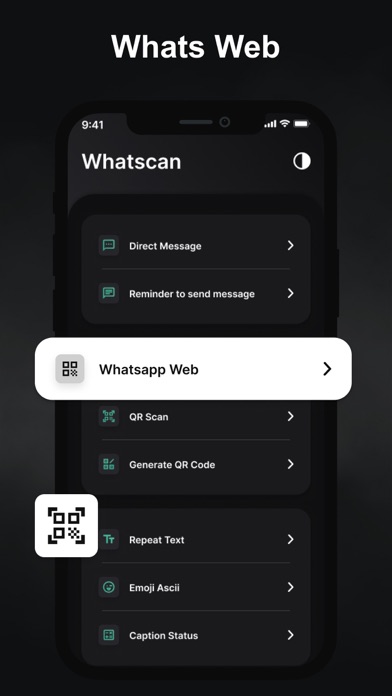
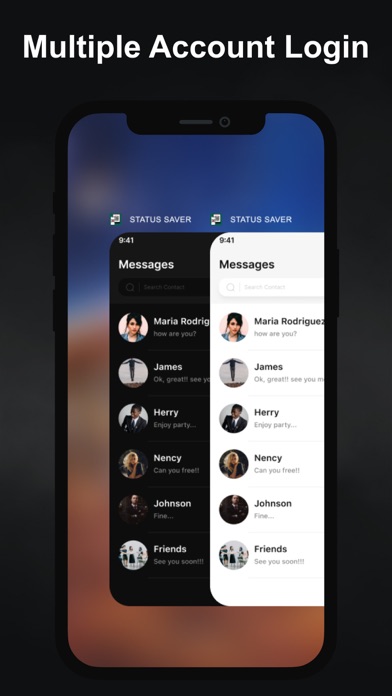
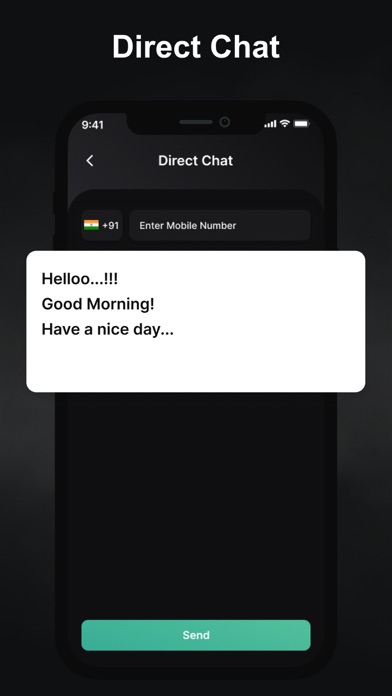
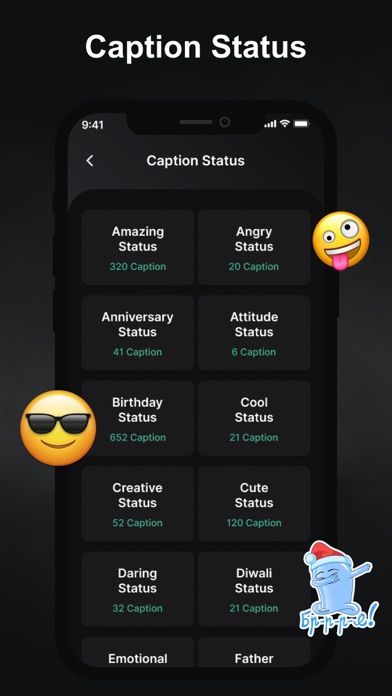
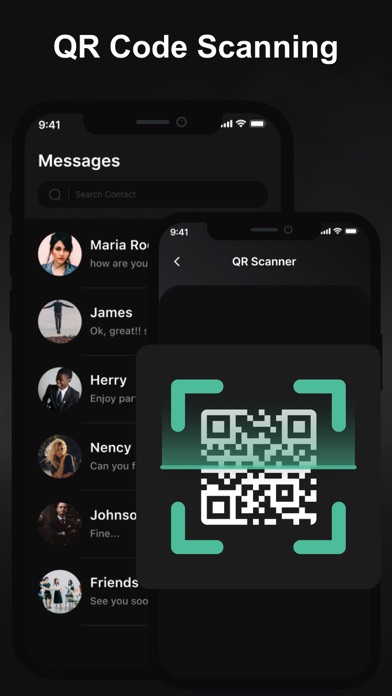
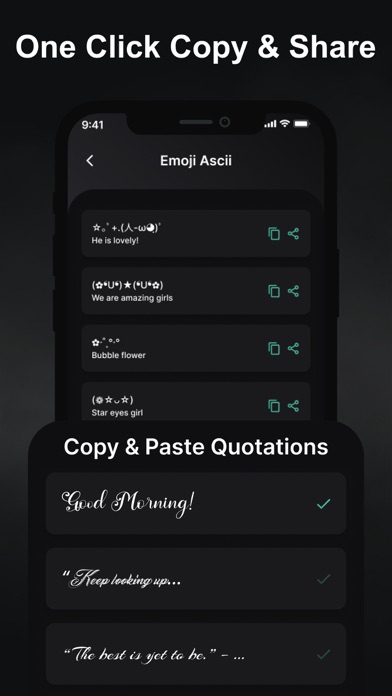
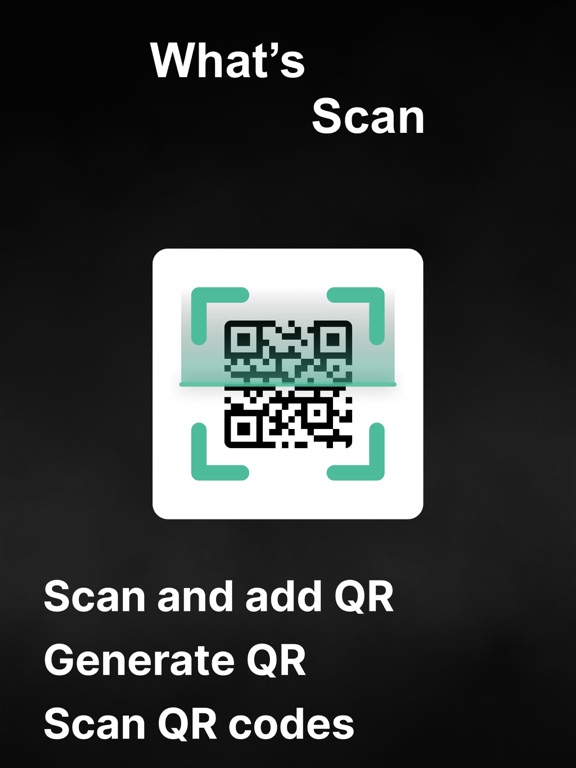
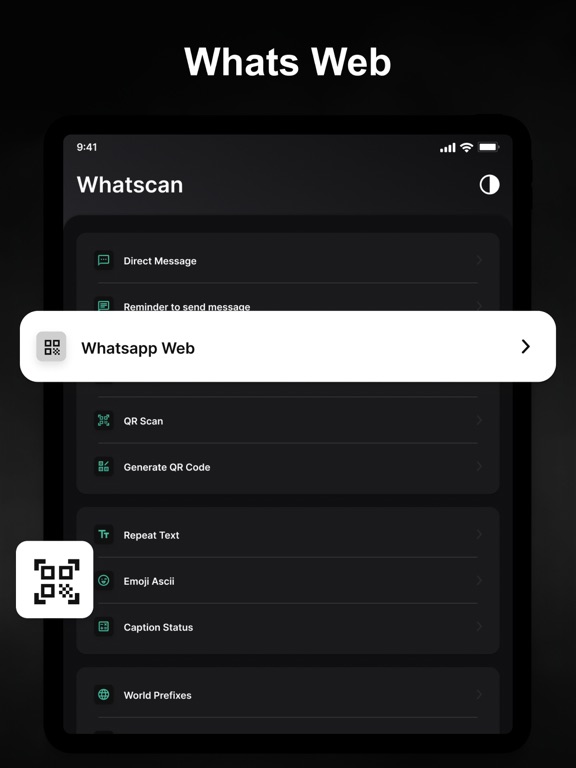
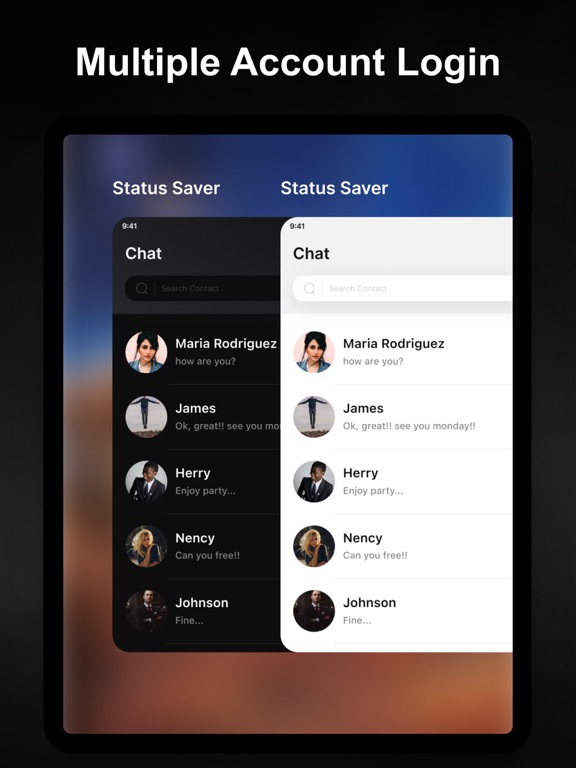
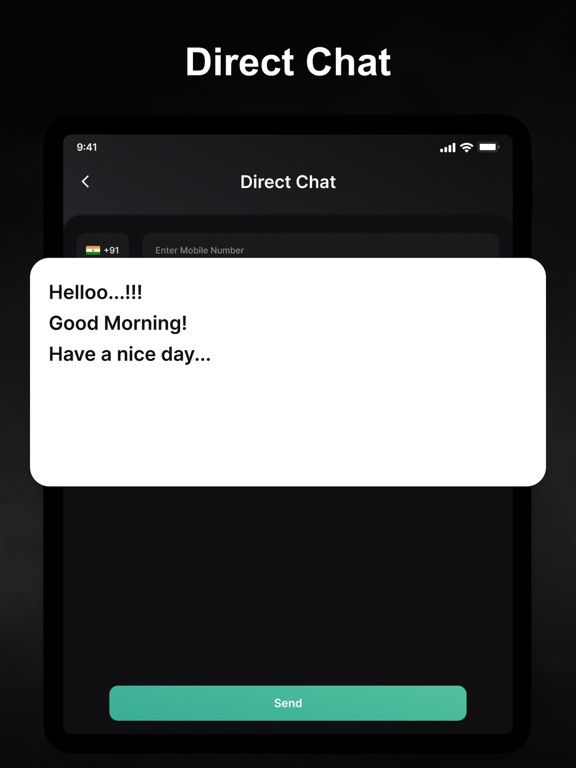
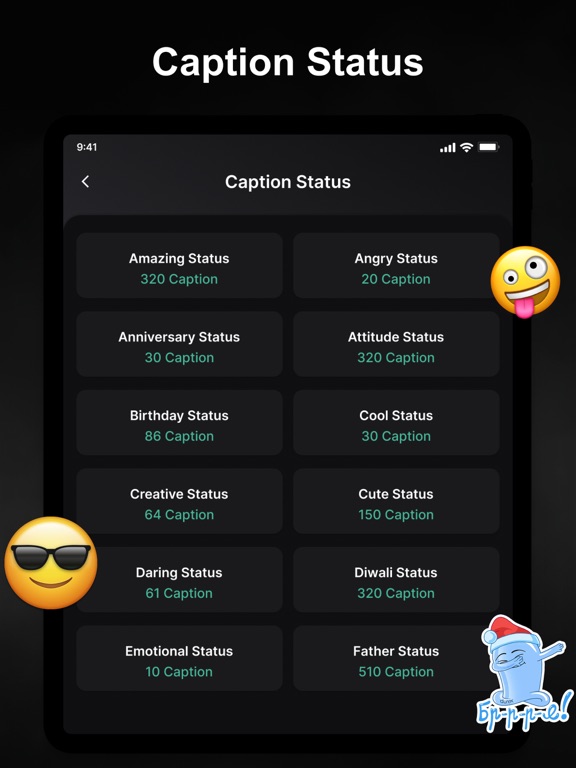
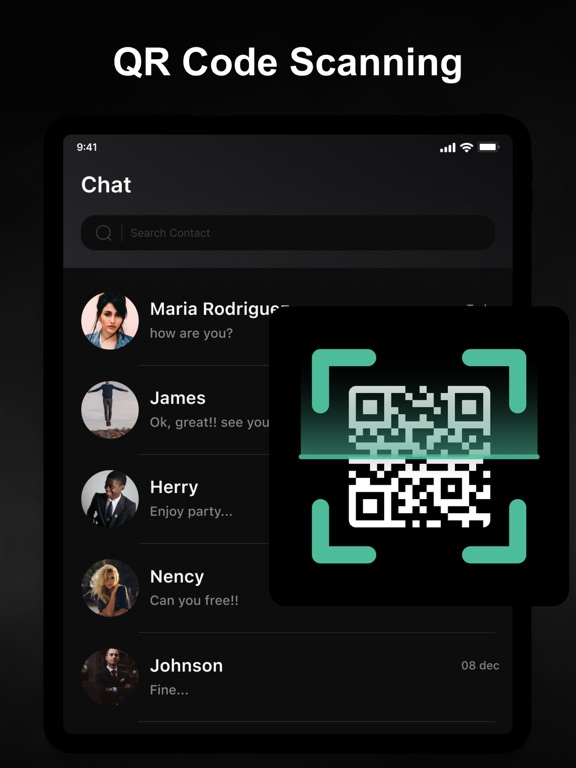
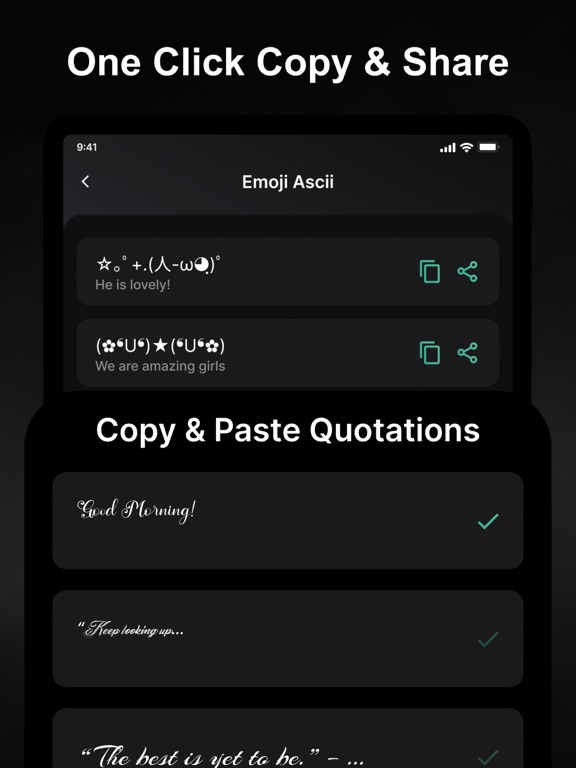
With it you can separate your work from life and use pasteboard to send messages directly to your friends , also your favorite status. You can also use the QR code scanning tool to convert the QR code into a URL, which is more convenient to use. -> Whatscan Category - Easy to customize - Text repeater - Status Caption - Text to Emoji Creator - Create your own qr code - WA Web - Send WA message without saving number - Ascii Face Creator - Security so that you have your information safe Whatscan for WA Web allows you to open two accounts on the same device or the same account on multiple devices simply by scanning the WA web QR code. Too easy You just have to open WasaWeb and scan the other account's QR code and now you are done to use the dual chat feature with this web cloning app. All chat from your linked WA. You can view all messages and replay them with the help of Was…
App details
What you can learn from WT Scan for Web 2026
Every shipping app on the App Store has gone through the same decisions you're working through right now: which screenshot goes first, what caption sits over it, which device frame to show, what color the background should be. The 14 screenshots above are WT Scan for Web 2026's answers to those questions — they're public, they're real, and they made it through Apple's review.
Notice the first screenshot in particular. It's the one users see in search results and on the product page, and it's where most apps spend their best caption and tightest design. Look at the proportion of background to phone, where the text sits, what one thing the image is trying to communicate.
Want to see how other Social Networking apps approach the same problem? Browse more Social Networking apps in the showcase.
Take what works into your own screenshots
Open LaunchShots and design your App Store & Google Play screenshots — pick a device frame, drop captions, ship in minutes. Free, in your browser.
Open the screenshot editor →