Chart position — tracked daily by LaunchShots
Screenshot style breakdown
Sampled from 6 of オーケークラブ会員カードアプリ's App Store screenshots — background, accent and theme, measured by LaunchShots (not something Apple publishes).
#EC6404 bg
#EE7927
#E40424 accent
#FFFFFF text
Reading the caption text from the screenshots in your browser…
Screenshots


iPad screenshots
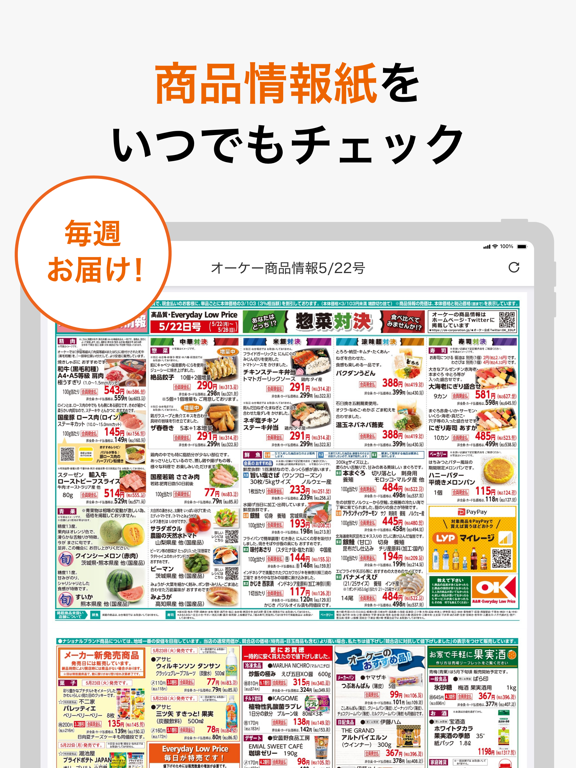
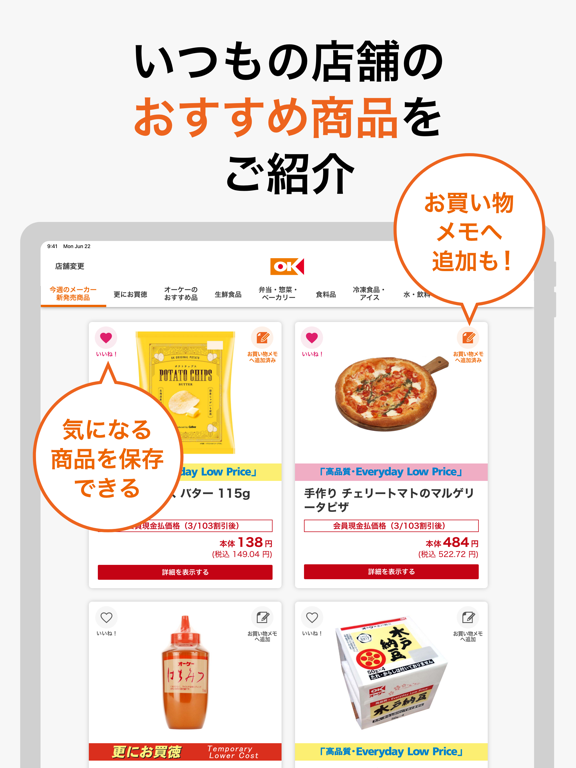
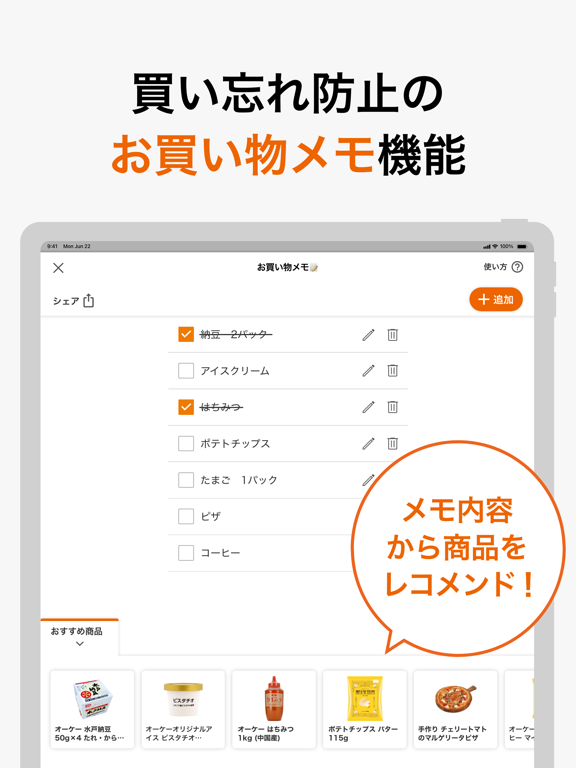
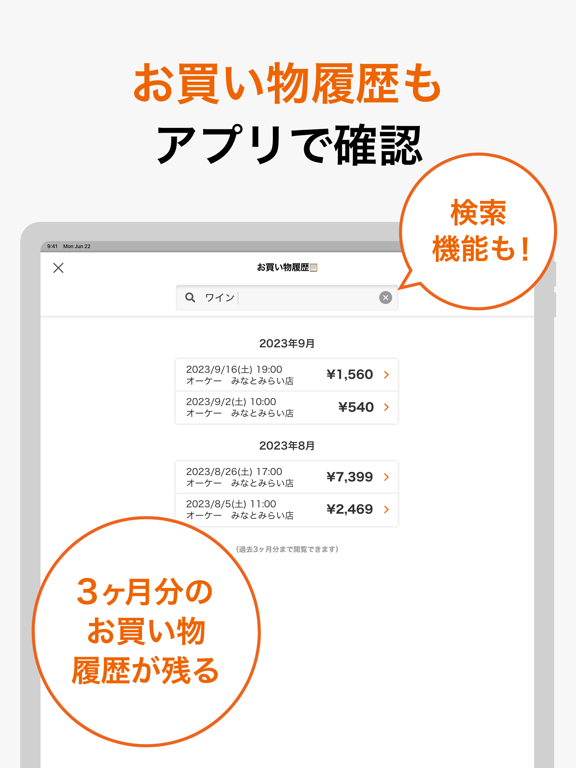
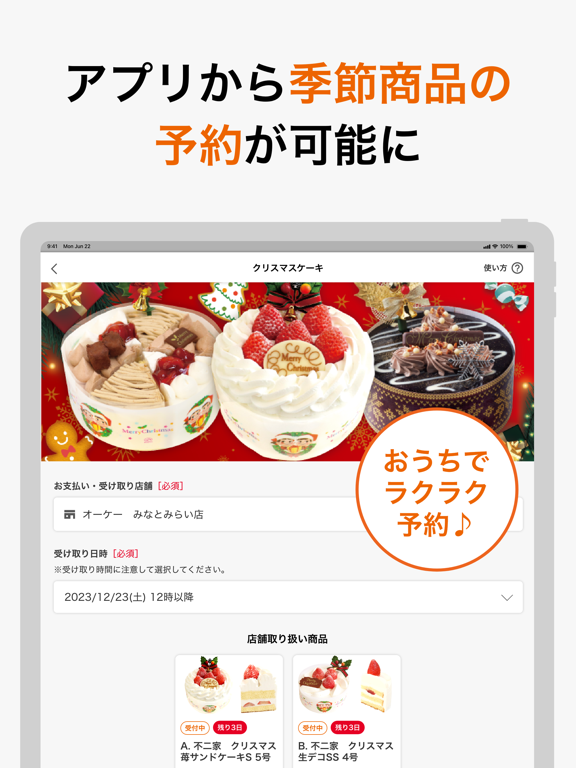
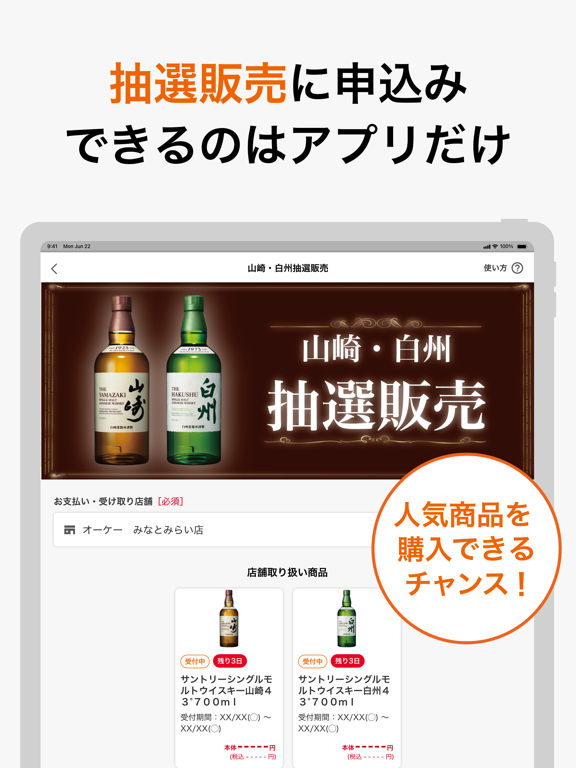
Icon palette
About this app
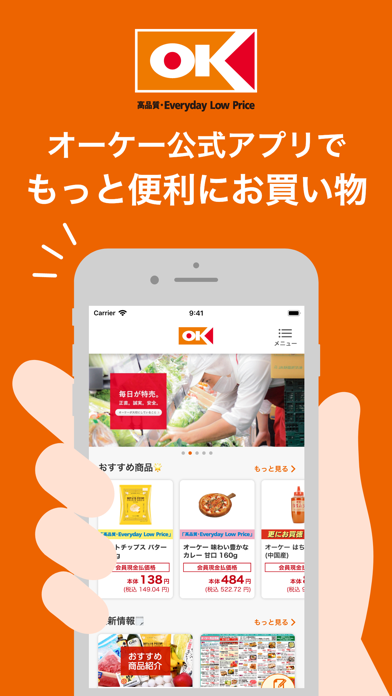
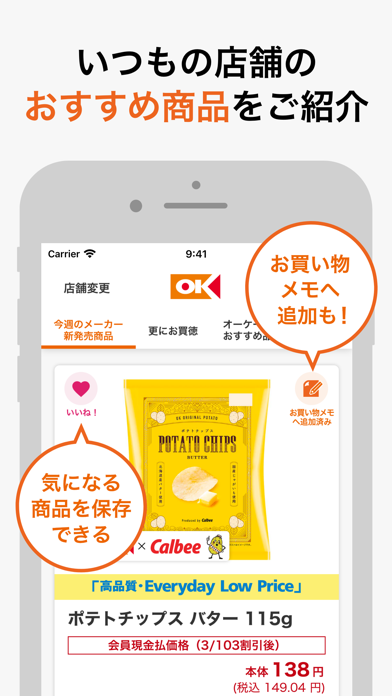
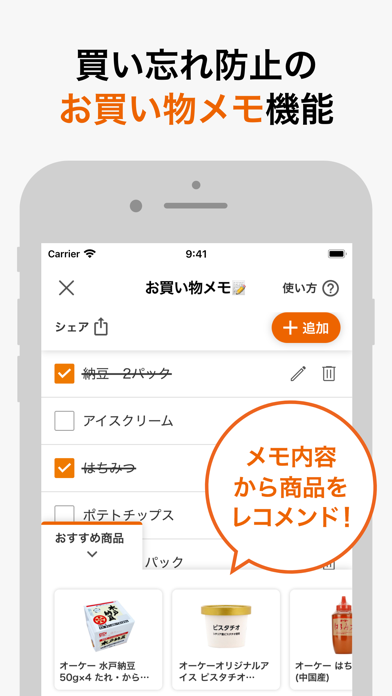
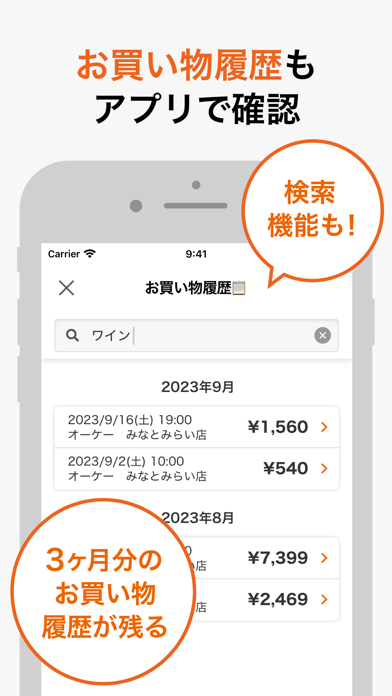
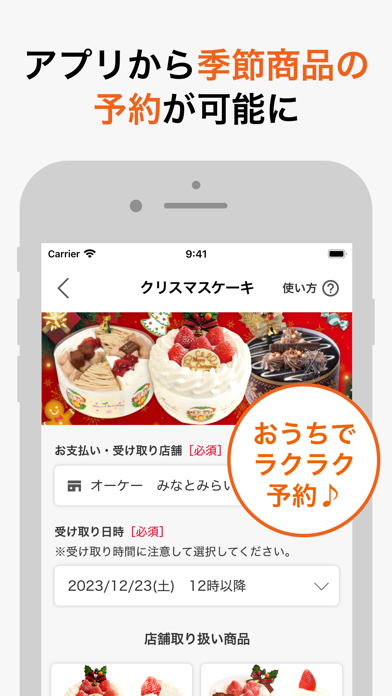
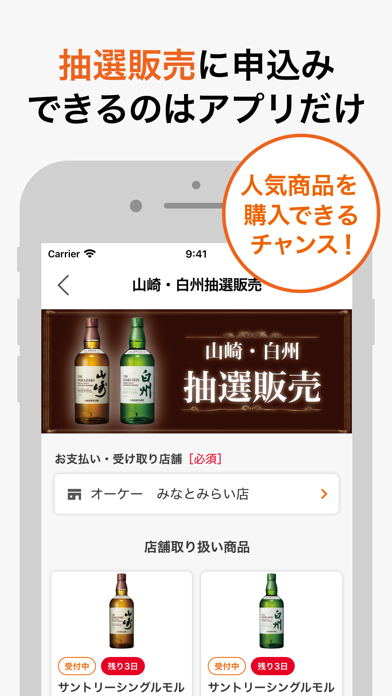
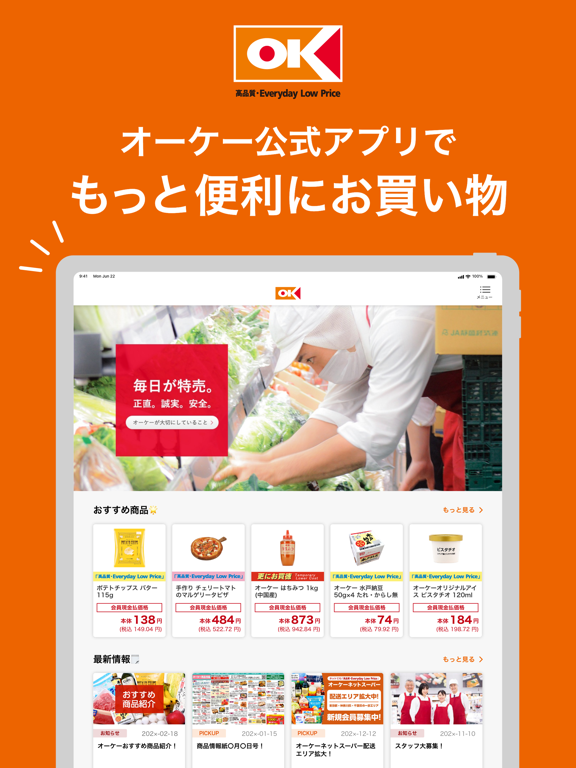
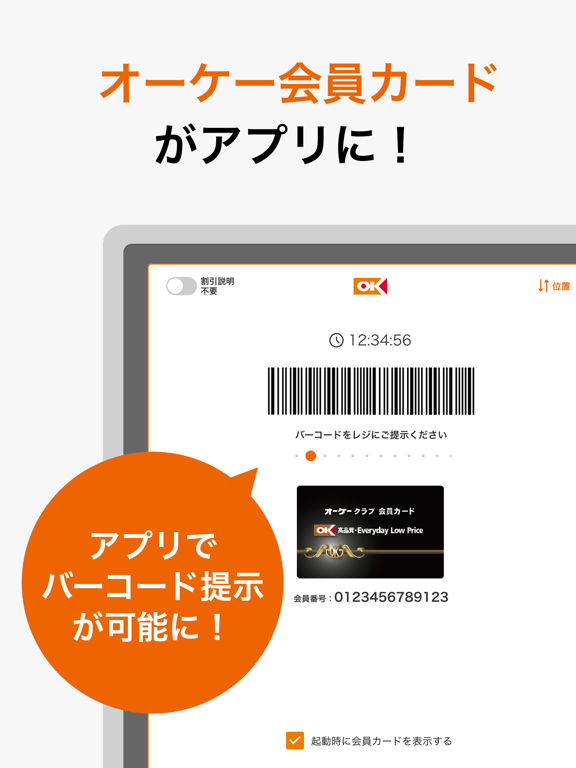
オーケー公式アプリでもっと便利にお買い物! オーケークラブ会員カードアプリは、オーケーでのお買い物がさらに便利で楽しい体験に変わる特別な機能をご用意した公式アプリです。 -------------------------------------------- アプリの6つのポイント -------------------------------------------- ■オーケークラブ会員カード機能 アプリ内のオーケーカードバーコード画面をレジにてご提示いただくと、食料品(酒類を除く)について本体価格× 3/103(3%相当額)の割引が受けられます。 レジ係からの割引説明が不要な場合は、割引説明不要ボタンをONにすることで意思表示することができます。 ※割引は現金払いのみ適用されます。 ■おすすめ商品掲載 オーケーがおすすめする商品やお買い得商品・新発売商品を毎週月曜日に更新しています。 アプリだからこそ手軽にチェックすることができます。 また、お客様の好みに合った商品が見つけやすいように、一覧をジャンルごとに分類しています。 ■お買い物履歴 過去3か月分のお買い物履歴を閲覧できます。 レシート…
App details
What you can learn from オーケークラブ会員カードアプリ
Every shipping app on the App Store has gone through the same decisions you're working through right now: which screenshot goes first, what caption sits over it, which device frame to show, what color the background should be. The 16 screenshots above are オーケークラブ会員カードアプリ's answers to those questions — they're public, they're real, and they made it through Apple's review.
What the numbers say: オーケークラブ会員カードアプリ runs a mixed light-and-dark set where the background shifts from screenshot to screenshot (first shot #EC6404) — each image has to stand on its own, so the captions carry more of the story. The accent colour we picked up, #E40424, is the one to reuse for badges, arrows and highlighted words if you borrow this look. Hit Use this style to open the editor with these exact colours and drop your own screenshot in.
Notice the first screenshot in particular. It's the one users see in search results and on the product page, and it's where most apps spend their best caption and tightest design. Look at the proportion of background to phone, where the text sits, what one thing the image is trying to communicate.
Want to see how other Shopping apps approach the same problem? Browse more Shopping apps in the showcase.
Take what works into your own screenshots
Open LaunchShots and design your App Store & Google Play screenshots — pick a device frame, drop captions, ship in minutes. Free, in your browser.
Open the screenshot editor →Apps with a similar look
Closest background + accent colours among the listings we've analysed — useful when you want to see the same palette handled by a different team.