Screenshot style breakdown
Sampled from 5 of スピードガン - 球速測定器's App Store screenshots — background, accent and theme, measured by LaunchShots (not something Apple publishes).
#FCFCFC bg
#DDDDDD
#4CAC54 accent
#111111 text
Screenshots


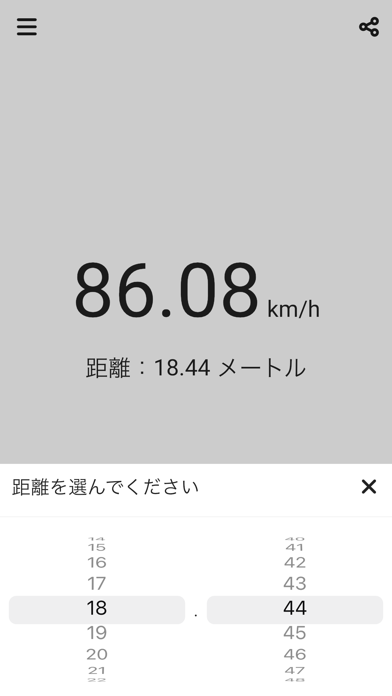

iPad screenshots
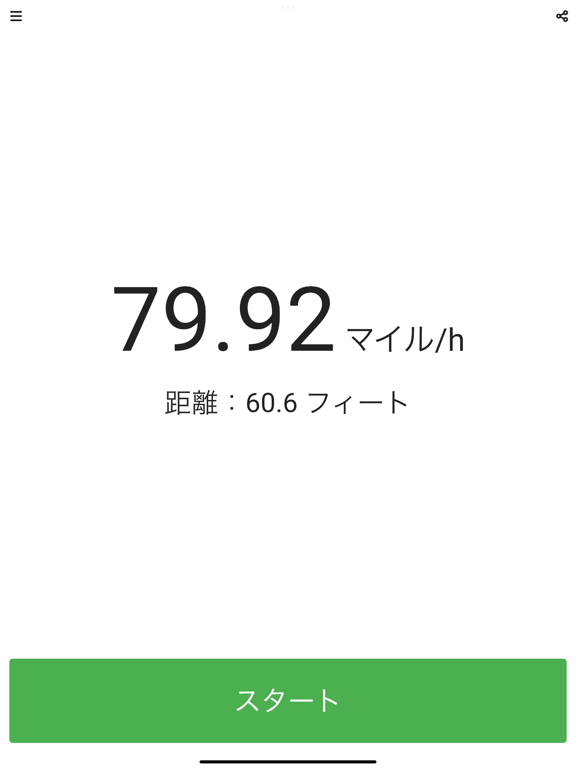
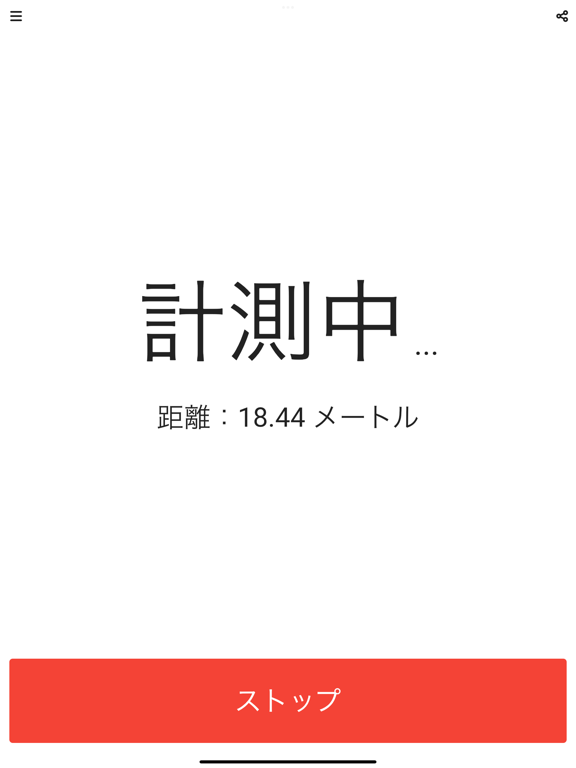
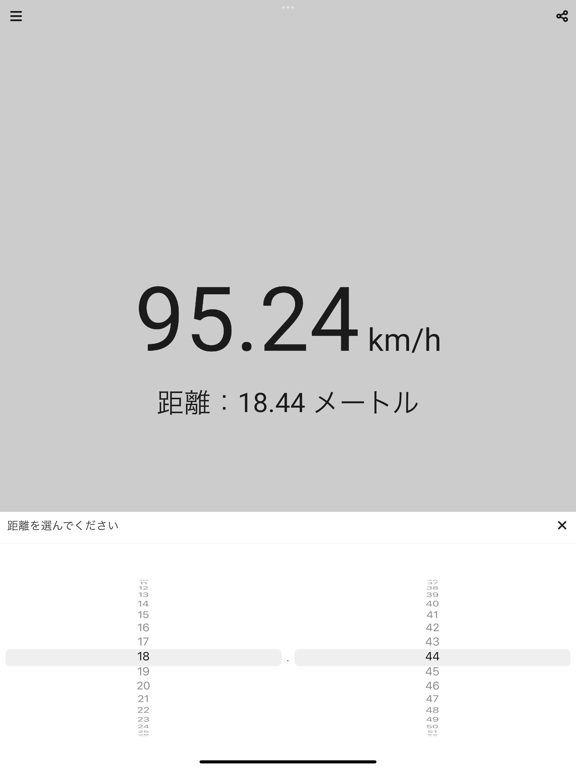
Icon palette
About this app
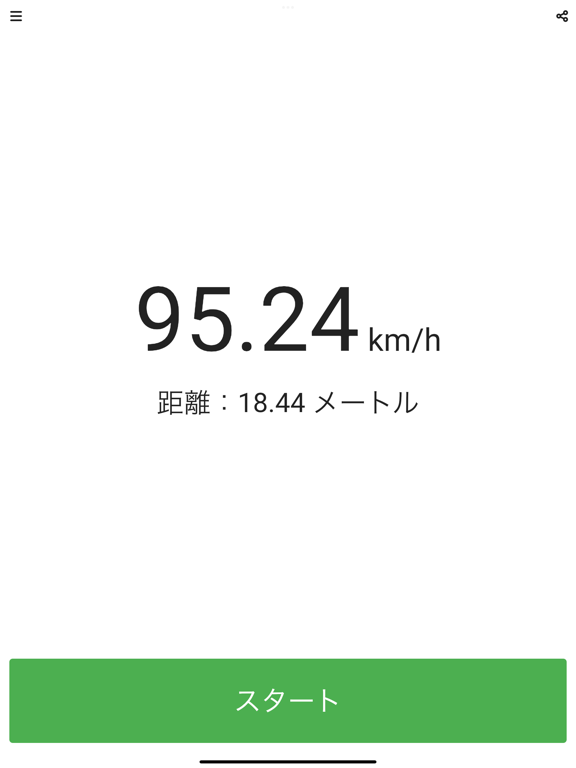
ざっくりと球速を知りたい人向けのスピードガンアプリ。 距離と時間(スタートしてからストップするまで)から球速を計測します。 ● 計測方法 ボールが投げられた時に計測をスタートし、ボールがキャッチされた時に計測をストップしてください。スタートからストップまでの時間で球速を計算します。 計測をストップする方法は2つ用意しています。 1つはボタンを押すとスタートし、再度押すとストップする方法です。 もう1つは、ボタンを押すとスタートし、離すとストップする方法です。 使いやすい方をお選びください。 ● 距離の設定と単位 距離をタップすると変更できます。初期値は18.44メートルが設定されています。距離の単位は設定画面で「メートル」と「フィート」の2つから選ぶことができます。 ● 速度の単位 速度の単位は「km / h」と「マイル / h」の2つから選ぶことができます。変更したい場合は設定画面で変更してください。
App details
What you can learn from スピードガン - 球速測定器
Every shipping app on the App Store has gone through the same decisions you're working through right now: which screenshot goes first, what caption sits over it, which device frame to show, what color the background should be. The 9 screenshots above are スピードガン - 球速測定器's answers to those questions — they're public, they're real, and they made it through Apple's review.
What the numbers say: スピードガン - 球速測定器 runs a light set where the background shifts from screenshot to screenshot (first shot #FCFCFC) — each image has to stand on its own, so the captions carry more of the story. The accent colour we picked up, #4CAC54, is the one to reuse for badges, arrows and highlighted words if you borrow this look. Hit Use this style to open the editor with these exact colours and drop your own screenshot in.
Notice the first screenshot in particular. It's the one users see in search results and on the product page, and it's where most apps spend their best caption and tightest design. Look at the proportion of background to phone, where the text sits, what one thing the image is trying to communicate.
Want to see how other Sports apps approach the same problem? Browse more Sports apps in the showcase.
Take what works into your own screenshots
Open LaunchShots and design your App Store & Google Play screenshots — pick a device frame, drop captions, ship in minutes. Free, in your browser.
Open the screenshot editor →Apps with a similar look
Closest background + accent colours among the listings we've analysed — useful when you want to see the same palette handled by a different team.