Chart position — tracked daily by LaunchShots
Screenshot style breakdown
Sampled from 6 of BeRebel - Assicurazione Auto's App Store screenshots — background, accent and theme, measured by LaunchShots (not something Apple publishes).
#5434B4 bg
#6B50BE
#FCDC44 accent
#FFFFFF text
Screenshots

Icon palette
About this app
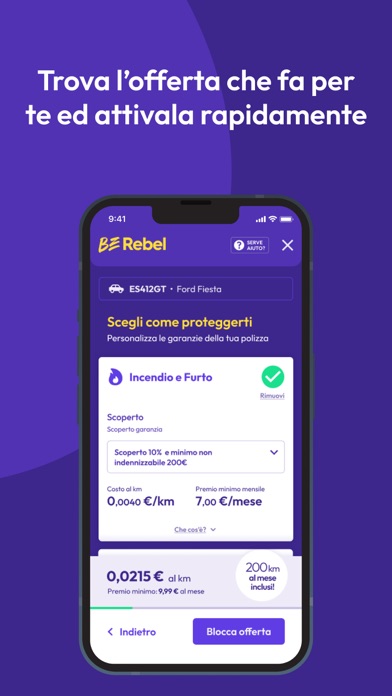
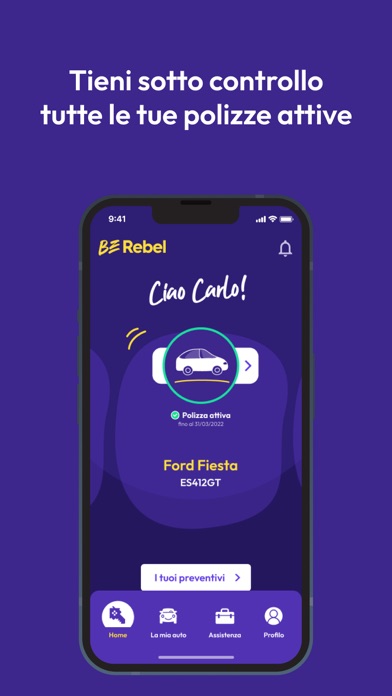
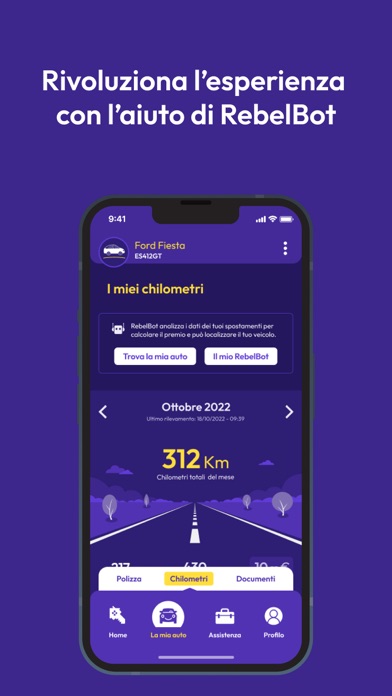
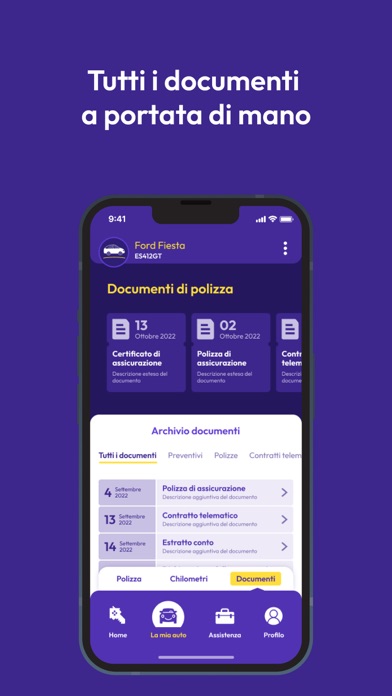
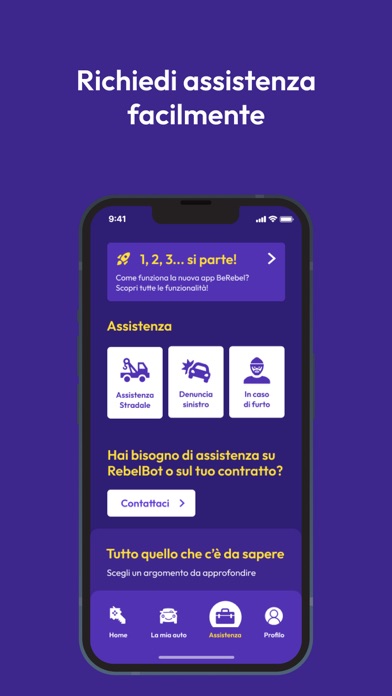
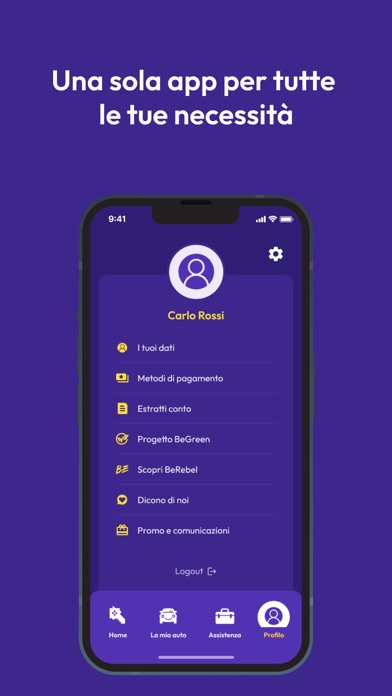
BeRebel pay-per-you è l’unica assicurazione auto mensile che paghi in base ai chilometri che fai, con sconti se guidi bene e che rinnovi se e quando vuoi. A BeRebel accedi con il tuo cellulare senza password da ricordare. Basta inserire TARGA, DATA DI NASCITA del proprietario e i KM STIMATI ANNUALI (i km inseriti sono indicativi) per scoprire il prezzo preciso dell’assicurazione auto a consumo che puoi acquistare con pochi clic in meno di un minuto. Con l’app BeRebel puoi: • ottenere in pochi clic preventivi per tutte le auto di famiglia; • simulare i costi mensili e annuali delle polizze; • acquistare le polizze auto con carta; • scegliere dove ritirare il RebelBot, il dispositivo telematico che calcola quanti km fai, ti premia con sconti e ti aiuta quando serve; • trovare tutti i documenti assicurativi, polizza, carta verde etc., in un archivio digitale sempre disponibi…
App details
What you can learn from BeRebel - Assicurazione Auto
Every shipping app on the App Store has gone through the same decisions you're working through right now: which screenshot goes first, what caption sits over it, which device frame to show, what color the background should be. The 8 screenshots above are BeRebel - Assicurazione Auto's answers to those questions — they're public, they're real, and they made it through Apple's review.
What the numbers say: BeRebel - Assicurazione Auto runs a dark set where the background shifts from screenshot to screenshot (first shot #5434B4) — each image has to stand on its own, so the captions carry more of the story. The accent colour we picked up, #FCDC44, is the one to reuse for badges, arrows and highlighted words if you borrow this look. Hit Use this style to open the editor with these exact colours and drop your own screenshot in.
Notice the first screenshot in particular. It's the one users see in search results and on the product page, and it's where most apps spend their best caption and tightest design. Look at the proportion of background to phone, where the text sits, what one thing the image is trying to communicate.
Want to see how other Finance apps approach the same problem? Browse more Finance apps in the showcase.
Take what works into your own screenshots
Open LaunchShots and design your App Store & Google Play screenshots — pick a device frame, drop captions, ship in minutes. Free, in your browser.
Open the screenshot editor →Apps with a similar look
Closest background + accent colours among the listings we've analysed — useful when you want to see the same palette handled by a different team.