Chart position — tracked daily by LaunchShots
Screenshot style breakdown
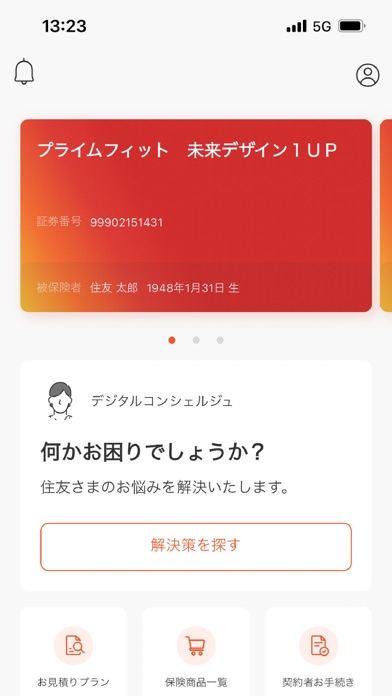
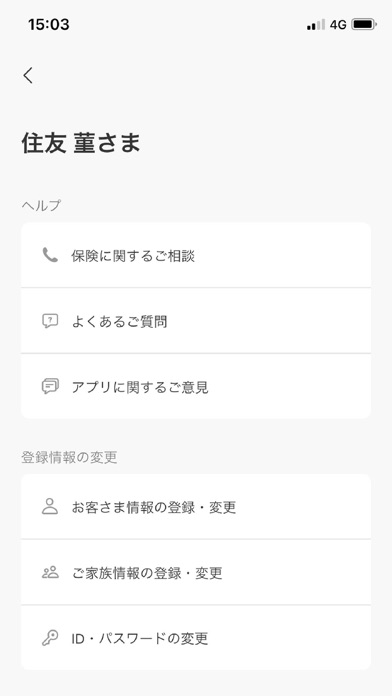
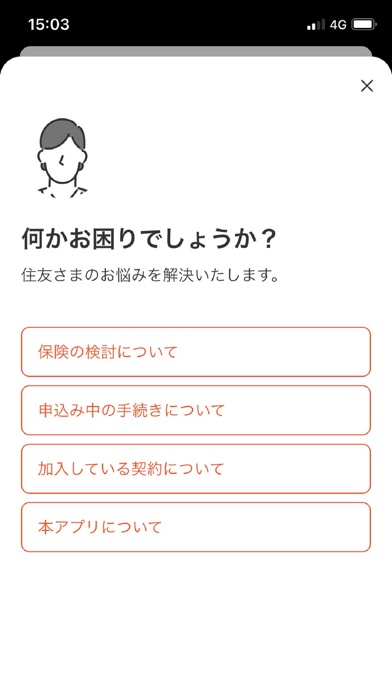
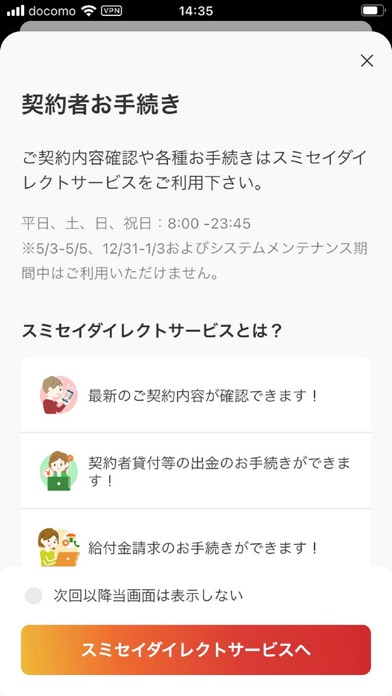
Sampled from 6 of スミセイ・デジタルコンシェルジュ's App Store screenshots — background, accent and theme, measured by LaunchShots (not something Apple publishes).
#FCFCFC bg
#DDDDDD
#D42C2C accent
#111111 text
Screenshots
Icon palette
About this app
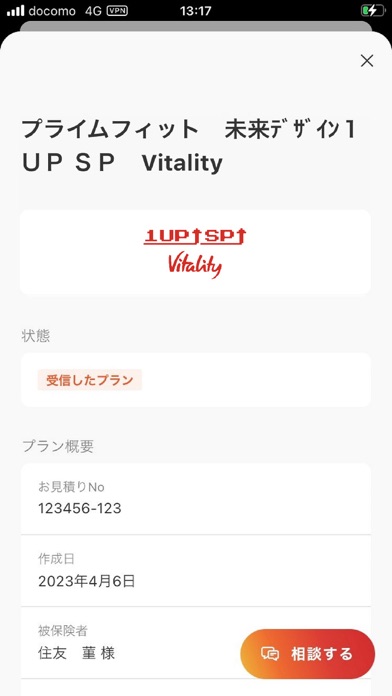
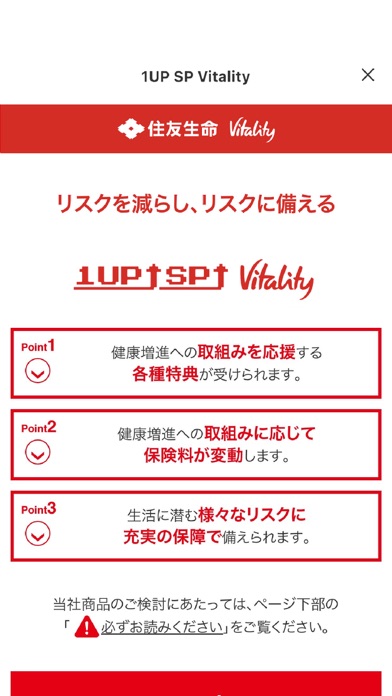
保険のお手続きもご相談も“デジコン”でワンストップに。お客さまの生活・健康に寄り添うスマートフォンアプリです。 【スミセイ・デジタルコンシェルジュの特徴】 保険選び・相談・手続きがワンストップで可能。他にもアプリからお気軽にお見積りプランを依頼することも可能です。さらに健康や保険に関するお役立ち情報も手に入ります。 【スミセイ・デジタルコンシェルジュの主な機能】 ■誰でも簡単に 生体認証で簡単ログイン。住友生命の保険にご加入中の方はもちろん、まだご契約のない方でも利用できます。 ■お手続きも検討も 契約内容の確認や各種お手続きが可能です。ご検討中のプランや商品情報も閲覧いただけます。 ■何かお困りの時は 担当職員やコールセンターなど、お問合わせ先の確認にも便利です。 ■各種お役立ち情報も 住友生命「Vitality」の内容をはじめとして、健康に役立つ様々なコンテンツが確認できます。
App details
What you can learn from スミセイ・デジタルコンシェルジュ
Every shipping app on the App Store has gone through the same decisions you're working through right now: which screenshot goes first, what caption sits over it, which device frame to show, what color the background should be. The 6 screenshots above are スミセイ・デジタルコンシェルジュ's answers to those questions — they're public, they're real, and they made it through Apple's review.
What the numbers say: スミセイ・デジタルコンシェルジュ runs a light set with one background colour (#FCFCFC) carried across every screenshot — the listing reads as a single poster when the shots sit side by side in search results. The accent colour we picked up, #D42C2C, is the one to reuse for badges, arrows and highlighted words if you borrow this look. Hit Use this style to open the editor with these exact colours and drop your own screenshot in.
Notice the first screenshot in particular. It's the one users see in search results and on the product page, and it's where most apps spend their best caption and tightest design. Look at the proportion of background to phone, where the text sits, what one thing the image is trying to communicate.
Want to see how other Finance apps approach the same problem? Browse more Finance apps in the showcase.
Take what works into your own screenshots
Open LaunchShots and design your App Store & Google Play screenshots — pick a device frame, drop captions, ship in minutes. Free, in your browser.
Open the screenshot editor →Apps with a similar look
Closest background + accent colours among the listings we've analysed — useful when you want to see the same palette handled by a different team.