Screenshot style breakdown
Sampled from 6 of myDTU's App Store screenshots — background, accent and theme, measured by LaunchShots (not something Apple publishes).
#A4141C bg
#B0343B
#F45C6C accent
#FFFFFF text
Screenshots
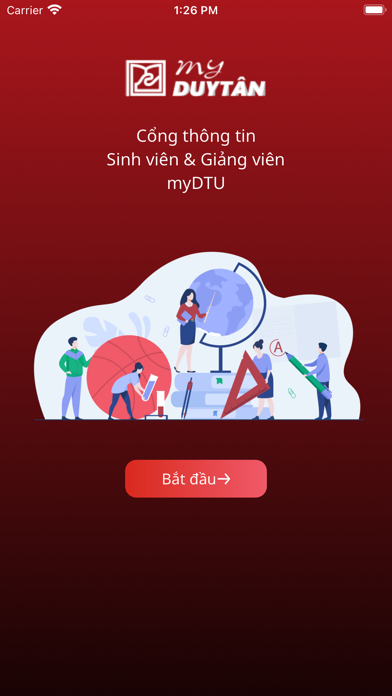


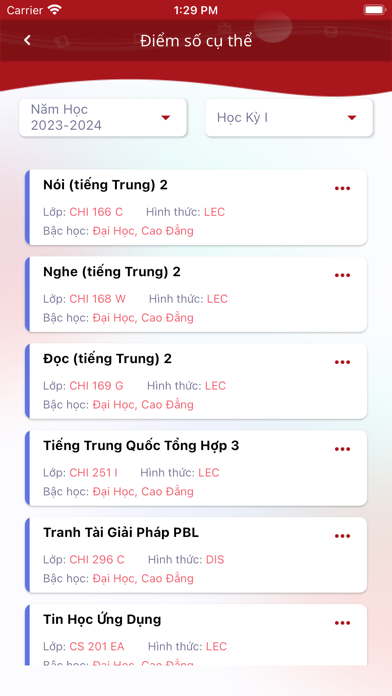


iPad screenshots


Icon palette
About this app
myDTU là ứng dụng chính thức, được thiết kế đặc biệt cho cộng đồng Đại Học DUY TÂN, cung cấp một giải pháp toàn diện cho cả giảng viên và sinh viên. Với myDTU, bạn có thể: • Xem Lịch Học & Lịch Dạy: Cập nhật lịch học và lịch giảng dạy của bạn mọi lúc, mọi nơi. • Thông Tin Học Tập & Giảng Dạy: Truy cập thông tin học tập và giảng dạy một cách nhanh chóng và dễ dàng. • Tối Ưu Hóa Thời Gian: Quản lý thời gian hiệu quả, giúp bạn tập trung vào việc học và giảng dạy. • Kết Nối Mọi Lúc, Mọi Nơi: Luôn được kết nối với cộng đồng Đại Học DUY TÂN, không bỏ lỡ bất kỳ thông tin quan trọng nào. Tải myDTU ngay hôm nay và trải nghiệm sự tiện lợi ngay trên tay bạn!
App details
What you can learn from myDTU
Every shipping app on the App Store has gone through the same decisions you're working through right now: which screenshot goes first, what caption sits over it, which device frame to show, what color the background should be. The 20 screenshots above are myDTU's answers to those questions — they're public, they're real, and they made it through Apple's review.
What the numbers say: myDTU runs a mixed light-and-dark set where the background shifts from screenshot to screenshot (first shot #A4141C) — each image has to stand on its own, so the captions carry more of the story. The accent colour we picked up, #F45C6C, is the one to reuse for badges, arrows and highlighted words if you borrow this look. Hit Use this style to open the editor with these exact colours and drop your own screenshot in.
Notice the first screenshot in particular. It's the one users see in search results and on the product page, and it's where most apps spend their best caption and tightest design. Look at the proportion of background to phone, where the text sits, what one thing the image is trying to communicate.
Want to see how other Education apps approach the same problem? Browse more Education apps in the showcase.
Take what works into your own screenshots
Open LaunchShots and design your App Store & Google Play screenshots — pick a device frame, drop captions, ship in minutes. Free, in your browser.
Open the screenshot editor →Apps with a similar look
Closest background + accent colours among the listings we've analysed — useful when you want to see the same palette handled by a different team.