Screenshot style breakdown
Sampled from 5 of SV バトルメモリーズ - バトメモで構築とダメ計's App Store screenshots — background, accent and theme, measured by LaunchShots (not something Apple publishes).
#141C2C bg
#343B49
#FCFC04 accent
#FFFFFF text
Reading the caption text from the screenshots in your browser…
Screenshots

Icon palette
About this app
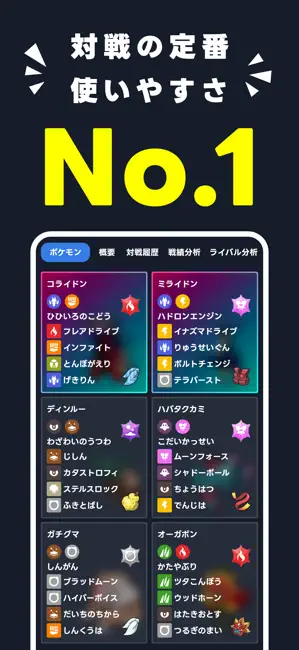
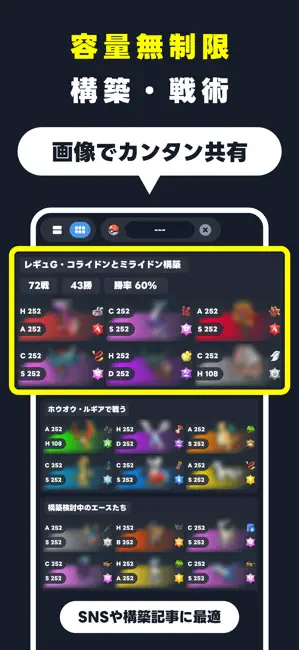
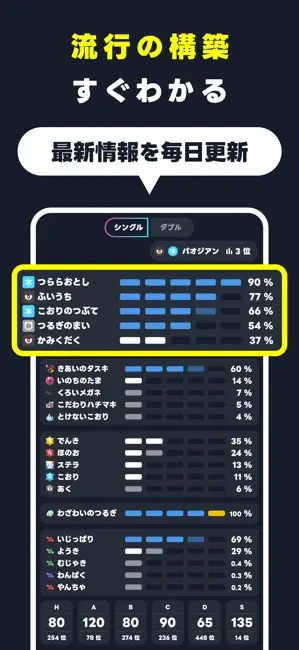
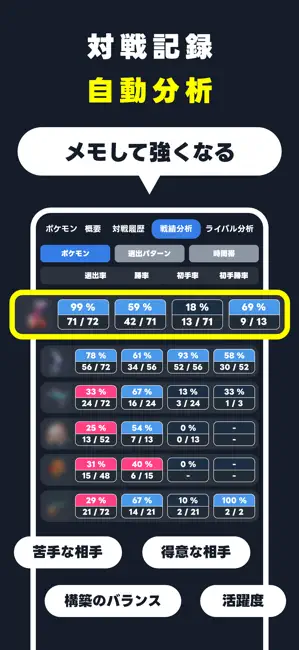
初心者からプロまで「バトメモ」で対戦を100倍楽しもう! ダメージ計算、パーティ管理、対戦記録、戦績分析、サムネ画像生成、選出アドバイス、種族値クイズなど、初心者からランクマッチ上位を目指すガチ勢まで、定番の対戦ツール。 ◆ 革命的な「よくばりダメージ計算」 かんたん操作 ... 4つの技 × 3つの防御パターン × 相手6体を一括計算。最大72通りのダメージ計算結果を瞬時に表示 素早さ判定 ... 相手とのすばやさ関係をひとめで可視化。選出画面や対戦中の判断をミスさせません ◆ 対戦ログ記録と高度な戦績分析 「なぜ負けたか」を可視化 ... 対戦相手や選出をメモするだけで、苦手なポケモンや構築を自動分析 勝率アップの近道 ... グラフ化された戦績を振り返ることで、自分の弱点と改善点が明確 ◆ 理想の構築のチームビルダー ポケソル/PokePasteと連携。努力値や技構成、細かな調整意図まで詳細に記録可能 ◆ 共有と交流を楽しく 画像生成機能 ... 自分のパーティを自慢できる「構築記事用」の画像をワンタップで生成。SNSでの共有に最適です。 レンタ…
App details
What you can learn from SV バトルメモリーズ - バトメモで構築とダメ計
Every shipping app on the App Store has gone through the same decisions you're working through right now: which screenshot goes first, what caption sits over it, which device frame to show, what color the background should be. The 5 screenshots above are SV バトルメモリーズ - バトメモで構築とダメ計's answers to those questions — they're public, they're real, and they made it through Apple's review.
What the numbers say: SV バトルメモリーズ - バトメモで構築とダメ計 runs a dark set with one background colour (#141C2C) carried across every screenshot — the listing reads as a single poster when the shots sit side by side in search results. The accent colour we picked up, #FCFC04, is the one to reuse for badges, arrows and highlighted words if you borrow this look. Hit Use this style to open the editor with these exact colours and drop your own screenshot in.
Notice the first screenshot in particular. It's the one users see in search results and on the product page, and it's where most apps spend their best caption and tightest design. Look at the proportion of background to phone, where the text sits, what one thing the image is trying to communicate.
Want to see how other Utilities apps approach the same problem? Browse more Utilities apps in the showcase.
Take what works into your own screenshots
Open LaunchShots and design your App Store & Google Play screenshots — pick a device frame, drop captions, ship in minutes. Free, in your browser.
Open the screenshot editor →Apps with a similar look
Closest background + accent colours among the listings we've analysed — useful when you want to see the same palette handled by a different team.