Chart position — tracked daily by LaunchShots
Screenshot style breakdown
Sampled from 6 of Al Quran - القران الكريم's App Store screenshots — background, accent and theme, measured by LaunchShots (not something Apple publishes).
#FCFCFC bg
#DDDDDD
#44A434 accent
#111111 text
Screenshots
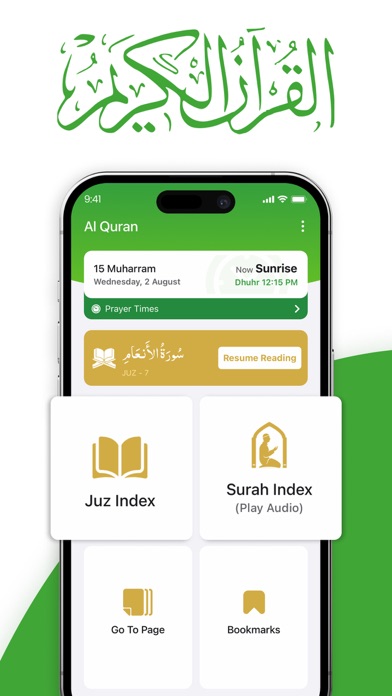
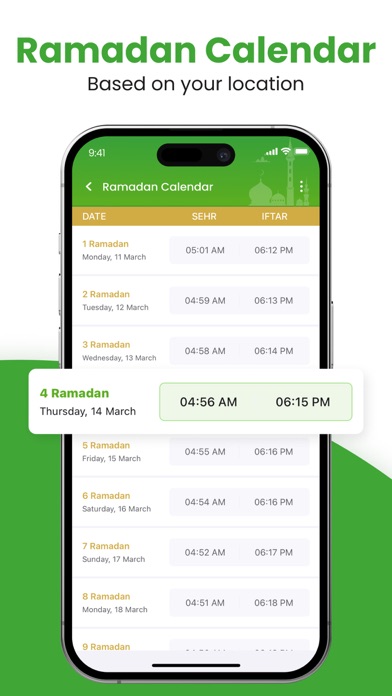
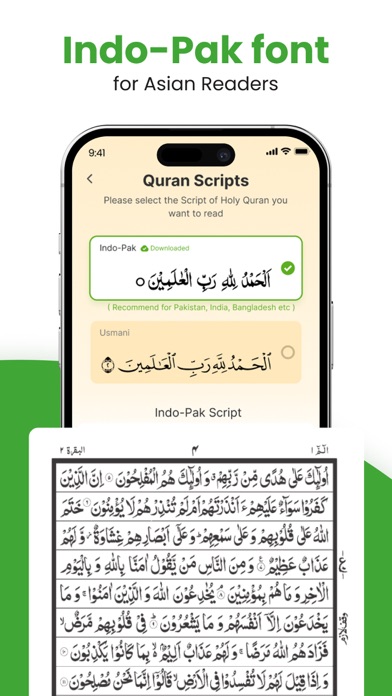
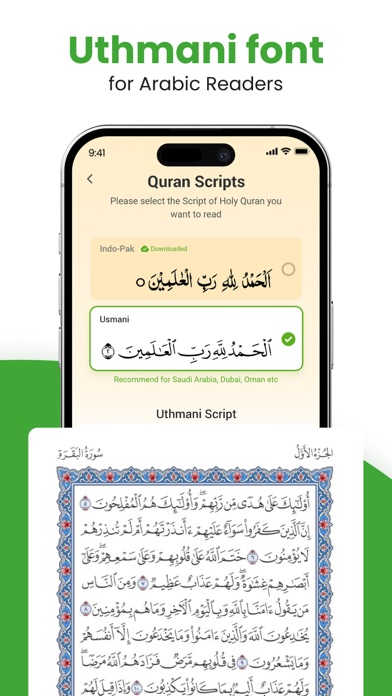
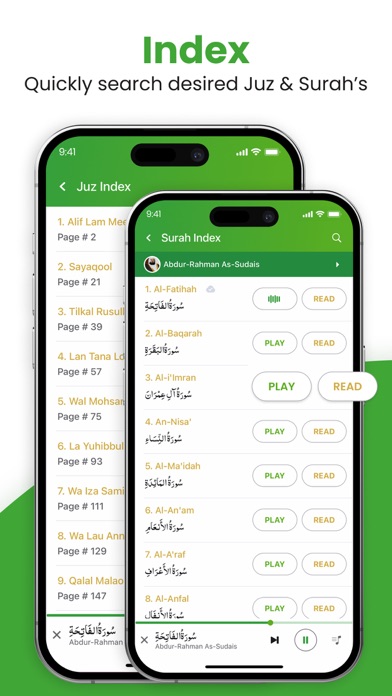
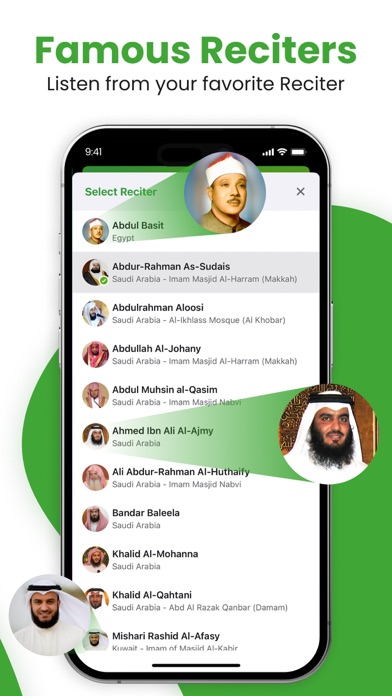
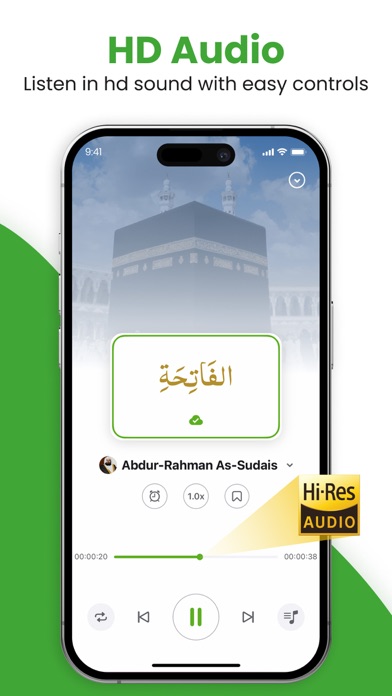
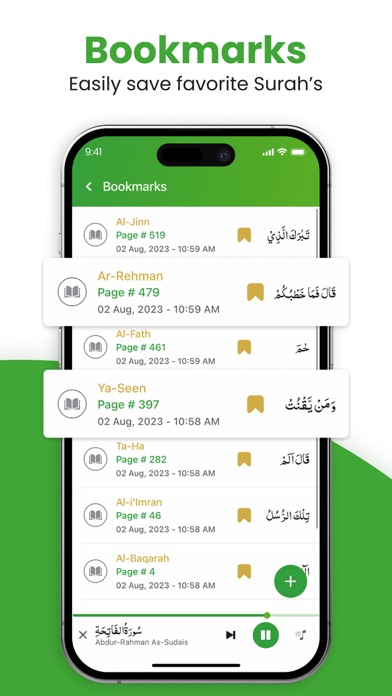
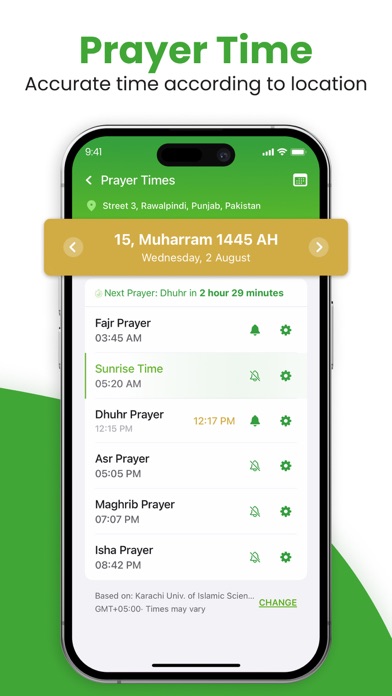
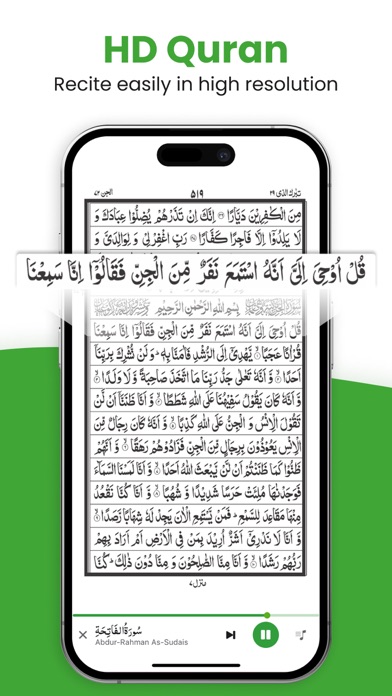
iPad screenshots
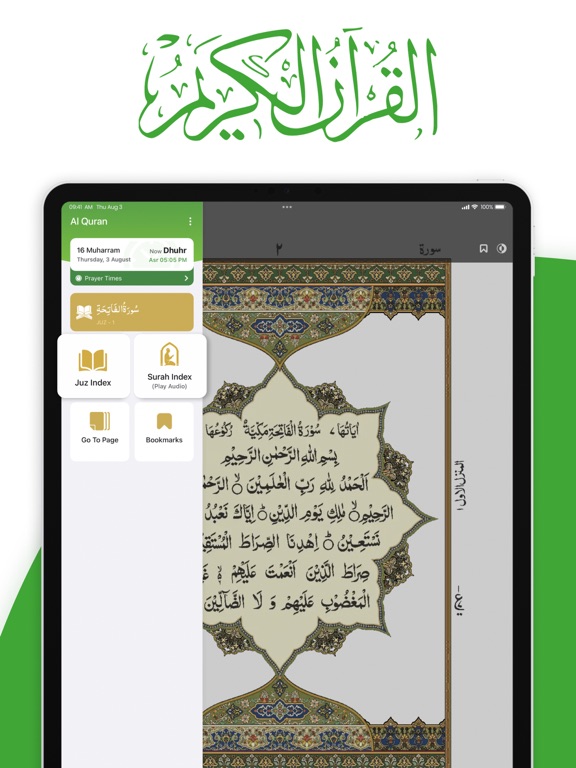
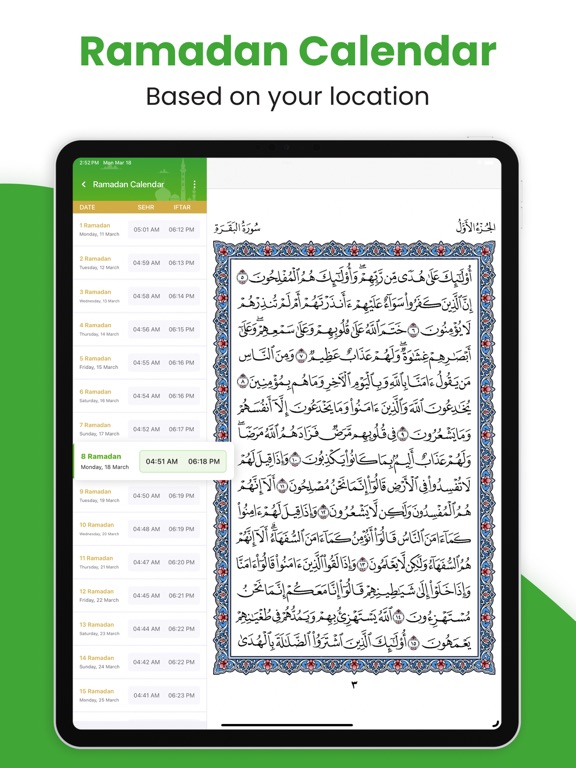
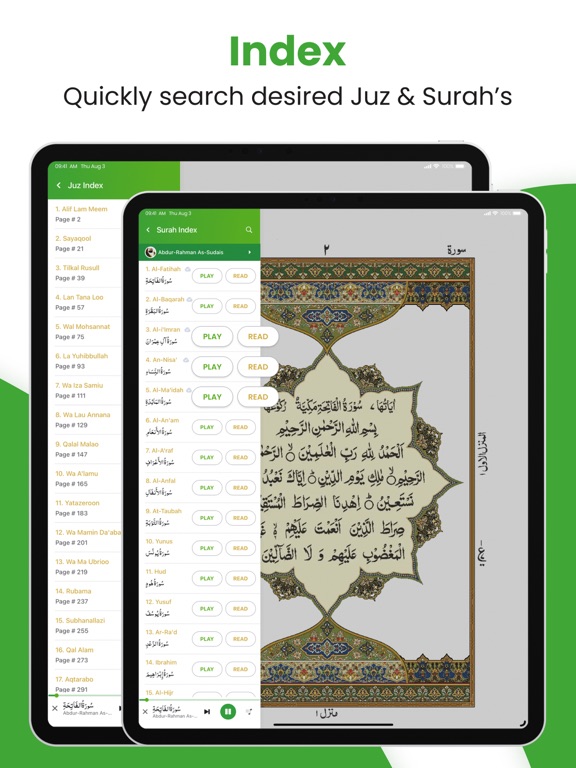

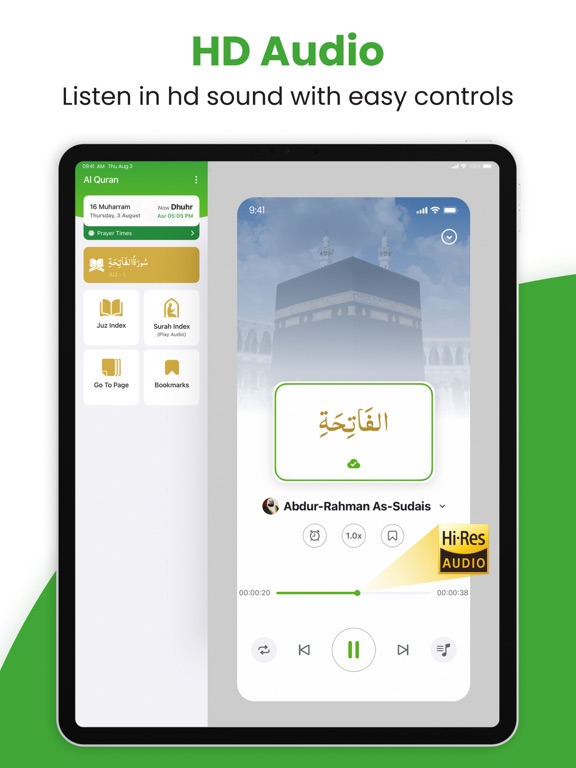

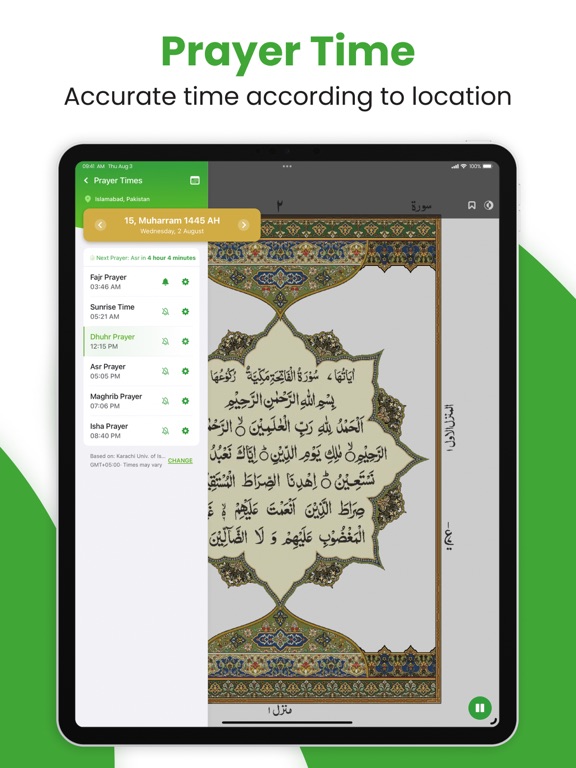

Icon palette
About this app
Al Quran - القران الكريم app is an authentic Islamic application that complements the traditional printed Qur'an, providing a variety of features for Listening & Reading Holy Quran for iPhone and iPad users. تطبيق Al Quran - القران الكريم هو تطبيق إسلامي أصيل يكمّل القرآن المطبوع التقليدي، حيث يوفر مجموعة من الميزات للاستماع وقراءة القران الكريم لمستخدمي آيفون وآيباد. The Qur'an, revered as the Holy Book of Islam, stands as the ultimate source of guidance and wisdom for all of humanity. In the divine revelation, the Angel Jibril (AS) conveyed Allah's profound words to the revered Prophet Muhammad (صلى الله عليه وآله وسلم) over the course of 23 years, shaping the sacred scripture into its transcendent form. القرآن، الذي يعتبر كتاب الله المقدس في الإسلام، يقف كمصدر نهائي للهداية والحكمة لكل البشر. في الوحي الإلهي، قام الملك جبريل (عليه السلام) بنقل كلمات الله العميقة إلى النبي المحترم م…
App details
What you can learn from Al Quran - القران الكريم
Every shipping app on the App Store has gone through the same decisions you're working through right now: which screenshot goes first, what caption sits over it, which device frame to show, what color the background should be. The 18 screenshots above are Al Quran - القران الكريم's answers to those questions — they're public, they're real, and they made it through Apple's review.
What the numbers say: Al Quran - القران الكريم runs a light set with one background colour (#FCFCFC) carried across every screenshot — the listing reads as a single poster when the shots sit side by side in search results. The accent colour we picked up, #44A434, is the one to reuse for badges, arrows and highlighted words if you borrow this look. Hit Use this style to open the editor with these exact colours and drop your own screenshot in.
Notice the first screenshot in particular. It's the one users see in search results and on the product page, and it's where most apps spend their best caption and tightest design. Look at the proportion of background to phone, where the text sits, what one thing the image is trying to communicate.
Want to see how other Book apps approach the same problem? Browse more Book apps in the showcase.
Take what works into your own screenshots
Open LaunchShots and design your App Store & Google Play screenshots — pick a device frame, drop captions, ship in minutes. Free, in your browser.
Open the screenshot editor →Apps with a similar look
Closest background + accent colours among the listings we've analysed — useful when you want to see the same palette handled by a different team.