Screenshots


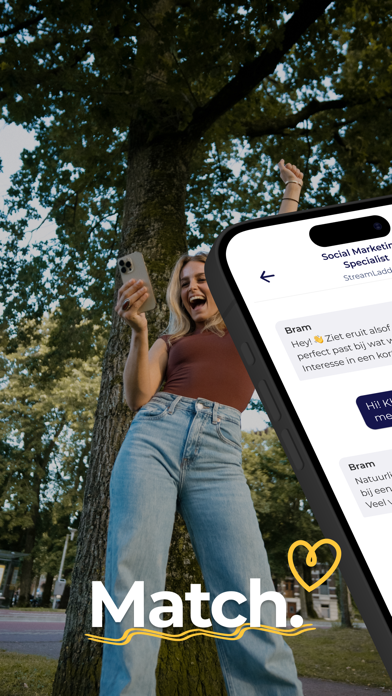
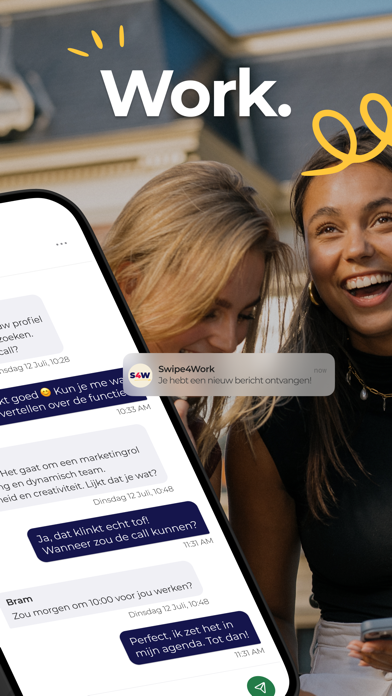

Icon palette
About this app
Tijd voor een nieuwe baan? Swipe4Work maakt het makkelijk om de leukste vacatures te vinden! Solliciteren was nog nooit zo makkelijk! Download nu de app, maak binnen enkele minuten je profiel aan en laat het unieke algoritme zijn werk doen! Je ziet alleen maar passende vacatures en het enige wat je hoeft te doen is leuke vacatures naar rechts swipen! Heb je de juiste vacature gevonden? Dan kan je meteen met de werkgever chatten! Swipe4Work, een unieke vacature-app: Wij bieden gelijke kansen: Solliciteer anoniem tot je een match hebt! Laagdrempelig solliciteren: Geen CV of motivatiebrief nodig! Vacatures die écht bij je passen: Het matching algoritme matcht vacatures aan jouw profiel en zoekvoorkeuren. De nieuwe manier om te solliciteren voor generatie Y en Z! Vacatures bij Swipe4Work: Onze app biedt vacatures in verschillende sectoren: accountancy, HR & administratie, ICT, horeca & r…
App details
What you can learn from Swipe4Work: Swipe. Match. Work
Every shipping app on the App Store has gone through the same decisions you're working through right now: which screenshot goes first, what caption sits over it, which device frame to show, what color the background should be. The 7 screenshots above are Swipe4Work: Swipe. Match. Work's answers to those questions — they're public, they're real, and they made it through Apple's review.
Notice the first screenshot in particular. It's the one users see in search results and on the product page, and it's where most apps spend their best caption and tightest design. Look at the proportion of background to phone, where the text sits, what one thing the image is trying to communicate.
Want to see how other Business apps approach the same problem? Browse more Business apps in the showcase.
Take what works into your own screenshots
Open LaunchShots and design your App Store & Google Play screenshots — pick a device frame, drop captions, ship in minutes. Free, in your browser.
Open the screenshot editor →