Chart position — tracked daily by LaunchShots
Screenshot changes — detected by LaunchShots
Screenshot style breakdown
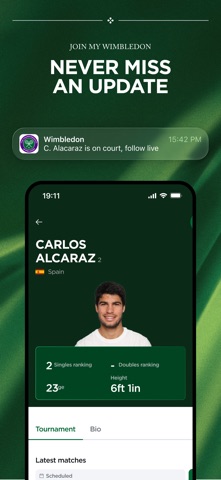
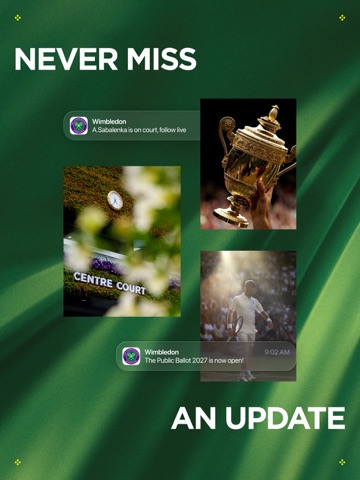
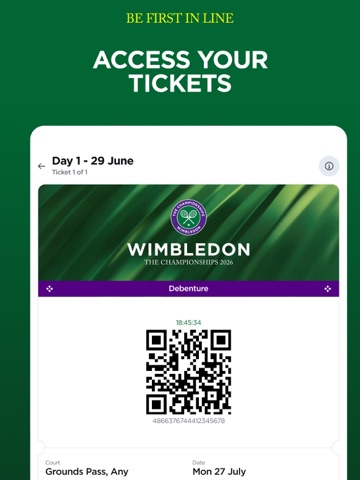
Sampled from 6 of Wimbledon 2026's App Store screenshots — background, accent and theme, measured by LaunchShots (not something Apple publishes).
#144C2C bg
#346549
#8CBCE4 accent
#FFFFFF text
Screenshots




iPad screenshots





Icon palette
About this app
Welcome to Wimbledon 2026 — the official app of The Championships. Your personal companion to the iconic moments, world-class tennis, and the unmistakable atmosphere of Wimbledon, the only Grand Slam played on grass, live from the All England Lawn Tennis Club, London. From the first serve of Qualifying on 22 June to the final point on 12 July, stay connected to every moment of the action. Follow every serve, rally, and result with real-time scores, live updates, and immersive features that bring you closer to the action, wherever you are. Key Features: - LIVE Scores & Stats – Real-time updates from every match on every court, including Qualifying and the main draw. - Live Likelihood to Win – See each player’s chances of victory, updated throughout the match. - Match Chat – Ask questions and get instant insights with our AI-powered assistant. - Stories & Moments – Immerse yourself in…
App details
What you can learn from Wimbledon 2026
Every shipping app on the App Store has gone through the same decisions you're working through right now: which screenshot goes first, what caption sits over it, which device frame to show, what color the background should be. The 15 screenshots above are Wimbledon 2026's answers to those questions — they're public, they're real, and they made it through Apple's review.
What the numbers say: Wimbledon 2026 runs a mixed light-and-dark set where the background shifts from screenshot to screenshot (first shot #144C2C) — each image has to stand on its own, so the captions carry more of the story. The accent colour we picked up, #8CBCE4, is the one to reuse for badges, arrows and highlighted words if you borrow this look. Hit Use this style to open the editor with these exact colours and drop your own screenshot in.
Notice the first screenshot in particular. It's the one users see in search results and on the product page, and it's where most apps spend their best caption and tightest design. Look at the proportion of background to phone, where the text sits, what one thing the image is trying to communicate.
Want to see how other Sports apps approach the same problem? Browse more Sports apps in the showcase.
Take what works into your own screenshots
Open LaunchShots and design your App Store & Google Play screenshots — pick a device frame, drop captions, ship in minutes. Free, in your browser.
Open the screenshot editor →Apps with a similar look
Closest background + accent colours among the listings we've analysed — useful when you want to see the same palette handled by a different team.