Chart position — tracked daily by LaunchShots
Screenshot style breakdown
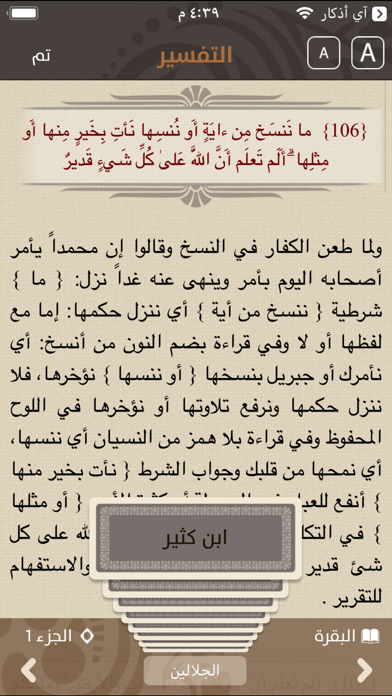
Sampled from 5 of Mus'haf | مصحف آي-فون إسلام's App Store screenshots — background, accent and theme, measured by LaunchShots (not something Apple publishes).
#D4C4AC bg
#BAAC97
#7C6C4C accent
#111111 text
Screenshots
Icon palette
About this app
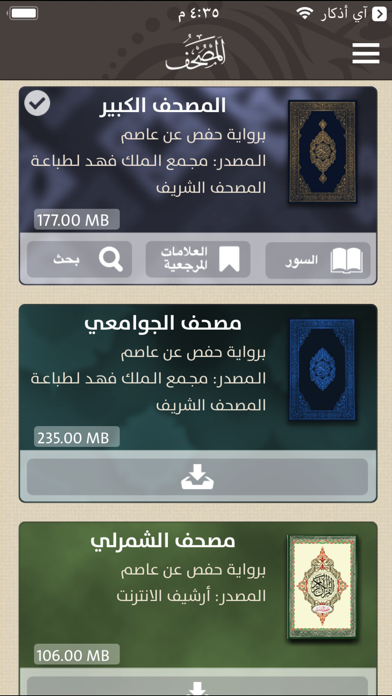
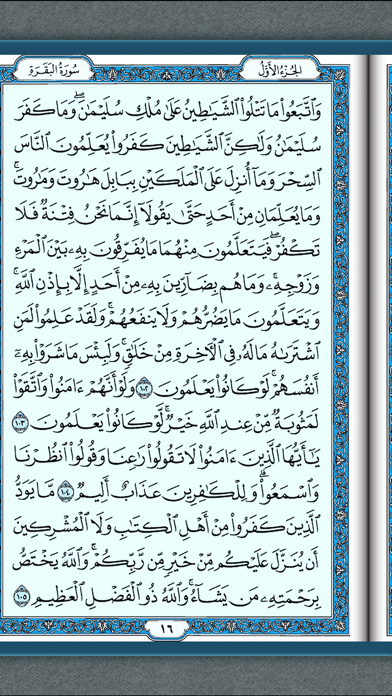
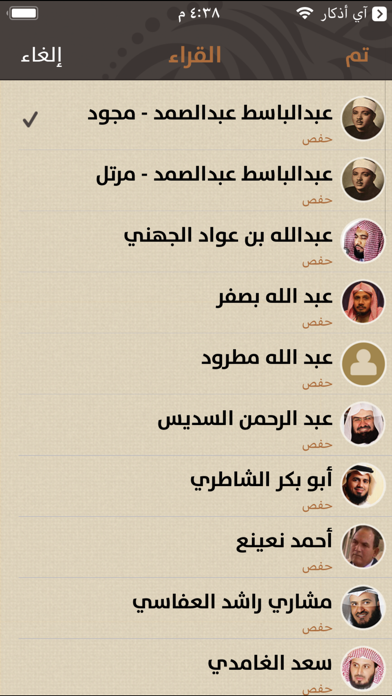
الفكرة التي تم بناء مصحف آي-فون إسلام عليها هى الحرية، أنت حر تماماً في كل شيء. عندما بحثنا في المتجر وجدنا أن معظم تطبيقات المصحاف تجبر المستخدم على أمر أو أكثر، تجبره على القراءة في مصحف محدد، الاستماع إلى القرآن بصوت شيخ معين، تفاسير معينة، طريقة التصفح معينة وغيرها من الأمور. لذلك قررنا أن نجعل مستخدم مصحف آي-فون إسلام يختار كل شيء، يحمل المصحف الذي يرتاح مع القراءة فيه، يختار الشيخ الذي يفضل السماع إلى القرآن بصوته، وكذلك التفسير، وحتى طريقة تقليب الصفحات يمكنه اختيارها From the makers of the first Arabic App for the iPhone and the first Arabic iPhone Blog (iPhoneIslam). Have you ever fancied having unique copies of the Quran written by leading calligraphers and using different styles of calligraphy from various locations in the Islamic world? Now with iPhoneIslam’s Mus'haf you can have access to a big library of beautiful Quran copies, including some of rarest copies of Holy Qu…
App details
What you can learn from Mus'haf | مصحف آي-فون إسلام
Every shipping app on the App Store has gone through the same decisions you're working through right now: which screenshot goes first, what caption sits over it, which device frame to show, what color the background should be. The 5 screenshots above are Mus'haf | مصحف آي-فون إسلام's answers to those questions — they're public, they're real, and they made it through Apple's review.
What the numbers say: Mus'haf | مصحف آي-فون إسلام runs a mixed light-and-dark set where the background shifts from screenshot to screenshot (first shot #D4C4AC) — each image has to stand on its own, so the captions carry more of the story. The accent colour we picked up, #7C6C4C, is the one to reuse for badges, arrows and highlighted words if you borrow this look. Hit Use this style to open the editor with these exact colours and drop your own screenshot in.
Notice the first screenshot in particular. It's the one users see in search results and on the product page, and it's where most apps spend their best caption and tightest design. Look at the proportion of background to phone, where the text sits, what one thing the image is trying to communicate.
Want to see how other Book apps approach the same problem? Browse more Book apps in the showcase.
Take what works into your own screenshots
Open LaunchShots and design your App Store & Google Play screenshots — pick a device frame, drop captions, ship in minutes. Free, in your browser.
Open the screenshot editor →Apps with a similar look
Closest background + accent colours among the listings we've analysed — useful when you want to see the same palette handled by a different team.