Chart position — tracked daily by LaunchShots
Screenshot style breakdown
Sampled from 6 of ヤマダデジタル会員's App Store screenshots — background, accent and theme, measured by LaunchShots (not something Apple publishes).
#0484C4 bg
#2795CC
#1C3C54 accent
#FFFFFF text
Screenshots
Icon palette
About this app
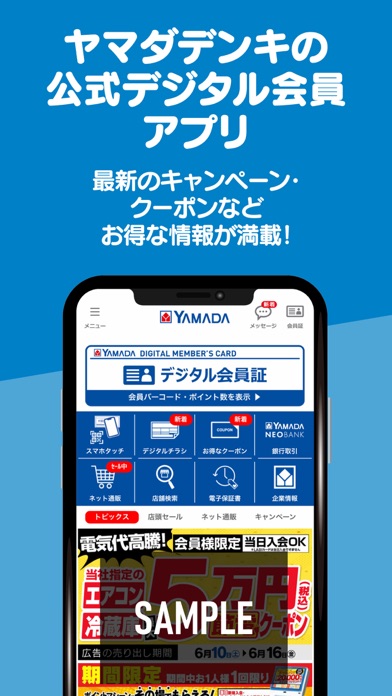
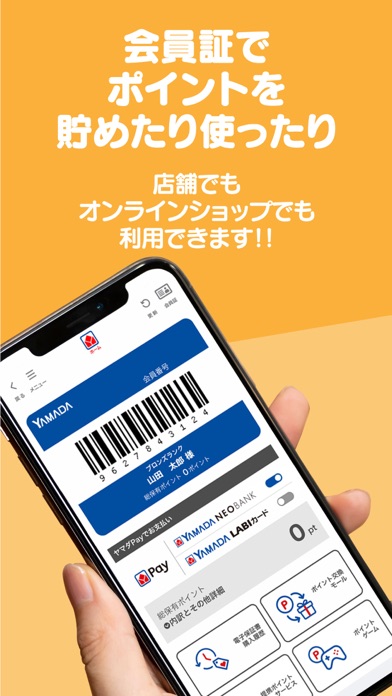
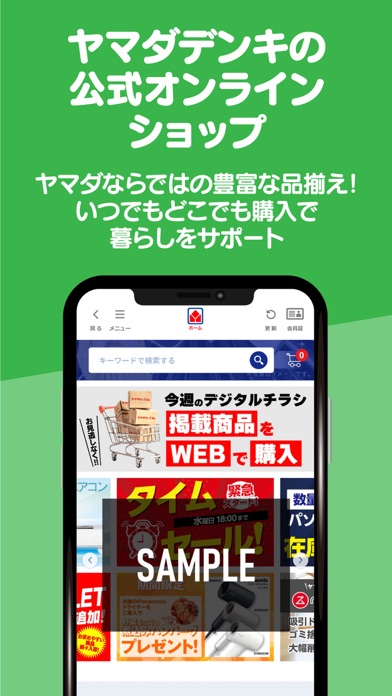
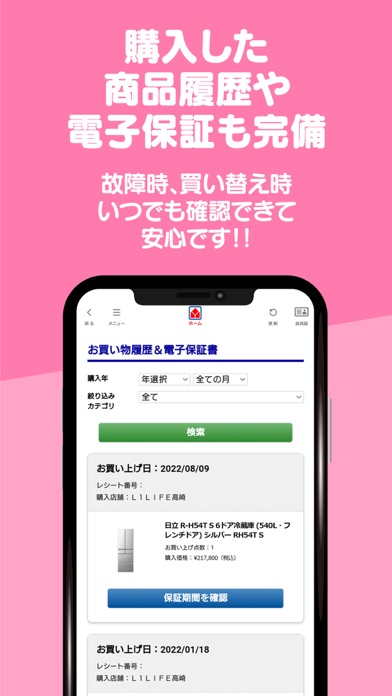
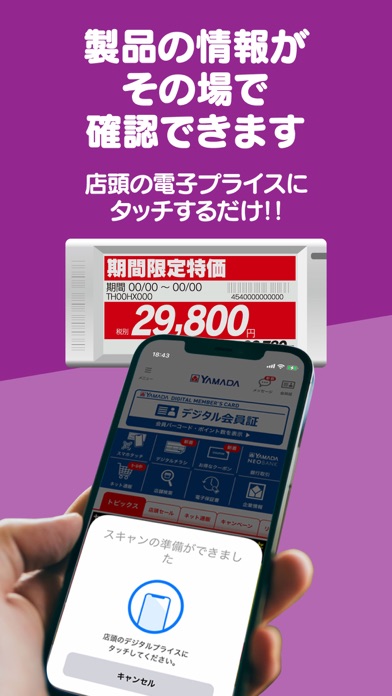
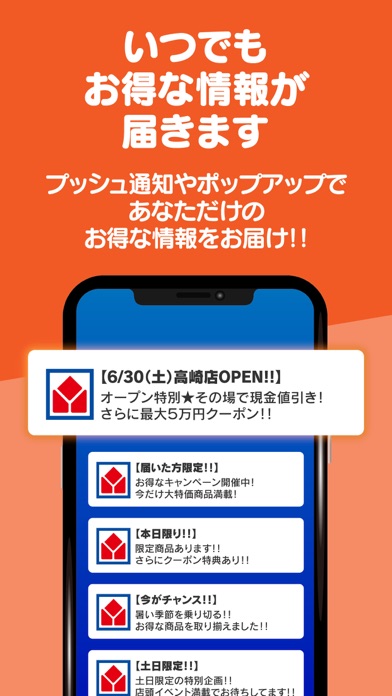
ヤマダデンキ公式デジタル会員アプリはデジタル会員証のほか、クーポンやお得な情報が満載! さまざまな機能も搭載されておりショッピングには欠かすことができないアプリです。 家電のことならヤマダデンキ公式デジタル会員アプリを今すぐダウンロード! 【デジタル会員証】 ヤマダデンキ店頭でポイントカードとしてご利用いただけます 【お得なクーポン】 ヤマダデジタル会員限定のクーポンを常時配信中 【電子保証書】 紙の保証書を保管しなくてもアプリがデジタル保証書になります 【スマホタッチ】 店頭の電子プライスにスマホをかざす、またはQRスキャンして商品詳細やクチコミを確認することができます 【ネット通販】 ヤマダウェブコムやヤマダモールをアプリからご利用いただけます 【その他】 ・デジタルチラシや店頭イベント、実施中のキャンペーン案内 ・ヤマダデンキ店舗検索 ・リフォームや新築住宅に関する情報 など ※タブレット端末でのインストール、会員登録は非推奨です。 動作は保障致しかねますのでご了承ください。
App details
What you can learn from ヤマダデジタル会員
Every shipping app on the App Store has gone through the same decisions you're working through right now: which screenshot goes first, what caption sits over it, which device frame to show, what color the background should be. The 6 screenshots above are ヤマダデジタル会員's answers to those questions — they're public, they're real, and they made it through Apple's review.
What the numbers say: ヤマダデジタル会員 runs a mixed light-and-dark set where the background shifts from screenshot to screenshot (first shot #0484C4) — each image has to stand on its own, so the captions carry more of the story. The accent colour we picked up, #1C3C54, is the one to reuse for badges, arrows and highlighted words if you borrow this look. Hit Use this style to open the editor with these exact colours and drop your own screenshot in.
Notice the first screenshot in particular. It's the one users see in search results and on the product page, and it's where most apps spend their best caption and tightest design. Look at the proportion of background to phone, where the text sits, what one thing the image is trying to communicate.
Want to see how other Shopping apps approach the same problem? Browse more Shopping apps in the showcase.
Take what works into your own screenshots
Open LaunchShots and design your App Store & Google Play screenshots — pick a device frame, drop captions, ship in minutes. Free, in your browser.
Open the screenshot editor →Apps with a similar look
Closest background + accent colours among the listings we've analysed — useful when you want to see the same palette handled by a different team.