Screenshots
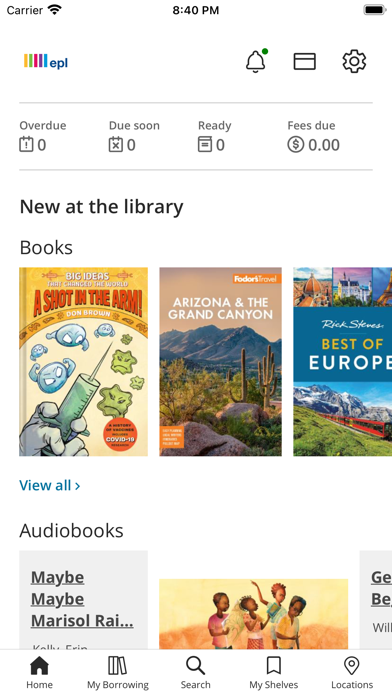
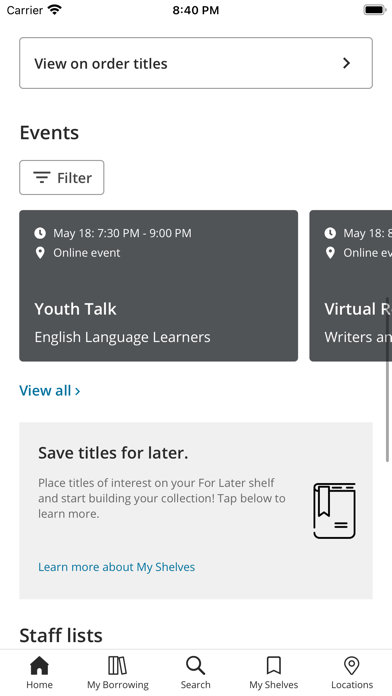
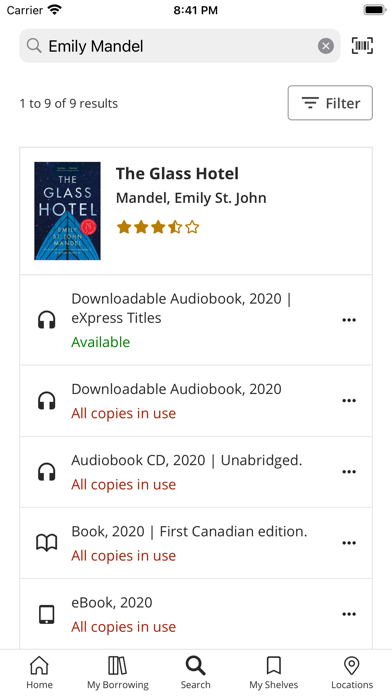
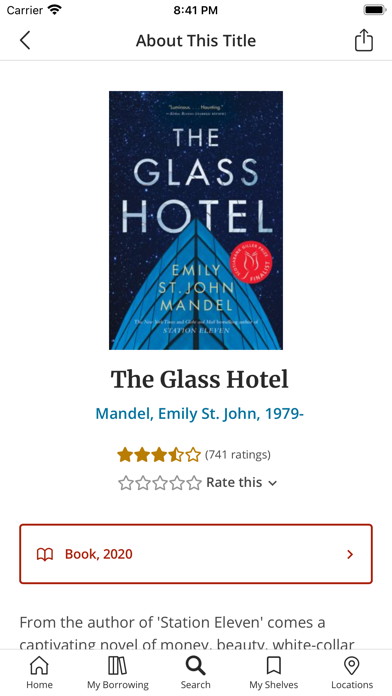
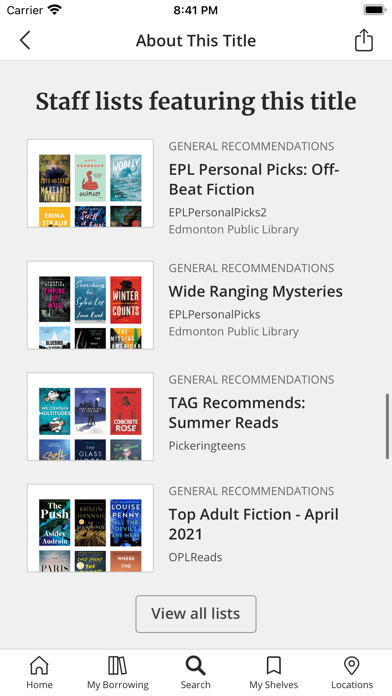
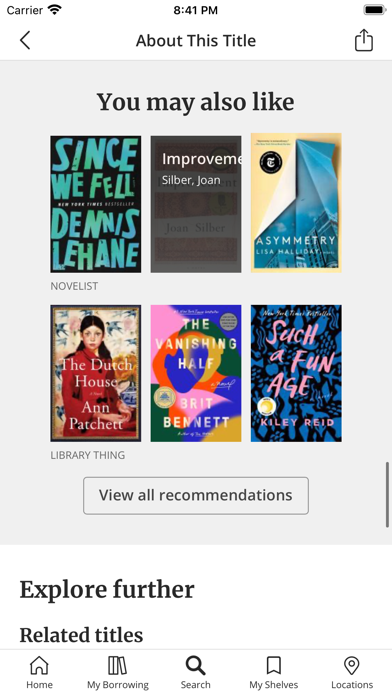
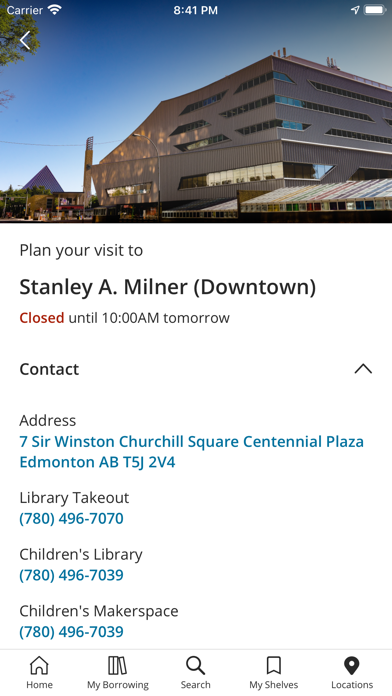
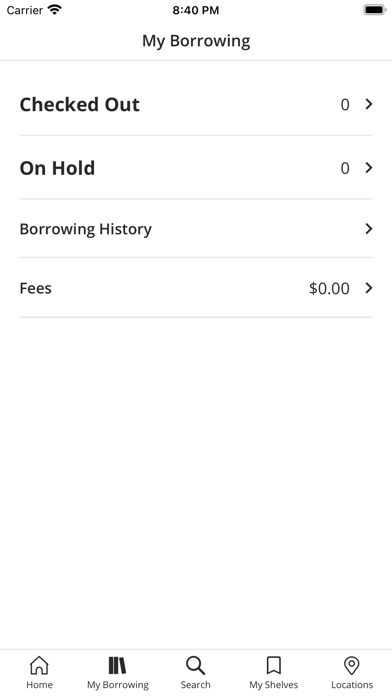
iPad screenshots


Icon palette
About this app
Keep the Edmonton Public Library in your pocket! EPL Mobile makes it easy to discover titles, classes and events; manage your EPL account; check branch hours; and more! Features: • Search EPL’s collection easily and quickly, using filters to zero in on the titles you’re looking for. • Get details on any title, any time and anywhere—including descriptions, community reviews and ratings. • Check a title’s availability and map the locations where your title is available now. • Place holds on physical and digital titles, pause current holds and check which holds are ready for pick-up. • Download or stream eBooks, eAudiobooks, movies and music. • Manage your EPL account: renew titles, see the date your next title is due, set your location preferences and more. • Keep track of your interests: add titles to your “For Later” shelf so you can read them later. • Browse new titles, bestsellers and…
App details
What you can learn from Edmonton Public Library
Every shipping app on the App Store has gone through the same decisions you're working through right now: which screenshot goes first, what caption sits over it, which device frame to show, what color the background should be. The 12 screenshots above are Edmonton Public Library's answers to those questions — they're public, they're real, and they made it through Apple's review.
Notice the first screenshot in particular. It's the one users see in search results and on the product page, and it's where most apps spend their best caption and tightest design. Look at the proportion of background to phone, where the text sits, what one thing the image is trying to communicate.
Want to see how other Book apps approach the same problem? Browse more Book apps in the showcase.
Take what works into your own screenshots
Open LaunchShots and design your App Store & Google Play screenshots — pick a device frame, drop captions, ship in minutes. Free, in your browser.
Open the screenshot editor →