Screenshots
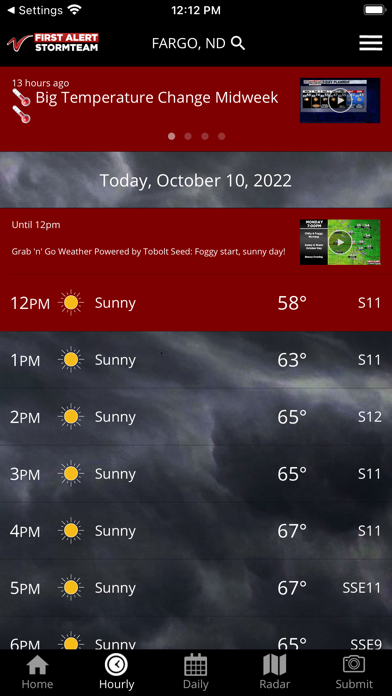
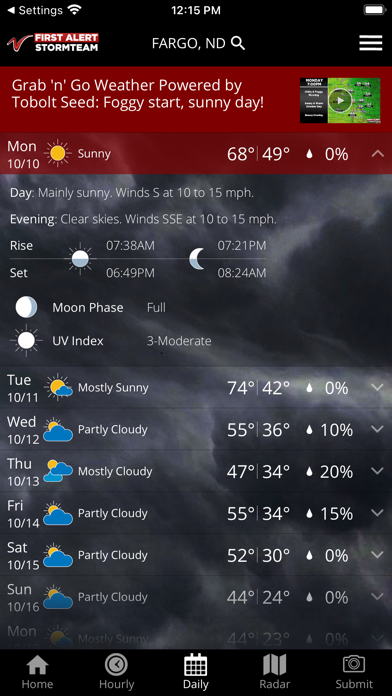
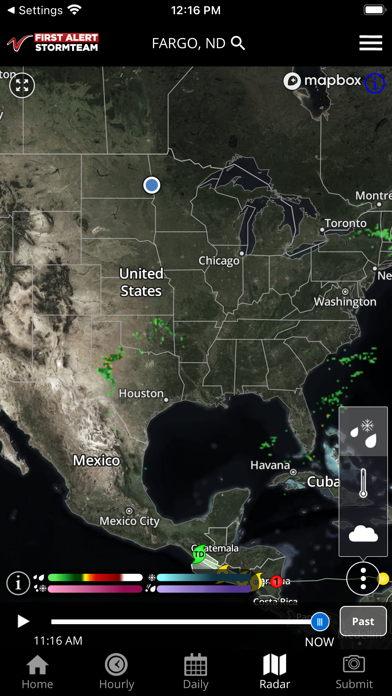
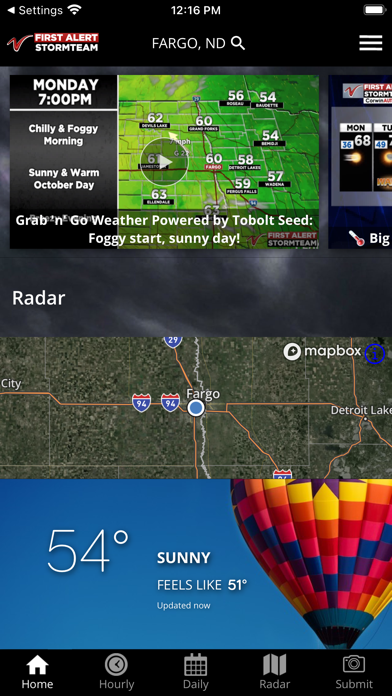
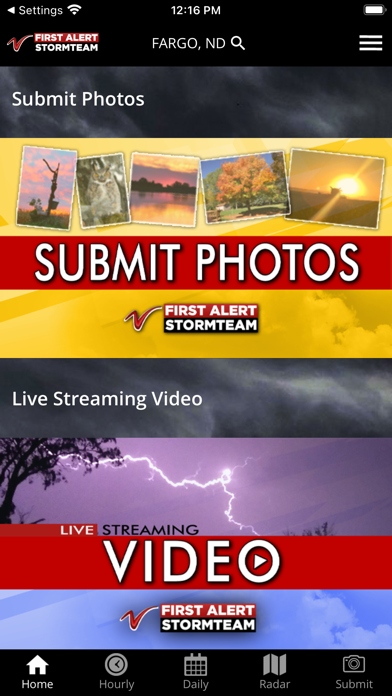
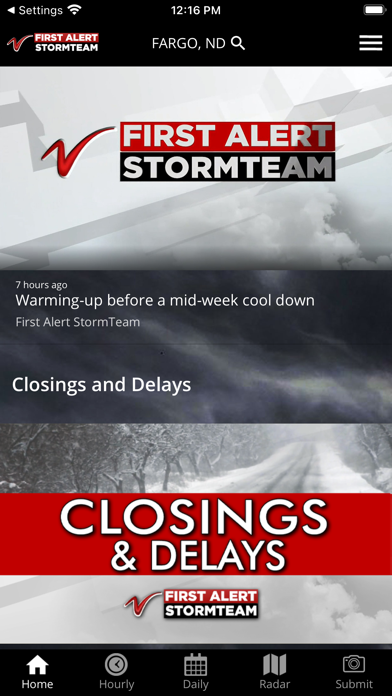
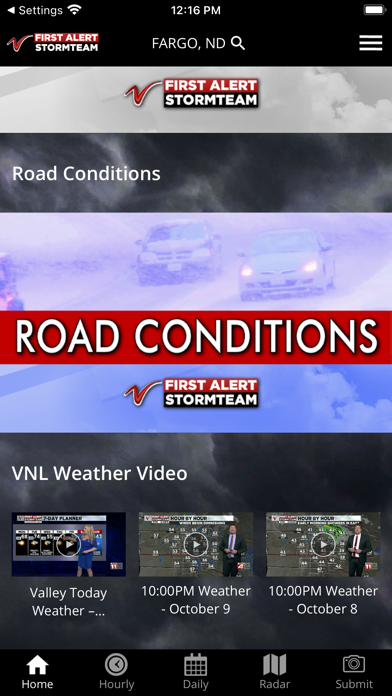
iPad screenshots


Icon palette
About this app
Valley News Live , is proud to announce a full featured weather app for the iPhone and iPad platforms. Features • Access to station content specifically for our mobile users • 250 meter radar, the highest resolution available • Future radar to see where severe weather is headed • High resolution satellite cloud imagery • Current weather updated multiple times per hour • Daily and Hourly forecasts updated hourly from our computer models • Ability to add and save your favorite locations • A fully integrated GPS for current location awareness • Severe weather alerts from the National Weather Service • Opt-in push alerts to keep you safe in severe weather
App details
What you can learn from VNL Weather
Every shipping app on the App Store has gone through the same decisions you're working through right now: which screenshot goes first, what caption sits over it, which device frame to show, what color the background should be. The 14 screenshots above are VNL Weather's answers to those questions — they're public, they're real, and they made it through Apple's review.
Notice the first screenshot in particular. It's the one users see in search results and on the product page, and it's where most apps spend their best caption and tightest design. Look at the proportion of background to phone, where the text sits, what one thing the image is trying to communicate.
Want to see how other Weather apps approach the same problem? Browse more Weather apps in the showcase.
Take what works into your own screenshots
Open LaunchShots and design your App Store & Google Play screenshots — pick a device frame, drop captions, ship in minutes. Free, in your browser.
Open the screenshot editor →