Chart position — tracked daily by LaunchShots
Screenshot style breakdown
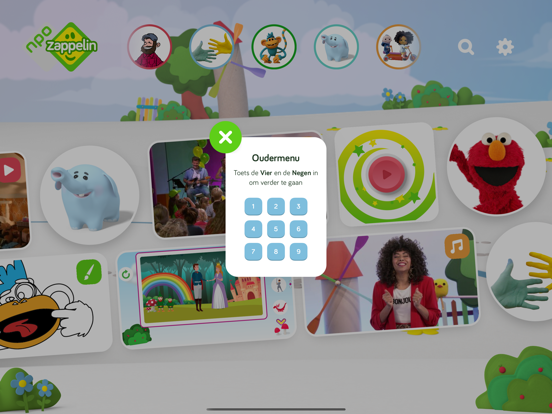
Sampled from 5 of NPO Zappelin's App Store screenshots — background, accent and theme, measured by LaunchShots (not something Apple publishes).
#ECECEC bg
#CFCFCF
#DC4454 accent
#111111 text
Screenshots


iPad screenshots
Icon palette
About this app
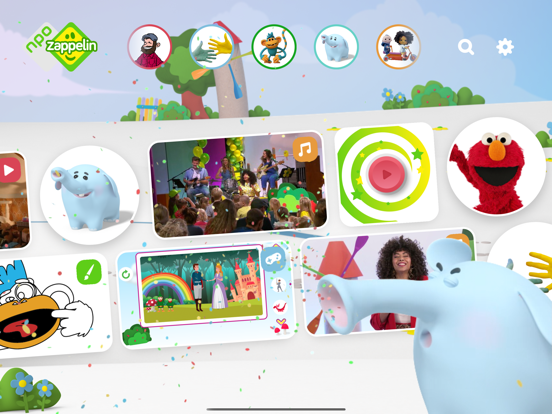
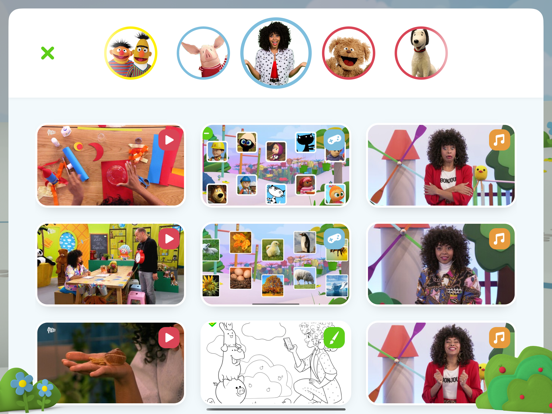
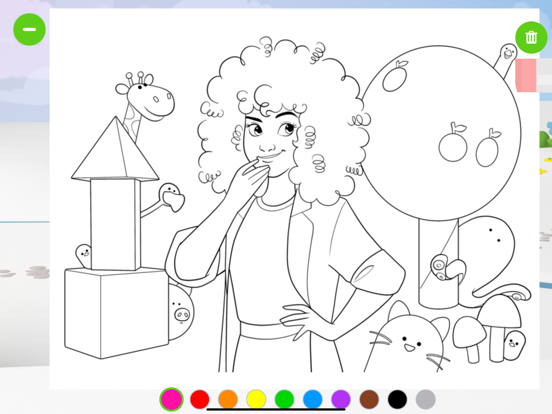
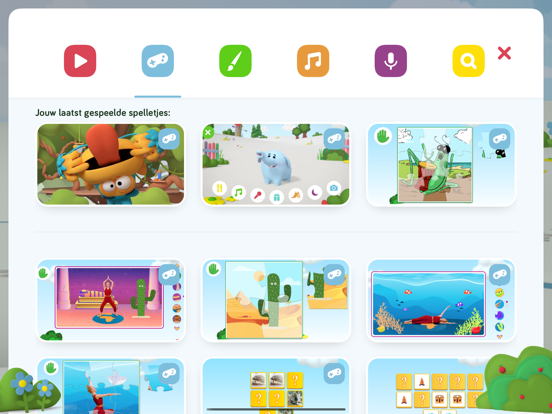
Kinderen van twee tot zes jaar leren spelenderwijs met hun favoriete Zappelin-vriendjes in deze gratis app van NPO Zappelin. Kijk filmpjes, speel met Ollie, maak de mooiste tekeningen en zing mee met Fenna. Deze app plaatst cookies om het gebruik van de verschillende onderdelen te meten. Met installatie van de NPO Zappelin-app ga je hiermee akkoord. Ouderlijk toezicht: Zappelin wekker: Stel via het beveiligde oudermenu in hoelang je kind maximaal gebruik mag maken van de Zappelin app. Recente content: Zie welke tien items je kind voor het laatst heeft bekeken door naar links te swipen in de contentslider. Problemen oplossen: - Hoge internetkosten: De NPO Zappelin-app is gratis. Het dataverkeer dat nodig is voor het streamen van video’s, en het offline beschikbaar maken van spelletjes en tekeningen kan echter tot extra kosten leiden. Standaard kun je daarom alleen downloaden of stre…
App details
What you can learn from NPO Zappelin
Every shipping app on the App Store has gone through the same decisions you're working through right now: which screenshot goes first, what caption sits over it, which device frame to show, what color the background should be. The 10 screenshots above are NPO Zappelin's answers to those questions — they're public, they're real, and they made it through Apple's review.
What the numbers say: NPO Zappelin runs a light set where the background shifts from screenshot to screenshot (first shot #ECECEC) — each image has to stand on its own, so the captions carry more of the story. The accent colour we picked up, #DC4454, is the one to reuse for badges, arrows and highlighted words if you borrow this look. Hit Use this style to open the editor with these exact colours and drop your own screenshot in.
Notice the first screenshot in particular. It's the one users see in search results and on the product page, and it's where most apps spend their best caption and tightest design. Look at the proportion of background to phone, where the text sits, what one thing the image is trying to communicate.
Want to see how other Education apps approach the same problem? Browse more Education apps in the showcase.
Take what works into your own screenshots
Open LaunchShots and design your App Store & Google Play screenshots — pick a device frame, drop captions, ship in minutes. Free, in your browser.
Open the screenshot editor →Apps with a similar look
Closest background + accent colours among the listings we've analysed — useful when you want to see the same palette handled by a different team.