Screenshots
iPad screenshots


Icon palette
About this app
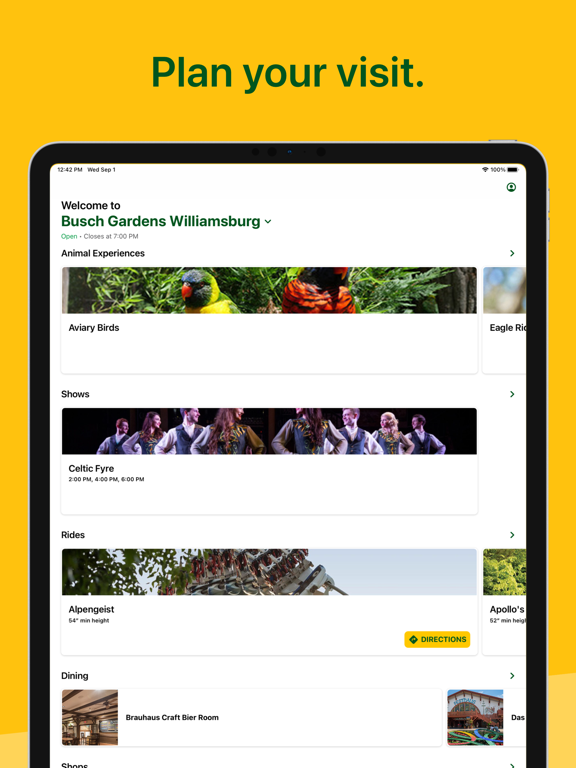
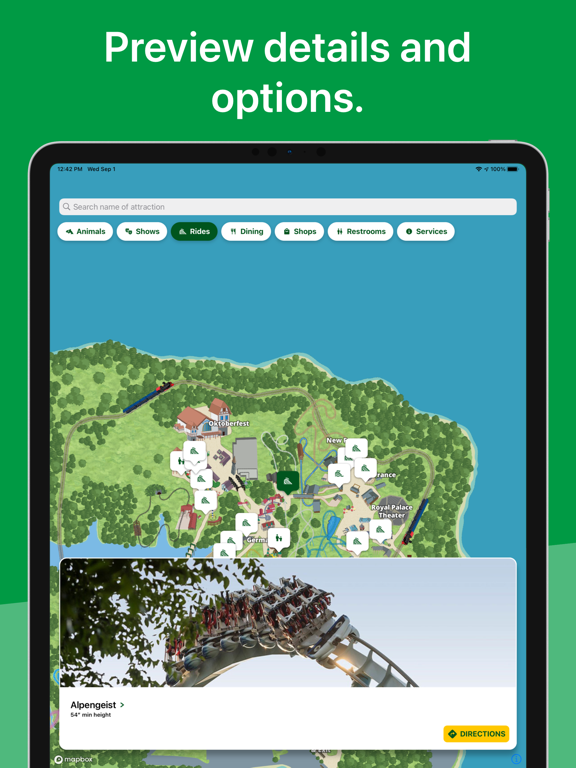
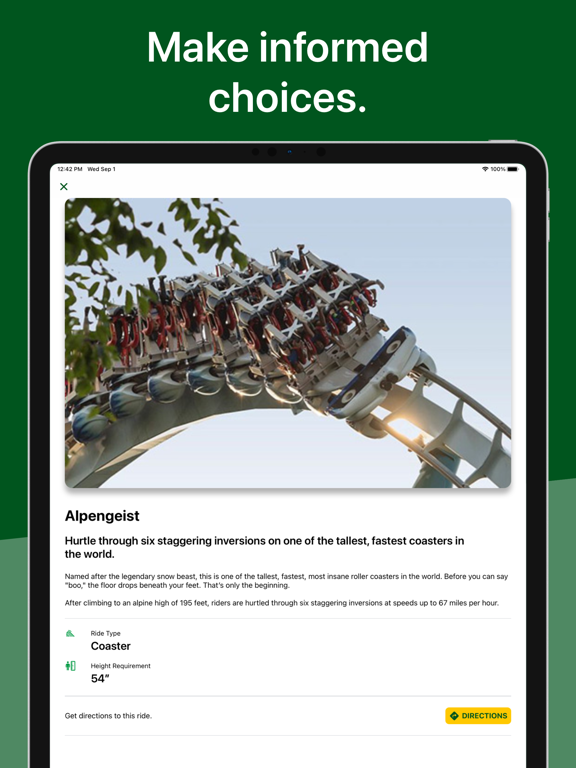
Your Busch Gardens App is the must-have in-park companion for your entire Busch Gardens experience. It’s free and easy to use. GUIDE • Plan your day in the park! • Discover park amenities including, Animal Experiences, Shows, Rides, Events and Dining • View ride wait times and upcoming showtimes so you can plan your next move • Upgrade your in-park experience with a Quick Queue®, All Day Dining Deal or Reserved Seating for shows • Switch locations when traveling to other parks • View park hours for the day MY VISIT • Turn your phone into your ticket! • Access your Annual Passes and barcodes to use your discount in the park • Access your Pass Member benefits and information • View your purchases and barcodes for easy redemption BUY • Purchase in-park add-ons and upgrades to optimize your day MAPS • Find your happy place, faster! • Explore our new interactive maps to see your locatio…
App details
What you can learn from Busch Gardens
Every shipping app on the App Store has gone through the same decisions you're working through right now: which screenshot goes first, what caption sits over it, which device frame to show, what color the background should be. The 5 screenshots above are Busch Gardens's answers to those questions — they're public, they're real, and they made it through Apple's review.
Notice the first screenshot in particular. It's the one users see in search results and on the product page, and it's where most apps spend their best caption and tightest design. Look at the proportion of background to phone, where the text sits, what one thing the image is trying to communicate.
Want to see how other Travel apps approach the same problem? Browse more Travel apps in the showcase.
Take what works into your own screenshots
Open LaunchShots and design your App Store & Google Play screenshots — pick a device frame, drop captions, ship in minutes. Free, in your browser.
Open the screenshot editor →