Chart position — tracked daily by LaunchShots
Screenshot style breakdown
Sampled from 6 of 快递100's App Store screenshots — background, accent and theme, measured by LaunchShots (not something Apple publishes).
#F4FCFC bg
#D6DDDD
#3C1464 accent
#111111 text
Screenshots



iPad screenshots
Icon palette
About this app
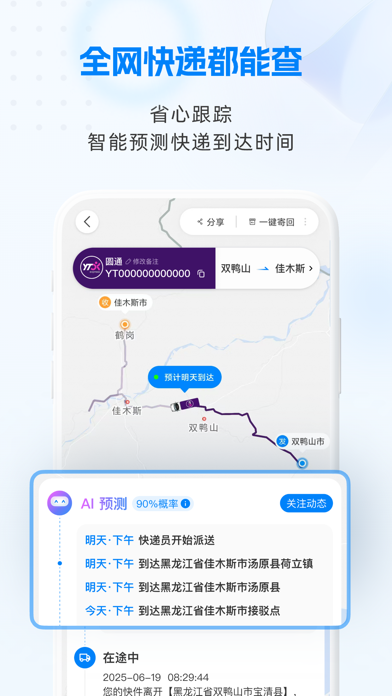
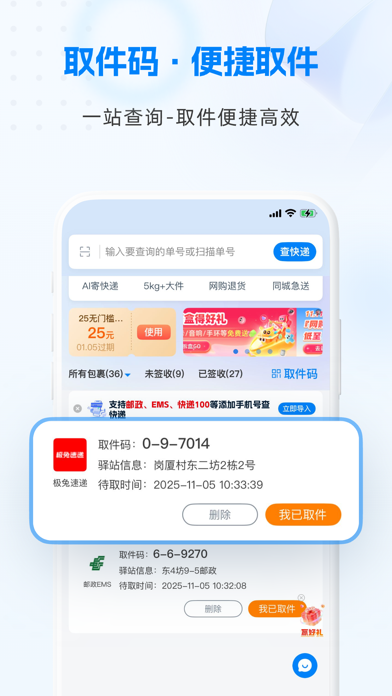
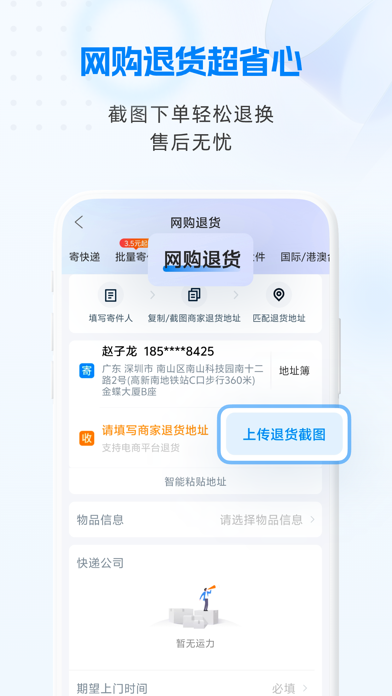
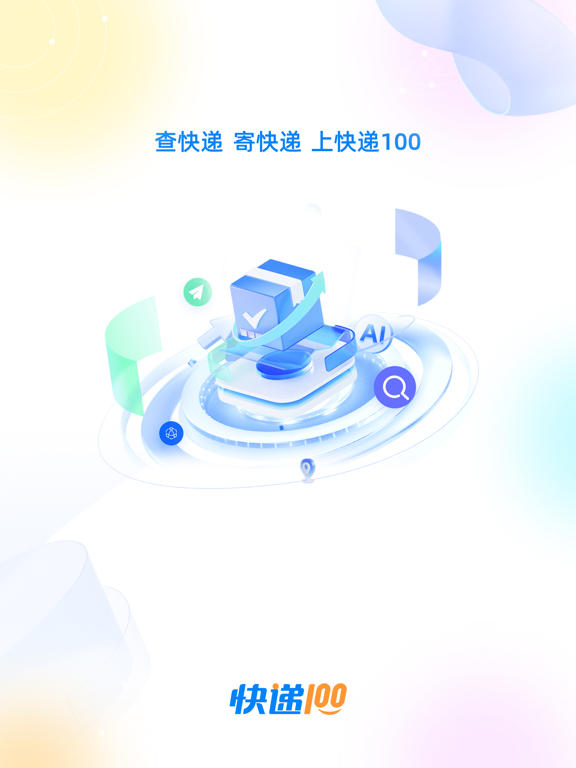
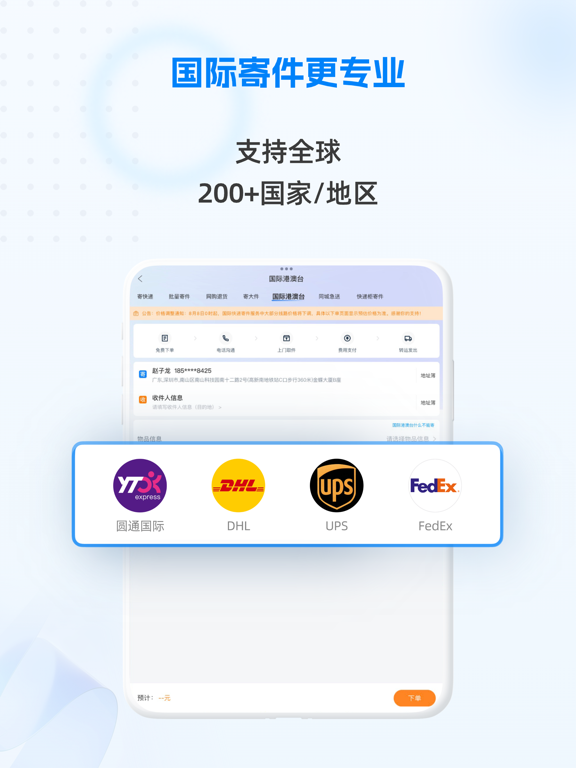
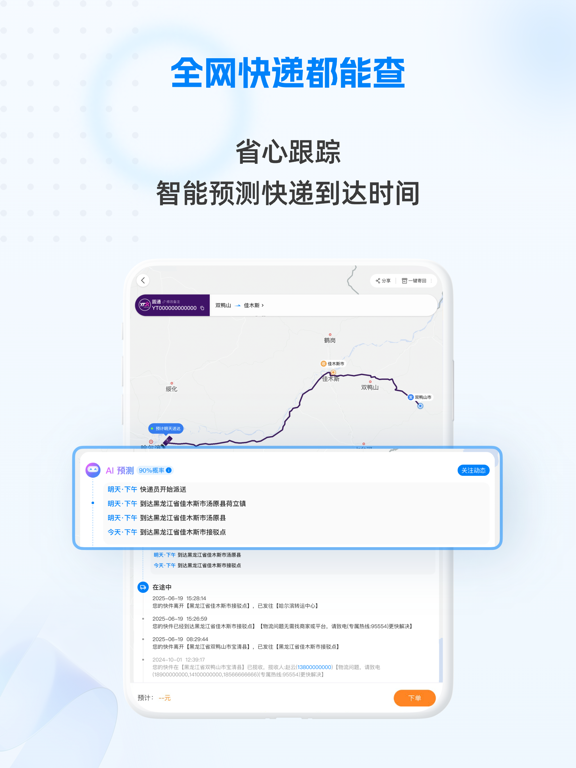
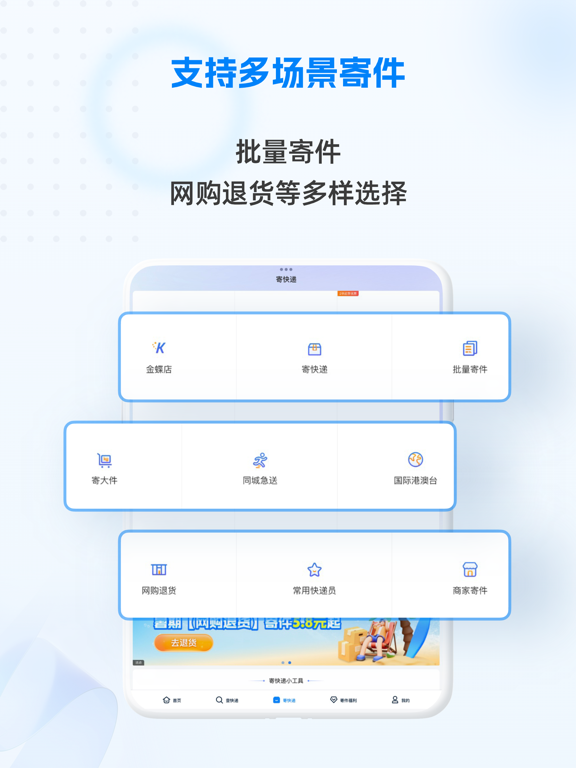
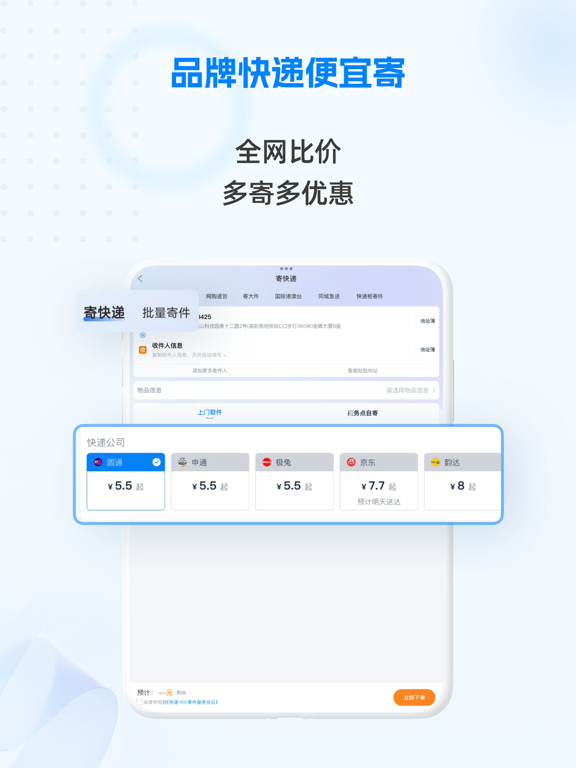
【寄快递 查快递 上快递100】 ===查快递,焕新查快递体验=== 全球3000+快递公司一站式查询,支持直接输入或扫描单号、图片识别、手机号绑定等多种查件方式,自动保存查件记录,支持多设备同步物流信息。物流地图轨迹让包裹动态一目了然!搭载AI智能物流预测,预估包裹送达时间,异常情况秒提醒并自动更新预测状态。从取件、派件、到签收,全程智能跟踪展示,让您随时掌握快递最新动向! ===寄快递,多样场景随心选择=== 【比价寄件】 首页发放优惠券,低至6元起/单!汇聚顺丰/圆通/中通/申通/韵达/极兔/京东/德邦等品牌快递,一键比价查时效自由选,上门取件,丢损必赔; 【批量寄件】 提供批量寄件优惠价,2单起享,低至4元/单,寄越多省越多!批量操作方便,多收件地址,一键下单; 【寄大件】 5公斤以上快递使用,省钱又省力; 【网购退货】 支持上传商家地址截图退货,线上购物无忧退; 【国际港澳台寄件】 支持市面知名快递公司,如FEDEX、DHL、圆通国际、顺丰国际、邮政国际、极兔国际等。支持全球200+个国家及地区邮寄,清关高效,专业顾问全程1v1服务。 【…
App details
What you can learn from 快递100
Every shipping app on the App Store has gone through the same decisions you're working through right now: which screenshot goes first, what caption sits over it, which device frame to show, what color the background should be. The 11 screenshots above are 快递100's answers to those questions — they're public, they're real, and they made it through Apple's review.
What the numbers say: 快递100 runs a light set with one background colour (#F4FCFC) carried across every screenshot — the listing reads as a single poster when the shots sit side by side in search results. The accent colour we picked up, #3C1464, is the one to reuse for badges, arrows and highlighted words if you borrow this look. Hit Use this style to open the editor with these exact colours and drop your own screenshot in.
Notice the first screenshot in particular. It's the one users see in search results and on the product page, and it's where most apps spend their best caption and tightest design. Look at the proportion of background to phone, where the text sits, what one thing the image is trying to communicate.
Want to see how other Productivity apps approach the same problem? Browse more Productivity apps in the showcase.
Take what works into your own screenshots
Open LaunchShots and design your App Store & Google Play screenshots — pick a device frame, drop captions, ship in minutes. Free, in your browser.
Open the screenshot editor →Apps with a similar look
Closest background + accent colours among the listings we've analysed — useful when you want to see the same palette handled by a different team.