Chart position — tracked daily by LaunchShots
Screenshot changes — detected by LaunchShots
Screenshot style breakdown
Sampled from 6 of SMBCモビット カードローン・ローン・キャッシング's App Store screenshots — background, accent and theme, measured by LaunchShots (not something Apple publishes).
#FCFCFC bg
#DDDDDD
#044C0C accent
#111111 text
Screenshots

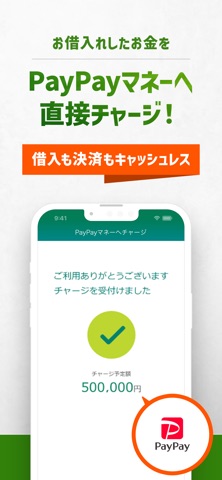
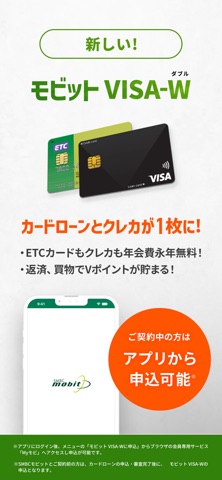
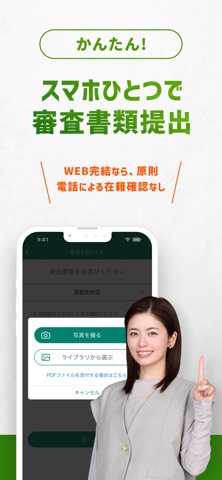
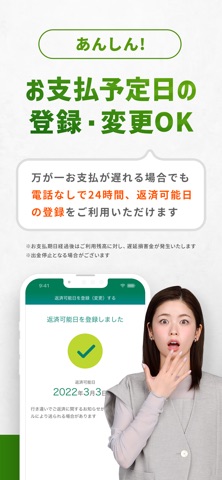

Icon palette
About this app
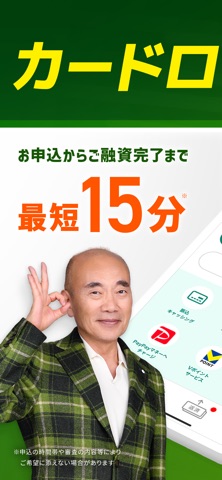
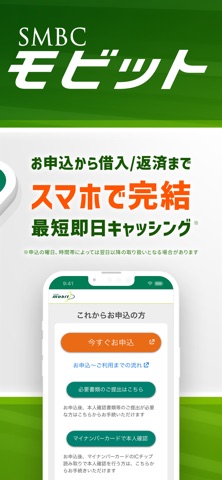
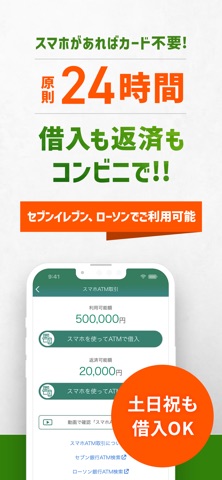
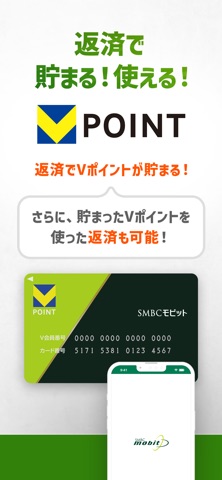
キャッシング・ローン・カードローンはSMBCモビット! 身近にあるコンビニ・銀行でもお借入が可能。土日祝・夜間はもちろん、原則24時間365日、いつでもご利用いただけます。 ■SMBCモビット公式スマホアプリの<主な機能> 1.スマホATM取引 アプリを使い、カードレスで借入・返済ができます。 セブン銀行及び、ローソン銀行のATMで24時間キャッシングが可能! お借入から返済まで、計画的にご利用しやすい便利なカードローンです。 2.必要書類送付 カードローンご契約時に必要な書類をスマホで撮影して簡単に送付できます。 SMBCモビットをご利用中のお客様も、最新の収入証明書類の送付にご利用いただけます。 3.会員専用サービス「Myモビ」 ・簡単ログイン オートログイン機能でアプリを起動するだけでログインできます。生体認証にも対応(指紋、顔、声紋認証)。 ※オートログイン機能はユーザーIDによるログインを選択の場合のみ利用可能です ・ご利用状況照会 お取引状況(ご利用可能額/限度額/残高、次回支払期日など)をご確認いただけます。 ・振込キャ…
App details
What you can learn from SMBCモビット カードローン・ローン・キャッシング
Every shipping app on the App Store has gone through the same decisions you're working through right now: which screenshot goes first, what caption sits over it, which device frame to show, what color the background should be. The 10 screenshots above are SMBCモビット カードローン・ローン・キャッシング's answers to those questions — they're public, they're real, and they made it through Apple's review.
What the numbers say: SMBCモビット カードローン・ローン・キャッシング runs a mixed light-and-dark set where the background shifts from screenshot to screenshot (first shot #FCFCFC) — each image has to stand on its own, so the captions carry more of the story. The accent colour we picked up, #044C0C, is the one to reuse for badges, arrows and highlighted words if you borrow this look. Hit Use this style to open the editor with these exact colours and drop your own screenshot in.
Notice the first screenshot in particular. It's the one users see in search results and on the product page, and it's where most apps spend their best caption and tightest design. Look at the proportion of background to phone, where the text sits, what one thing the image is trying to communicate.
Want to see how other Finance apps approach the same problem? Browse more Finance apps in the showcase.
Take what works into your own screenshots
Open LaunchShots and design your App Store & Google Play screenshots — pick a device frame, drop captions, ship in minutes. Free, in your browser.
Open the screenshot editor →Apps with a similar look
Closest background + accent colours among the listings we've analysed — useful when you want to see the same palette handled by a different team.