Screenshots


Icon palette
About this app
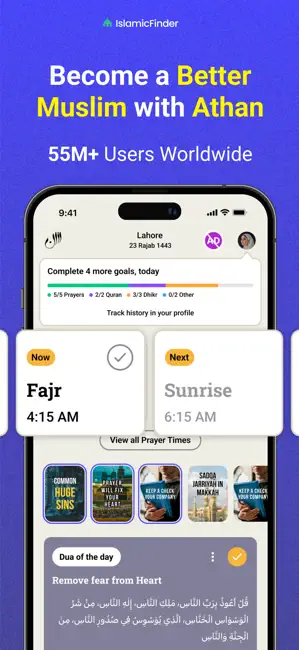
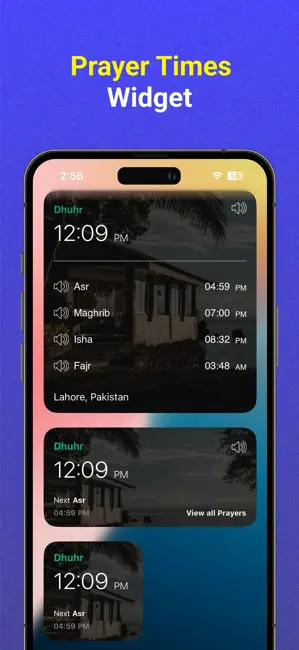
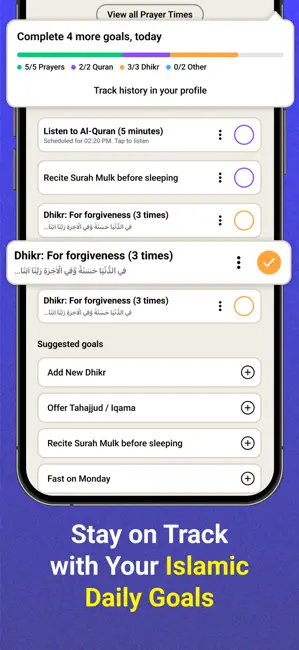
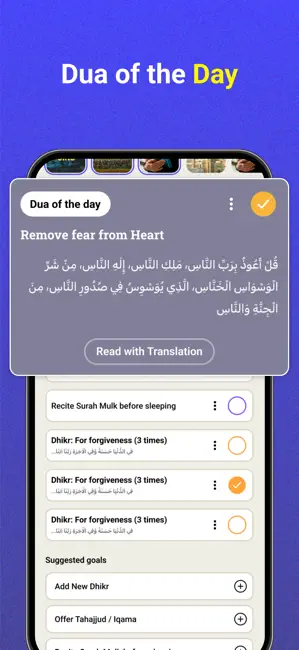
Prayer Times Widget: Athan's Prayer Times Widget is available now to see daily Prayer Times right on your device’s home screen. It is simple, convenient and completely free for all users. Daily Goals and Streaks: Simplify your daily spiritual Islamic lifestyle with Athan. Complete the following Daily Goals and earn Hasanah: - Log Your Prayer - Listen to Al-Quran - Complete a Daily Tasbih / Dhikr - Optional Tasbih / Dhikr (Tasbih Counter) - Give Sadaqah (Optional) - Offer Nafl Prayer (Optional) - Customize Daily Goals as per your need Athan is the most trusted prayer time app for accurate Salah times and also includes features: - Prayer Times with Azan Alarm: - Athan Stories (short Islamic Videos) - Al-Quran with Audio - Dua & Athkar - Qibla finder - Menstrual Mode for Women - Islamic calendar - Tasbih Counter - Hajj and Umrah Guides Azan Alarm & Prayer Times: - Accurate prayer ti…
App details
What you can learn from Athan: Prayer Times & Al Quran
Every shipping app on the App Store has gone through the same decisions you're working through right now: which screenshot goes first, what caption sits over it, which device frame to show, what color the background should be. The 6 screenshots above are Athan: Prayer Times & Al Quran's answers to those questions — they're public, they're real, and they made it through Apple's review.
Notice the first screenshot in particular. It's the one users see in search results and on the product page, and it's where most apps spend their best caption and tightest design. Look at the proportion of background to phone, where the text sits, what one thing the image is trying to communicate.
Want to see how other Reference apps approach the same problem? Browse more Reference apps in the showcase.
Take what works into your own screenshots
Open LaunchShots and design your App Store & Google Play screenshots — pick a device frame, drop captions, ship in minutes. Free, in your browser.
Open the screenshot editor →