Screenshots


iPad screenshots



Icon palette
About this app
PaperⓇ es la aplicación inmersiva de creación de bocetos para capturar ideas en cualquier lugar. Más de 25 millones de personas descubrieron en Paper su espacio creativo personal donde pueden escribir notas a mano, crear borradores, diagramas y bocetos, y dar forma a sus ideas. DESCUBRA SU ESPACIO DE CREATIVIDAD Bosqueje, dibuje, diagrame, coloree, escriba notas: sea cual sea la inspiración, puede plasmarla en Paper. Capture sus ideas en atractivos blocs en 3D que lo mantienen enfocado y en un estado creativo. La navegación rápida basada en gestos hace que sea fácil y natural usar Paper. Mueva fácilmente sus ideas a Paste, nuestra aplicación para equipos creativos. BOSQUEJE CON CONFIANZA Cada herramienta se diseñó a la perfección: dibujar, bosquejar, contornear, escribir, colorear, diagramar, cortar, llenar y mezclar. La corrección automática ajusta los dibujos en borrador con líneas …
App details
What you can learn from Paper
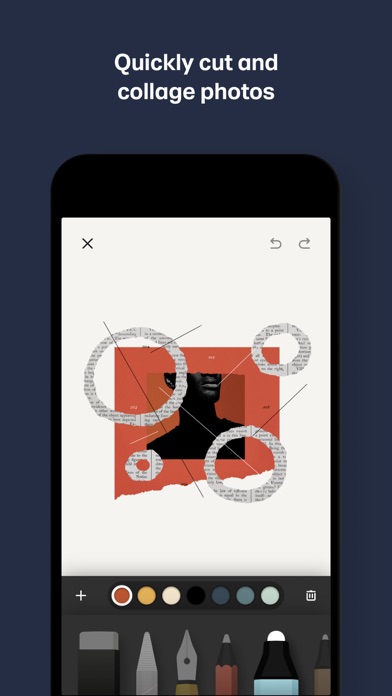
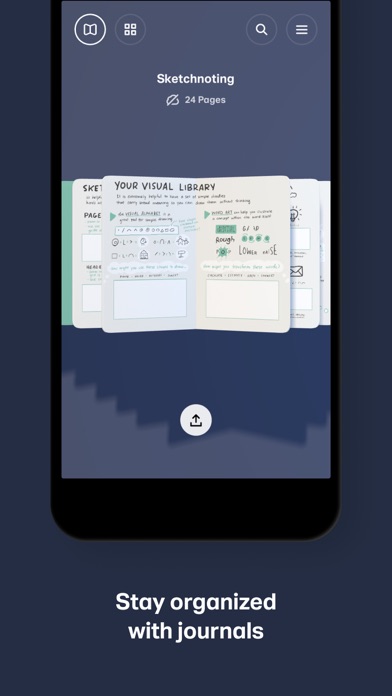
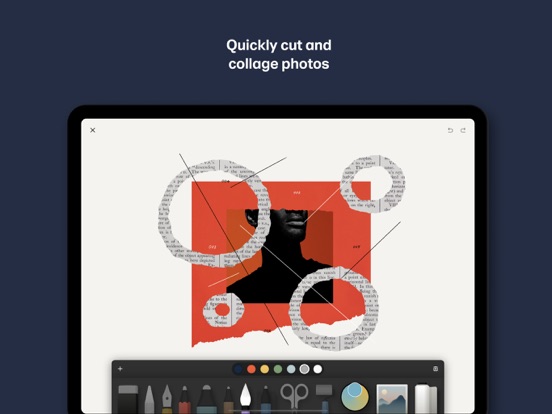
Every shipping app on the App Store has gone through the same decisions you're working through right now: which screenshot goes first, what caption sits over it, which device frame to show, what color the background should be. The 8 screenshots above are Paper's answers to those questions — they're public, they're real, and they made it through Apple's review.
Notice the first screenshot in particular. It's the one users see in search results and on the product page, and it's where most apps spend their best caption and tightest design. Look at the proportion of background to phone, where the text sits, what one thing the image is trying to communicate.
Want to see how other Productivity apps approach the same problem? Browse more Productivity apps in the showcase.
Take what works into your own screenshots
Open LaunchShots and design your App Store & Google Play screenshots — pick a device frame, drop captions, ship in minutes. Free, in your browser.
Open the screenshot editor →