Chart position — tracked daily by LaunchShots
Screenshot style breakdown
Sampled from 5 of まんが王国 - 人気の漫画をじっくり試し読み's App Store screenshots — background, accent and theme, measured by LaunchShots (not something Apple publishes).
#FCD424 bg
#DDBA1F
#2C64C4 accent
#111111 text
Screenshots
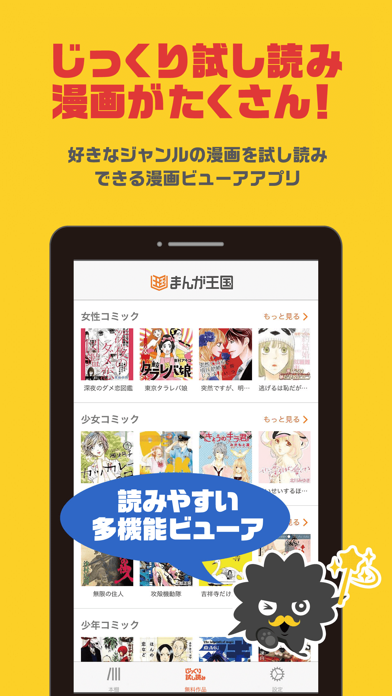

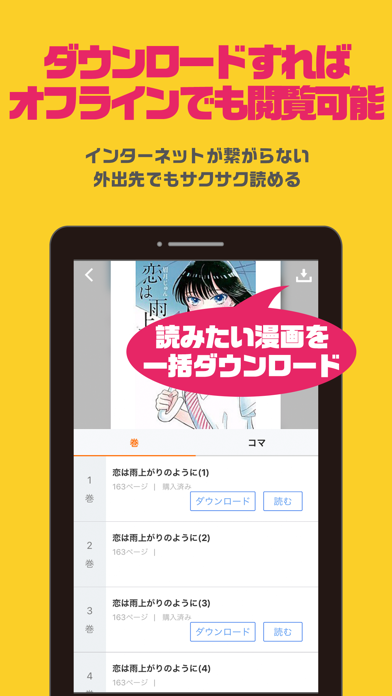
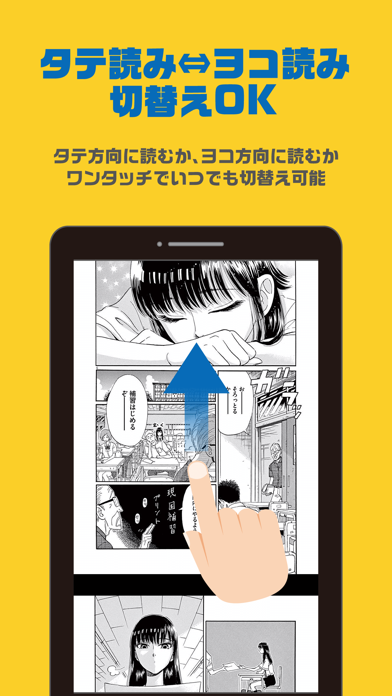
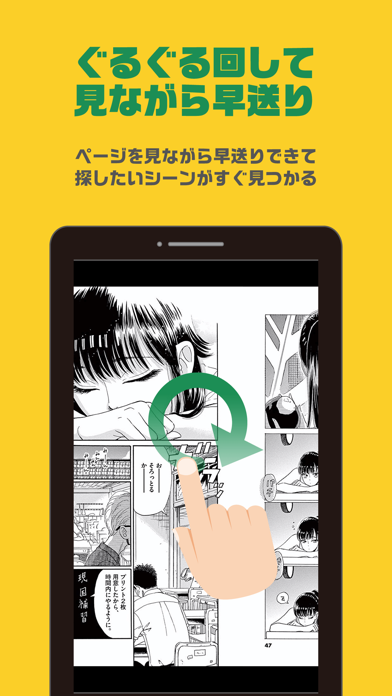
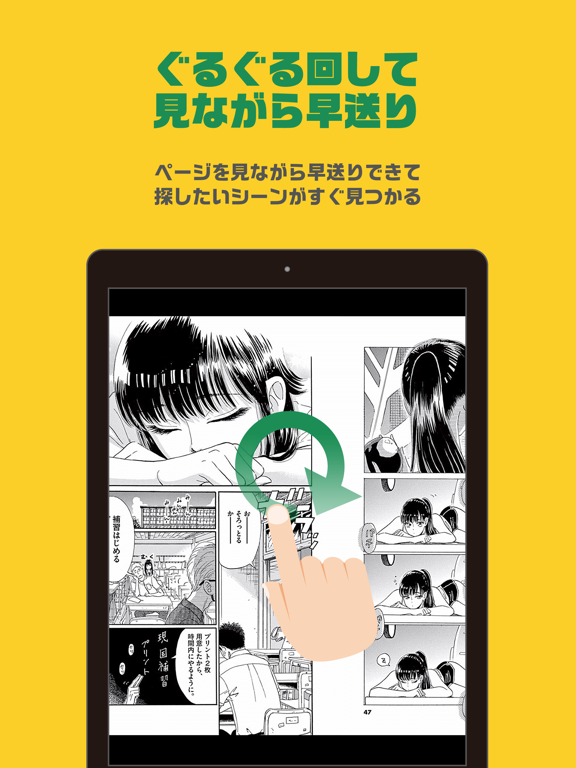
iPad screenshots
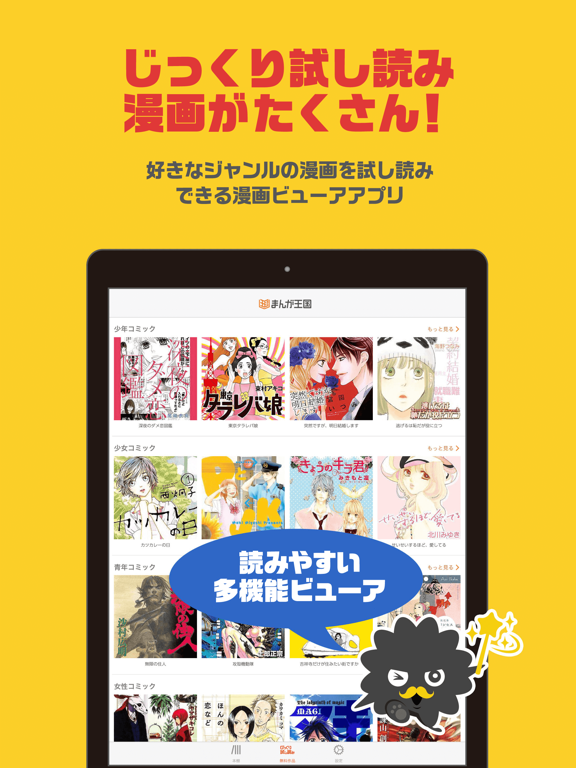
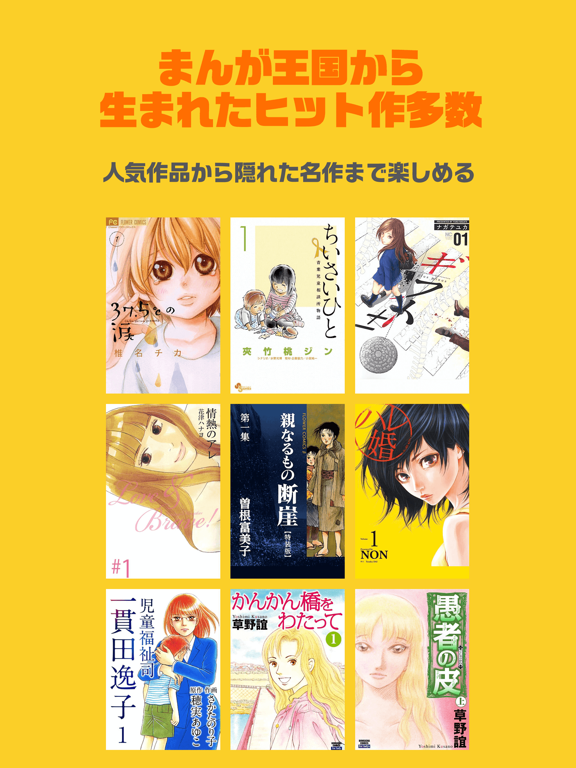
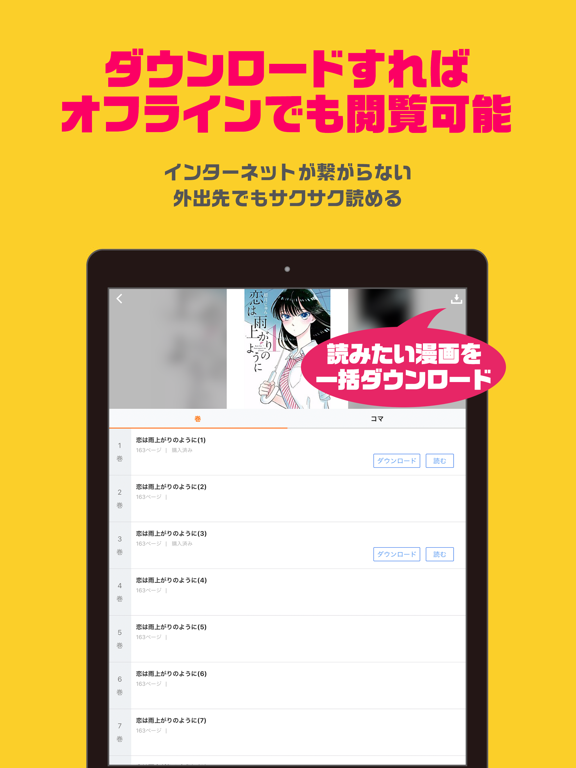
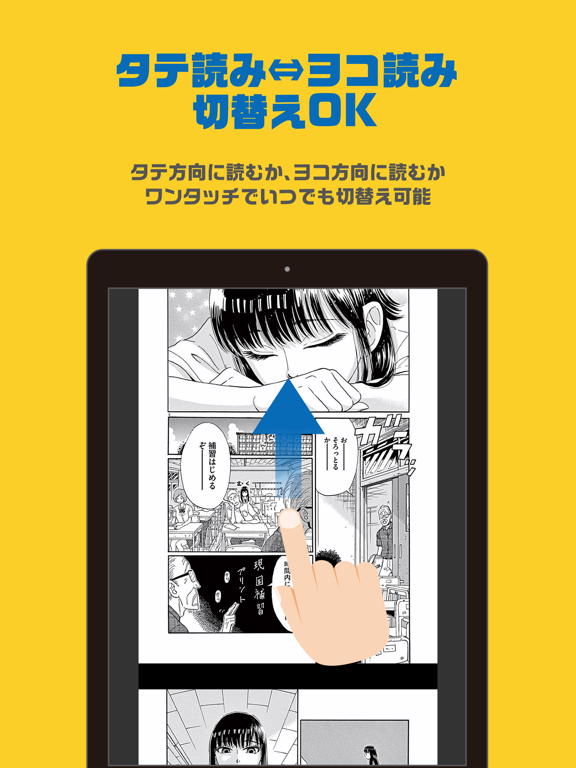
Icon palette
About this app
■このアプリの説明 1.まんが王国アプリとは このアプリは『まんが王国』公式ビューアアプリです。 コミック(漫画)の閲覧時に、このビューアアプリを使用すると、Web上で閲覧するより快適にコミックを閲覧する機能が沢山あります。 2.会員の方はアプリにMy本棚を表示することが出来ます。 会員の方は『まんが王国』サイトから本アプリを起動して本棚を表示することが可能です。 3.外出先などオフラインの状態でも作品を読めます 本棚にある購入済みの作品データを端末にダウンロードすることができます。 あらかじめダウンロードしておくことでインターネットが繋がらない時でも作品を閲覧することができます。 4.アプリ内で作品紹介をします 『まんが王国』では、大ボリュームサンプル『じっくり試し読み』を常時3000タイトル以上、ご用意しています。 本アプリでは、その一部作品を掲載いたします。 5.アプリで会員登録はできません 本アプリは、対応するWebサービスと連携して動作する補助アプリです。 一部の機能(会員登録、ポイント購入、アカウントの管理な…
App details
What you can learn from まんが王国 - 人気の漫画をじっくり試し読み
Every shipping app on the App Store has gone through the same decisions you're working through right now: which screenshot goes first, what caption sits over it, which device frame to show, what color the background should be. The 10 screenshots above are まんが王国 - 人気の漫画をじっくり試し読み's answers to those questions — they're public, they're real, and they made it through Apple's review.
What the numbers say: まんが王国 - 人気の漫画をじっくり試し読み runs a light set with one background colour (#FCD424) carried across every screenshot — the listing reads as a single poster when the shots sit side by side in search results. The accent colour we picked up, #2C64C4, is the one to reuse for badges, arrows and highlighted words if you borrow this look. Hit Use this style to open the editor with these exact colours and drop your own screenshot in.
Notice the first screenshot in particular. It's the one users see in search results and on the product page, and it's where most apps spend their best caption and tightest design. Look at the proportion of background to phone, where the text sits, what one thing the image is trying to communicate.
Want to see how other Book apps approach the same problem? Browse more Book apps in the showcase.
Take what works into your own screenshots
Open LaunchShots and design your App Store & Google Play screenshots — pick a device frame, drop captions, ship in minutes. Free, in your browser.
Open the screenshot editor →Apps with a similar look
Closest background + accent colours among the listings we've analysed — useful when you want to see the same palette handled by a different team.