Chart position — tracked daily by LaunchShots
Screenshot style breakdown
Sampled from 5 of iHighway交通情報's App Store screenshots — background, accent and theme, measured by LaunchShots (not something Apple publishes).
#FCFCFC bg
#DDDDDD
#649CC4 accent
#111111 text
Screenshots
iPad screenshots
Icon palette
About this app
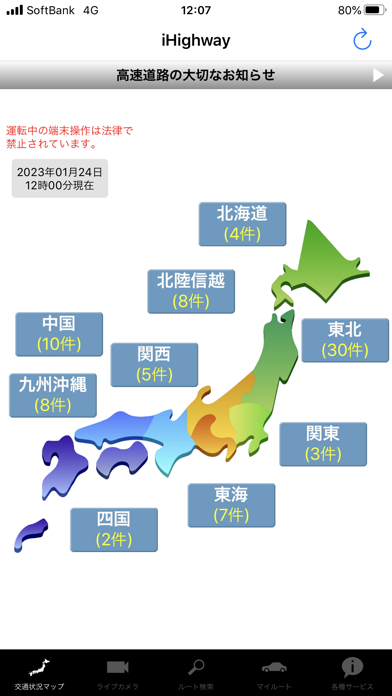
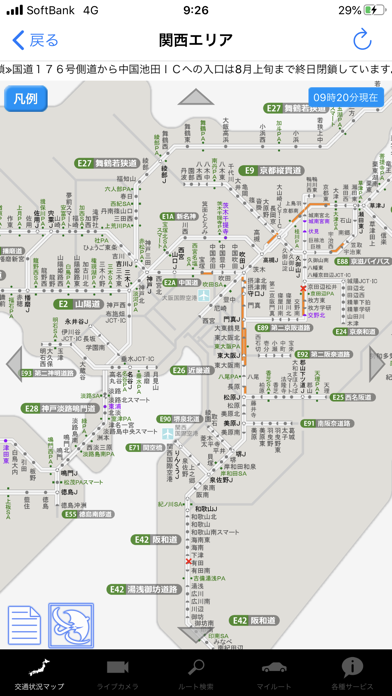
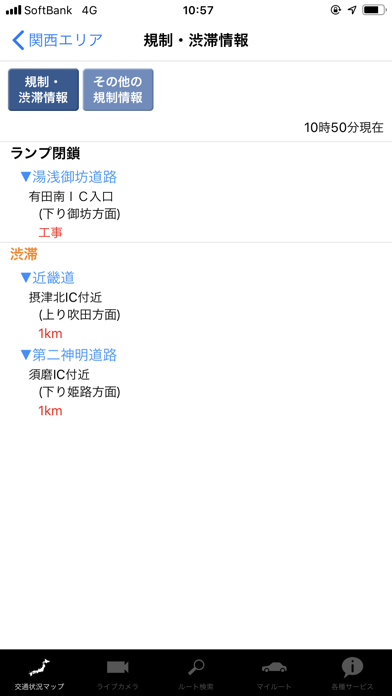
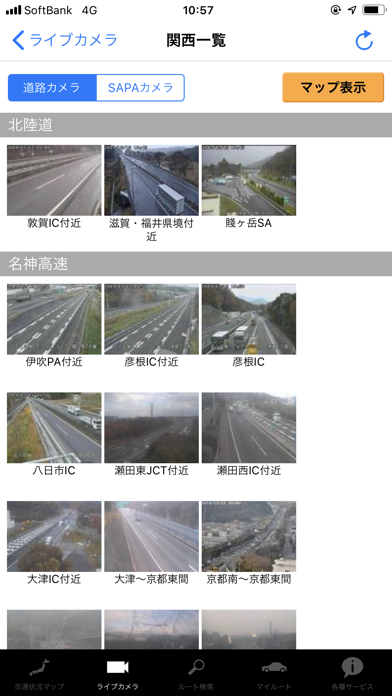
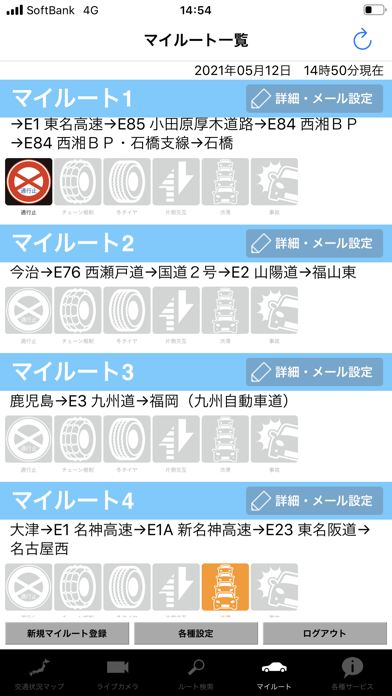
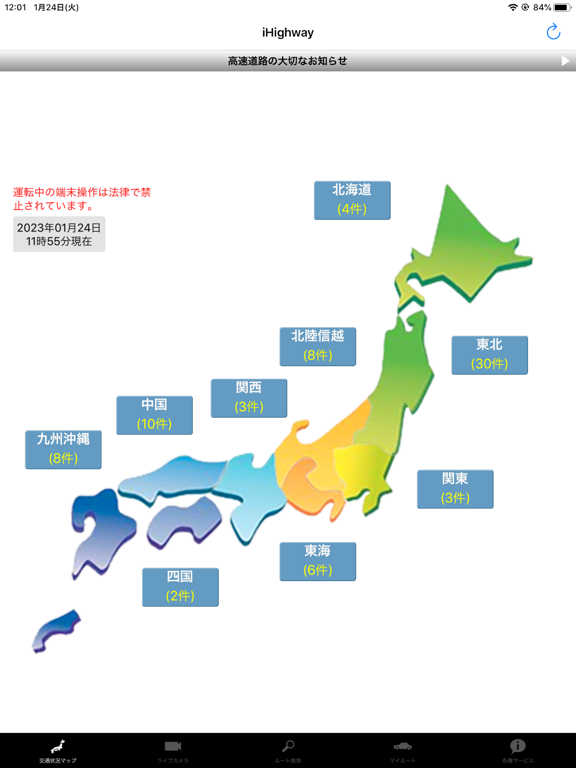
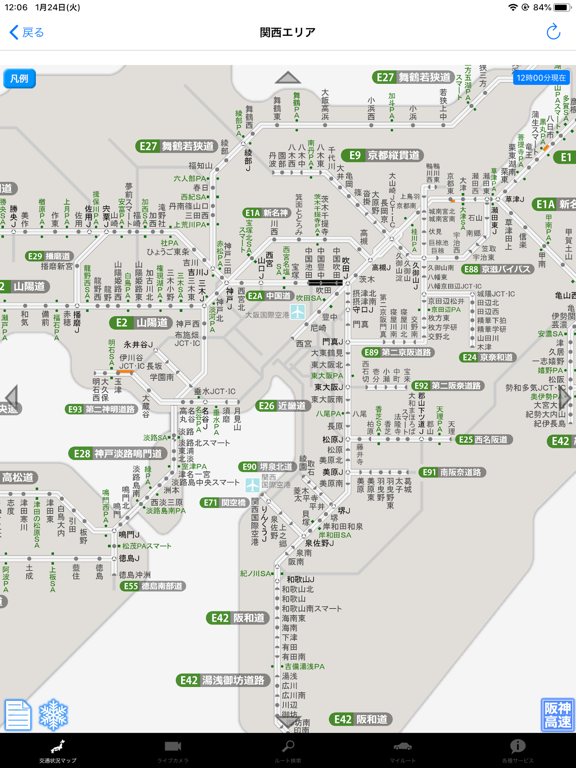
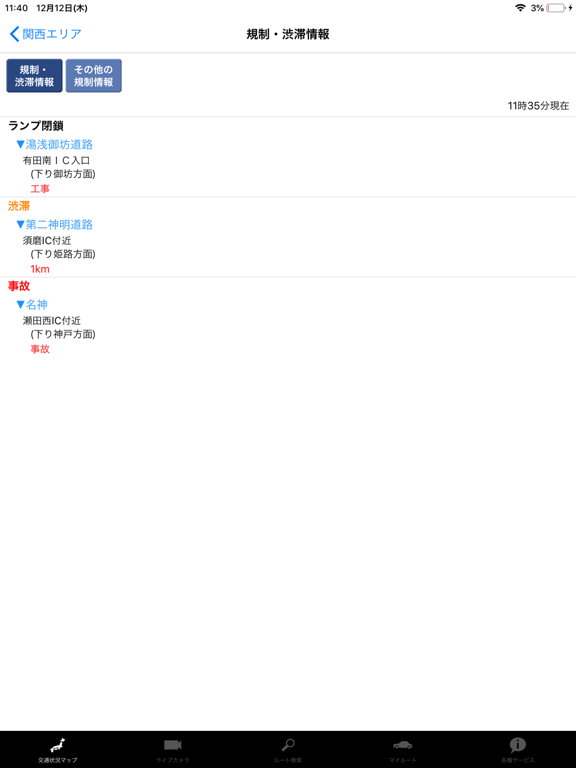
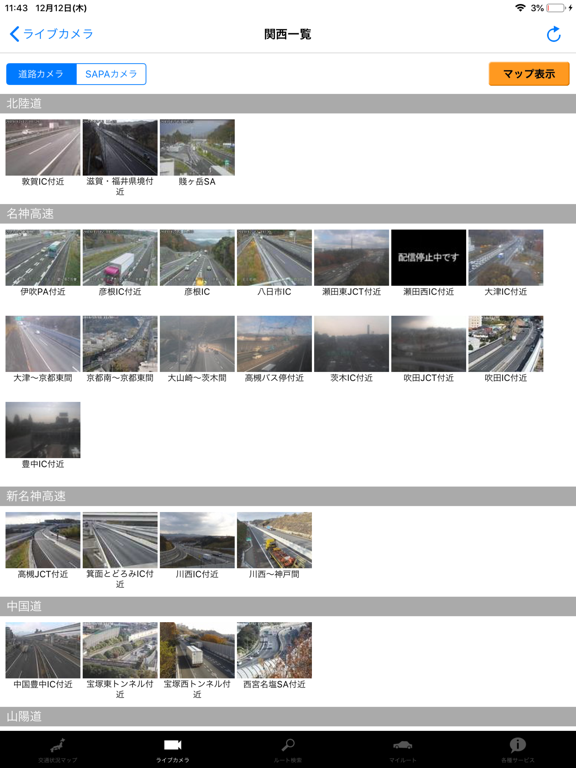
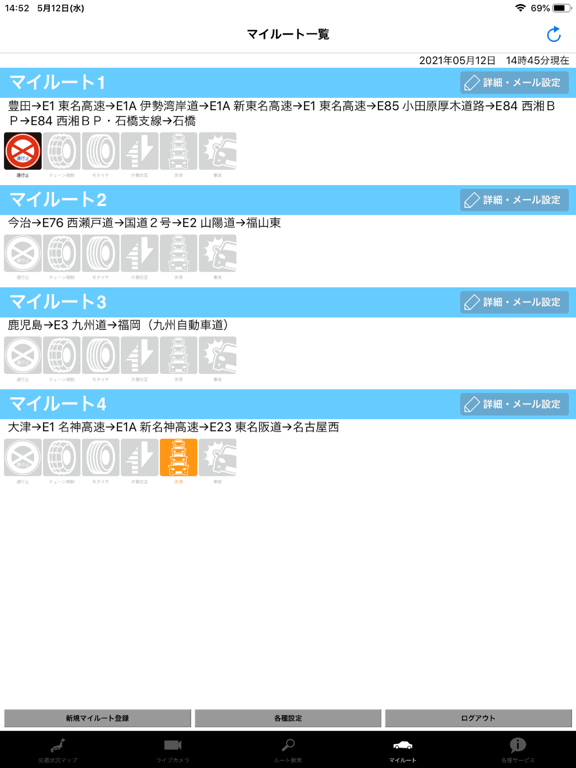
アイハイウェイは、全国の高速道路の交通情報を提供するサービスです。高速道路をご利用いただく際の出発時間、走行ルート、休憩場所の選定などのドライブ計画の検討にお役立て頂くとともに、通行止め発生時などの情報収集にご活用ください。 -------------------- 主な機能 -------------------- ▼交通状況マップ 通行止めや渋滞などの最新交通情報をマップでひと目で確認できます。(情報は5分更新です。) ▼通行止めの解除をメールでお知らせ 気になる通行止めが解除された時にメールを受信できます。 ▼通行止作業情報 通行止め解除に向けた作業状況を確認できます。(NEXCO西日本エリア独自のサービスです。) ▼大雨情報 通行止めや通行規制が実施されるほどの大雨の可能性がある場合、警戒の必要な区間がひと目で確認できます。(NEXCO西日本エリア独自のサービスです。4月中旬から11月中旬まで提供) ▼雪道情報 雪道に特化した交通情報や現在の天気・路面状況を確認できます。(NEXCO西日本エリア独自のサービスです。11月中旬から4月中旬まで提供:冬季限定 …
App details
What you can learn from iHighway交通情報
Every shipping app on the App Store has gone through the same decisions you're working through right now: which screenshot goes first, what caption sits over it, which device frame to show, what color the background should be. The 10 screenshots above are iHighway交通情報's answers to those questions — they're public, they're real, and they made it through Apple's review.
What the numbers say: iHighway交通情報 runs a light set with one background colour (#FCFCFC) carried across every screenshot — the listing reads as a single poster when the shots sit side by side in search results. The accent colour we picked up, #649CC4, is the one to reuse for badges, arrows and highlighted words if you borrow this look. Hit Use this style to open the editor with these exact colours and drop your own screenshot in.
Notice the first screenshot in particular. It's the one users see in search results and on the product page, and it's where most apps spend their best caption and tightest design. Look at the proportion of background to phone, where the text sits, what one thing the image is trying to communicate.
Want to see how other Navigation apps approach the same problem? Browse more Navigation apps in the showcase.
Take what works into your own screenshots
Open LaunchShots and design your App Store & Google Play screenshots — pick a device frame, drop captions, ship in minutes. Free, in your browser.
Open the screenshot editor →Apps with a similar look
Closest background + accent colours among the listings we've analysed — useful when you want to see the same palette handled by a different team.