Chart position — tracked daily by LaunchShots
Screenshot style breakdown
Sampled from 4 of 安徽农金手机银行's App Store screenshots — background, accent and theme, measured by LaunchShots (not something Apple publishes).
#FCFCFC bg
#DDDDDD
#F45C64 accent
#111111 text
Screenshots

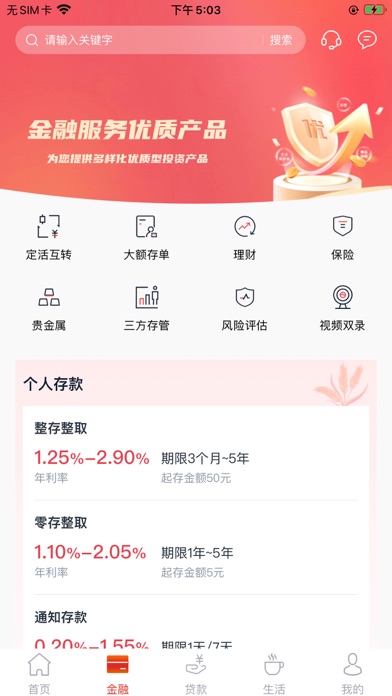
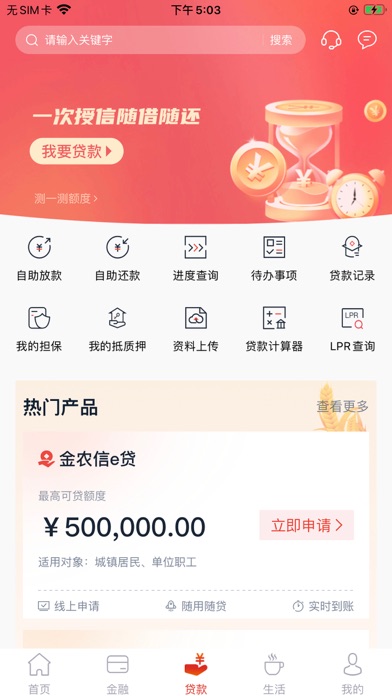

iPad screenshots


Icon palette
About this app
安徽农信手机银行5.0焕新升级,为客户打造亲民、便民、惠民的一站式线上金融和生活服务综合平台,提供7*24小时全天候贴心服务。您可以通过手机银行自助注册、“个人网银专业版”或到营业网点开通手机银行服务,开始您高效的移动金融生活。 产品特色:提供转账汇款、账户管理、交易明细查询、电子回单、消息提醒实时推送、无卡取款等账户服务功能;实现了理财、大额存单、保险、定活互转、三方存管等多样化金融产品;可通过线上申请贷款,实现自助放款、自助还款、抵质押管理、授信合同和借据查询等信贷服务;支持信用卡账单查询、我要还款、信用卡管理、惠消费、惠分单、惠提现、惠借钱、预借现金、物流查询、快速挂失、闪电补卡等信用卡功能;提供生活缴费、信e生活、乘车码等多元化生活服务场景;打通权益,拓展了红包、卡券、积分种类及应用范围,实现客户权益最大化;采用蓝牙Key、云证通和人脸识别等安全认证和生物识别技术,为客户资金安全和信息安全提供可靠保障。
App details
What you can learn from 安徽农金手机银行
Every shipping app on the App Store has gone through the same decisions you're working through right now: which screenshot goes first, what caption sits over it, which device frame to show, what color the background should be. The 8 screenshots above are 安徽农金手机银行's answers to those questions — they're public, they're real, and they made it through Apple's review.
What the numbers say: 安徽农金手机银行 runs a light set with one background colour (#FCFCFC) carried across every screenshot — the listing reads as a single poster when the shots sit side by side in search results. The accent colour we picked up, #F45C64, is the one to reuse for badges, arrows and highlighted words if you borrow this look. Hit Use this style to open the editor with these exact colours and drop your own screenshot in.
Notice the first screenshot in particular. It's the one users see in search results and on the product page, and it's where most apps spend their best caption and tightest design. Look at the proportion of background to phone, where the text sits, what one thing the image is trying to communicate.
Want to see how other Finance apps approach the same problem? Browse more Finance apps in the showcase.
Take what works into your own screenshots
Open LaunchShots and design your App Store & Google Play screenshots — pick a device frame, drop captions, ship in minutes. Free, in your browser.
Open the screenshot editor →Apps with a similar look
Closest background + accent colours among the listings we've analysed — useful when you want to see the same palette handled by a different team.