Screenshots


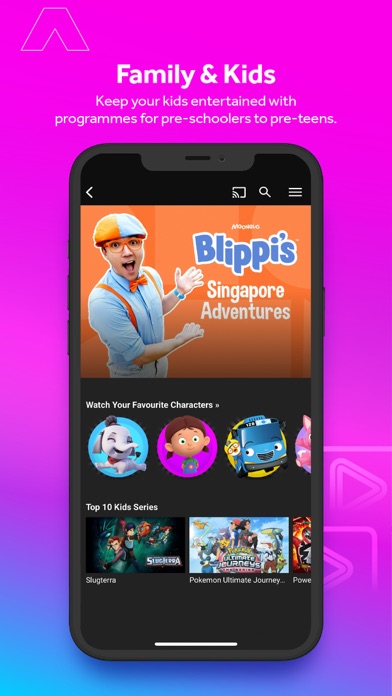
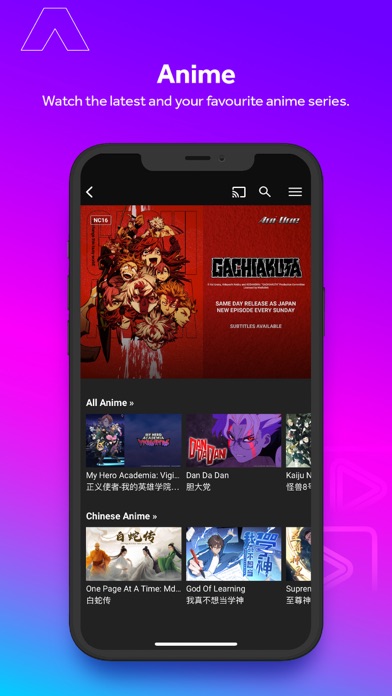
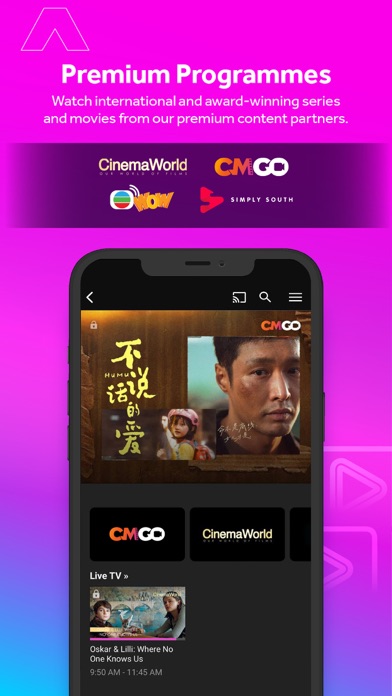

Icon palette
About this app
mewatch – Free Live TV, Movies, Dramas & More mewatch is Singapore’s all-in-one video streaming app for free and premium entertainment anytime, anywhere. Watch LIVE TV, on-demand dramas, movies, news, sports, anime, kids’ shows and more in multiple languages — English, Chinese, Malay, Tamil, Korean, Thai, Hindi and more. Why You’ll Love mewatch Latest & Classic Dramas – Binge Mediacorp originals and top series from China, Taiwan, Hong Kong, India, Indonesia and more. Free LIVE TV Channels – Stream Mediacorp’s Channel 5, Channel 8, Channel U, Suria, Vasantham and CNA, plus other free channels across music, entertainment, lifestyle and more. Movies for Every Mood – From Hollywood blockbusters to Bollywood hits and regional gems. Stay Informed – Live and on-demand news from Singapore, Asia and around the world. Anime & Kids’ Zone – Watch same-day anime with English subtitles, plus sa…
App details
What you can learn from mewatch - Video | Movies | TV
Every shipping app on the App Store has gone through the same decisions you're working through right now: which screenshot goes first, what caption sits over it, which device frame to show, what color the background should be. The 8 screenshots above are mewatch - Video | Movies | TV's answers to those questions — they're public, they're real, and they made it through Apple's review.
Notice the first screenshot in particular. It's the one users see in search results and on the product page, and it's where most apps spend their best caption and tightest design. Look at the proportion of background to phone, where the text sits, what one thing the image is trying to communicate.
Want to see how other Entertainment apps approach the same problem? Browse more Entertainment apps in the showcase.
Take what works into your own screenshots
Open LaunchShots and design your App Store & Google Play screenshots — pick a device frame, drop captions, ship in minutes. Free, in your browser.
Open the screenshot editor →