Chart position — tracked daily by LaunchShots
Screenshot style breakdown
Sampled from 5 of SMART BOAT DATA24's App Store screenshots — background, accent and theme, measured by LaunchShots (not something Apple publishes).
#040404 bg
#272727
#443494 accent
#FFFFFF text
Screenshots
Icon palette
About this app
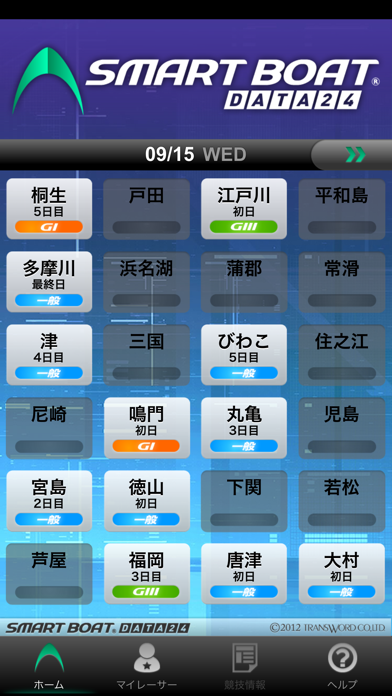
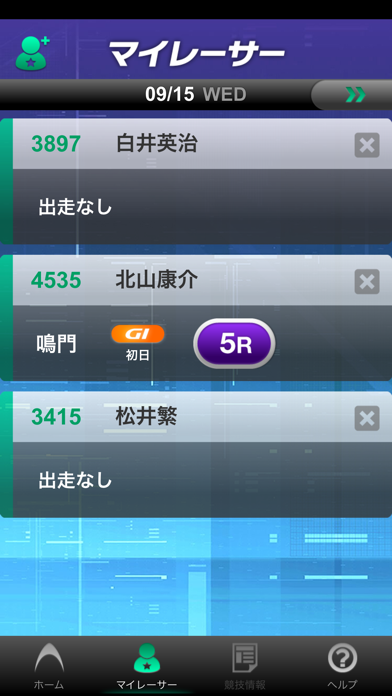
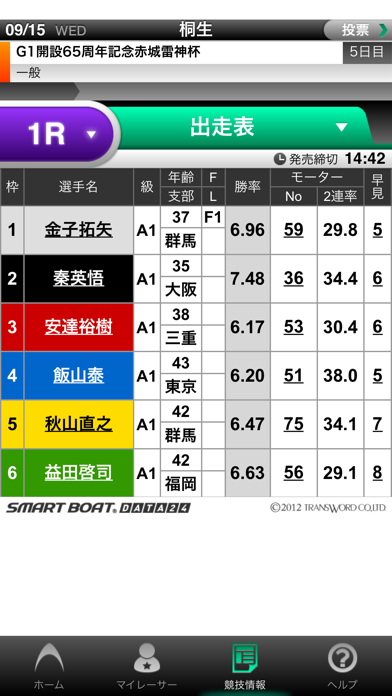
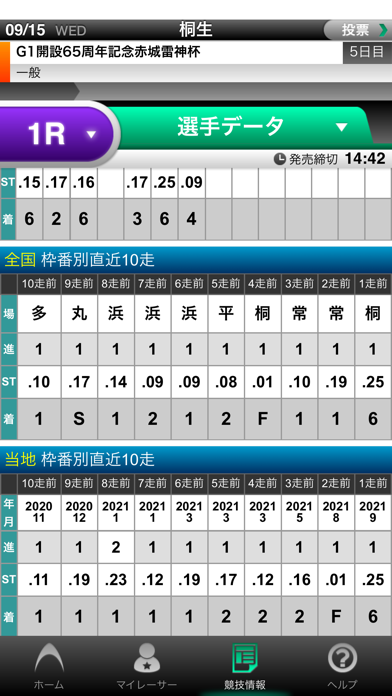
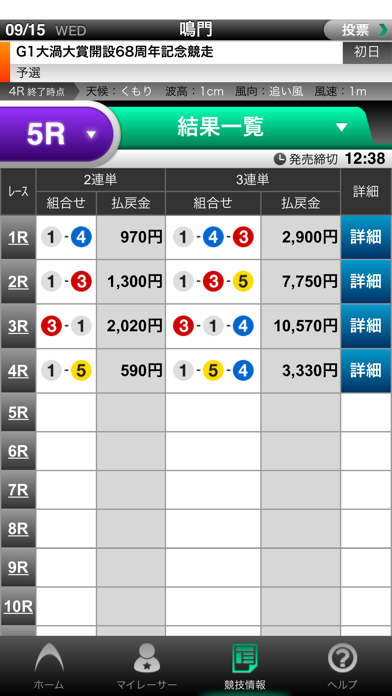
SMART BOAT DATA24は、全国24ボートレース場の競技情報がご覧いただける無料アプリです。 出走表やオッズ、結果などはもちろん、その他にもボートレースファン待望のデータを一挙搭載。シンプルな操作で知りたい情報にすぐアプローチでき、スマート&強力にボートレース予想をバックアップします。 【対応OS】---------------------------- iOS 16.0以上 ※ただし、機種によっては正常にご利用いただけない場合があります。 【サービス概要】---------------------------- ・当日および翌日の情報がご覧いただけます。 ・ホーム画面の場ボタンは、12R終了まではシルバー、12R終了後(途中中止含む)はブルー、非開催(全日中止含む)はノンアクティブとなります。 ・ホーム画面の場ボタンより、1R開始までは1Rの出走表、発売中は発売中の出走表、レース終了後は結果一覧にリンクします。 =================================== ■マイレーサーについて マイレーサーは、あらかじめ登録しておいた選手(最大15名)の出走表/結果にダイレクトにアクセスできる機…
App details
What you can learn from SMART BOAT DATA24
Every shipping app on the App Store has gone through the same decisions you're working through right now: which screenshot goes first, what caption sits over it, which device frame to show, what color the background should be. The 5 screenshots above are SMART BOAT DATA24's answers to those questions — they're public, they're real, and they made it through Apple's review.
What the numbers say: SMART BOAT DATA24 runs a mixed light-and-dark set where the background shifts from screenshot to screenshot (first shot #040404) — each image has to stand on its own, so the captions carry more of the story. The accent colour we picked up, #443494, is the one to reuse for badges, arrows and highlighted words if you borrow this look. Hit Use this style to open the editor with these exact colours and drop your own screenshot in.
Notice the first screenshot in particular. It's the one users see in search results and on the product page, and it's where most apps spend their best caption and tightest design. Look at the proportion of background to phone, where the text sits, what one thing the image is trying to communicate.
Want to see how other Sports apps approach the same problem? Browse more Sports apps in the showcase.
Take what works into your own screenshots
Open LaunchShots and design your App Store & Google Play screenshots — pick a device frame, drop captions, ship in minutes. Free, in your browser.
Open the screenshot editor →Apps with a similar look
Closest background + accent colours among the listings we've analysed — useful when you want to see the same palette handled by a different team.