Chart position — tracked daily by LaunchShots
Screenshot style breakdown
Sampled from 5 of キョリ測 - 自由なルートをすばやく作成's App Store screenshots — background, accent and theme, measured by LaunchShots (not something Apple publishes).
#3474B4 bg
#5087BE
#ACCC6C accent
#FFFFFF text
Screenshots
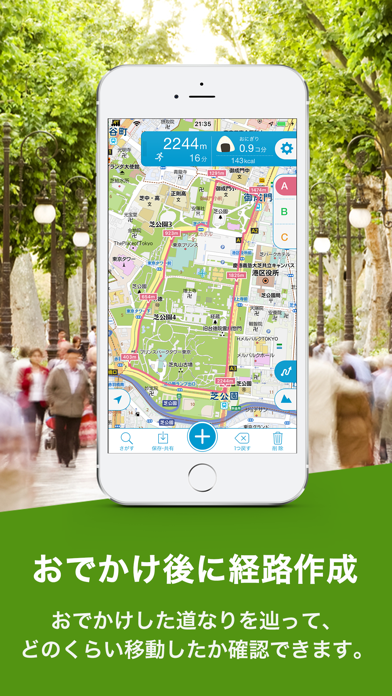
iPad screenshots
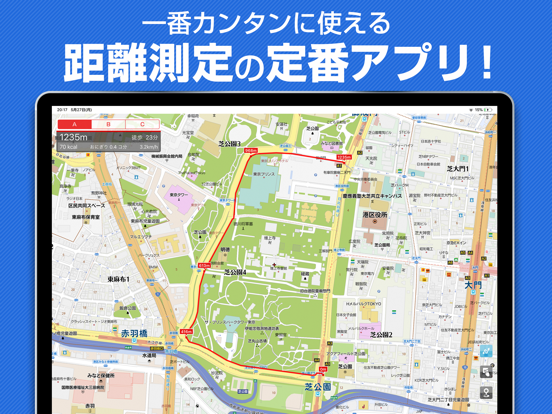
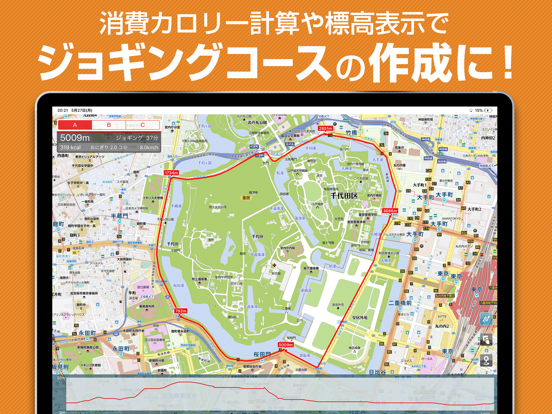
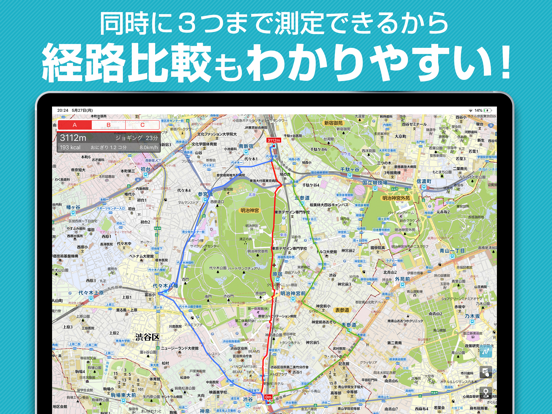
Icon palette
About this app
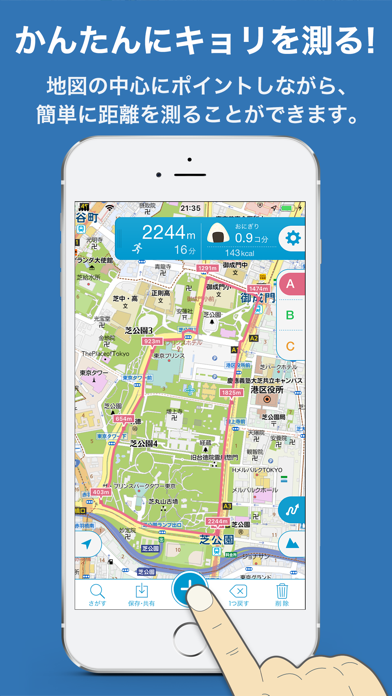
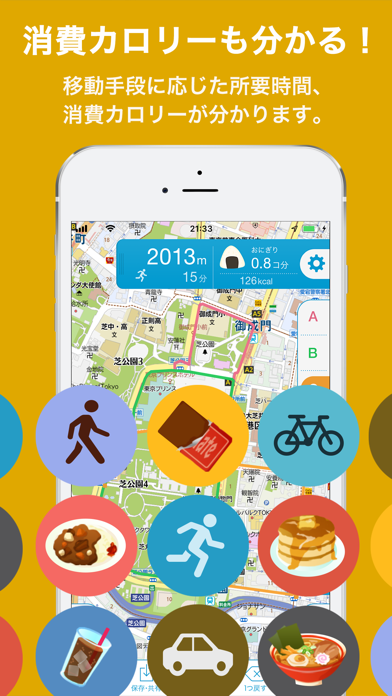
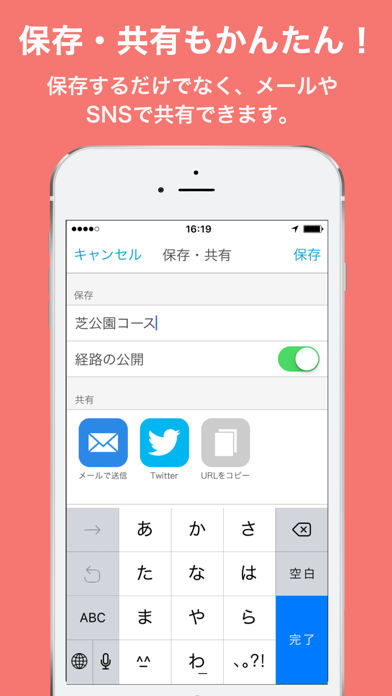
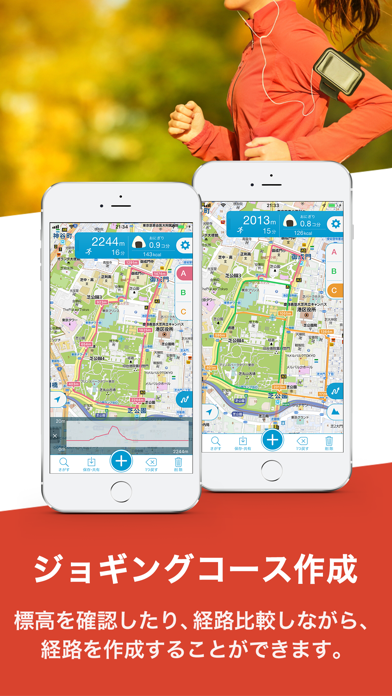
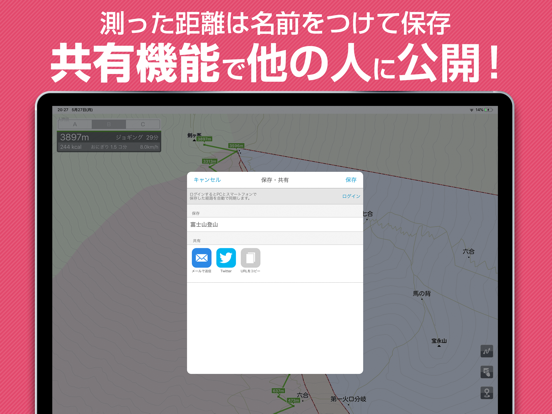
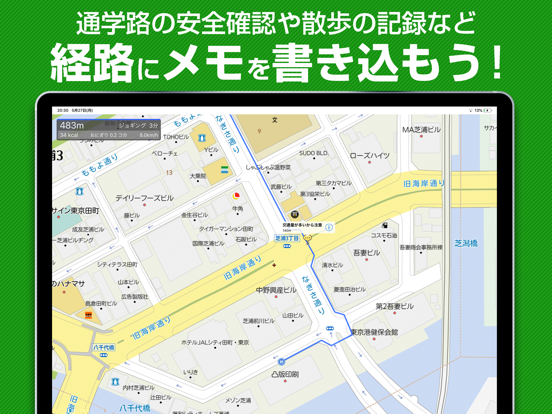
地図をタップしたり、なぞったり。自由にルートを作成できる距離計測アプリの決定版! ◎キョリ測のおすすめポイント ・豊富な計測パターンで簡単にルートが作成できる ・ルートの距離、ルートの距離、所要時間を正確に表示 ・標高表示でルート全体の高低差がわかる ・気になる情報はルートにメモが追加できる ・作成したルートを保存・共有できる ***主な利用シーン*** ------------------------- ■毎日の健康管理に - ジョギング/ウォーキング 移動距離を消費カロリーに換算。健康管理やダイエットにも活躍します。 ■毎日のお仕事に - 外出・出張の移動時に 外出前に効率の良いルートを作成。移動時間の目安が立てられるので安心です。 ■休日の趣味に - 登山・ハイキング 標高やルートの高低差が確認できます。歩く速度を変更すれば、お子様の足での移動時間も測定できます。 - サイクリング 坂道の勾配も視覚的にわかるので快適ルートが探せます。 ■新生活に - 住まい探し 駅やコンビニなど周辺のスポットまでの距離も簡単に測定できます。 - 通勤・通学 住宅…
App details
What you can learn from キョリ測 - 自由なルートをすばやく作成
Every shipping app on the App Store has gone through the same decisions you're working through right now: which screenshot goes first, what caption sits over it, which device frame to show, what color the background should be. The 10 screenshots above are キョリ測 - 自由なルートをすばやく作成's answers to those questions — they're public, they're real, and they made it through Apple's review.
What the numbers say: キョリ測 - 自由なルートをすばやく作成 runs a mixed light-and-dark set where the background shifts from screenshot to screenshot (first shot #3474B4) — each image has to stand on its own, so the captions carry more of the story. The accent colour we picked up, #ACCC6C, is the one to reuse for badges, arrows and highlighted words if you borrow this look. Hit Use this style to open the editor with these exact colours and drop your own screenshot in.
Notice the first screenshot in particular. It's the one users see in search results and on the product page, and it's where most apps spend their best caption and tightest design. Look at the proportion of background to phone, where the text sits, what one thing the image is trying to communicate.
Want to see how other Navigation apps approach the same problem? Browse more Navigation apps in the showcase.
Take what works into your own screenshots
Open LaunchShots and design your App Store & Google Play screenshots — pick a device frame, drop captions, ship in minutes. Free, in your browser.
Open the screenshot editor →Apps with a similar look
Closest background + accent colours among the listings we've analysed — useful when you want to see the same palette handled by a different team.