Chart position — tracked daily by LaunchShots
Screenshot style breakdown
Sampled from 5 of 千牛's App Store screenshots — background, accent and theme, measured by LaunchShots (not something Apple publishes).
#F4F4FC bg
#D6D6DD
#3C7CFC accent
#111111 text
Screenshots

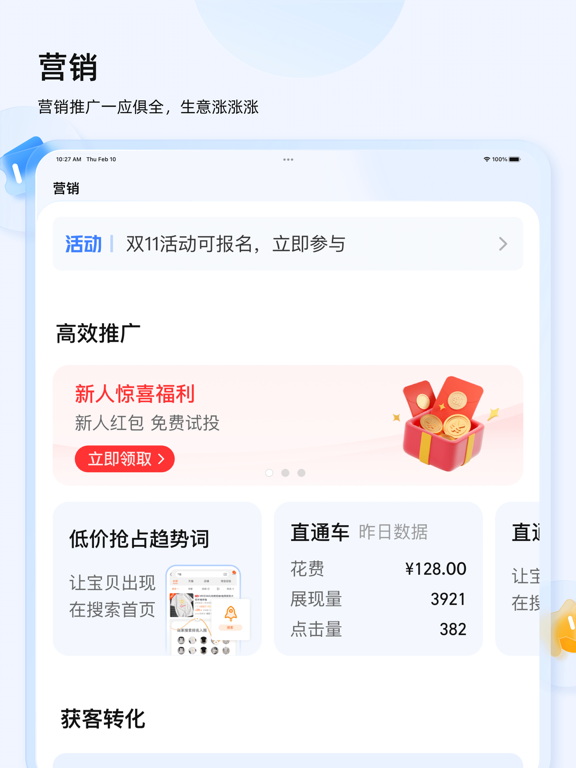
iPad screenshots
Icon palette
About this app
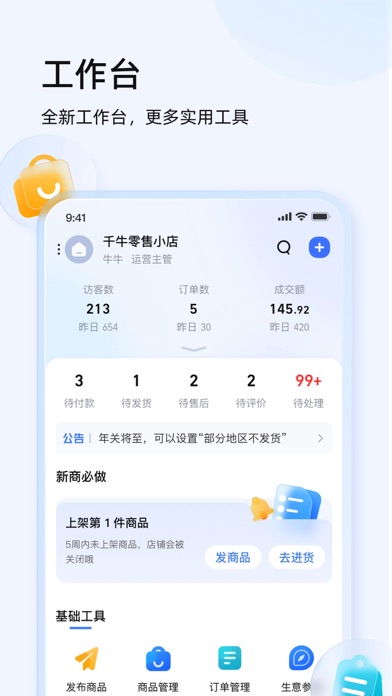
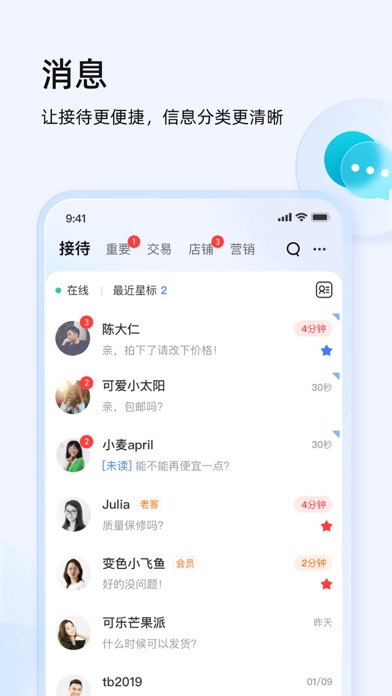
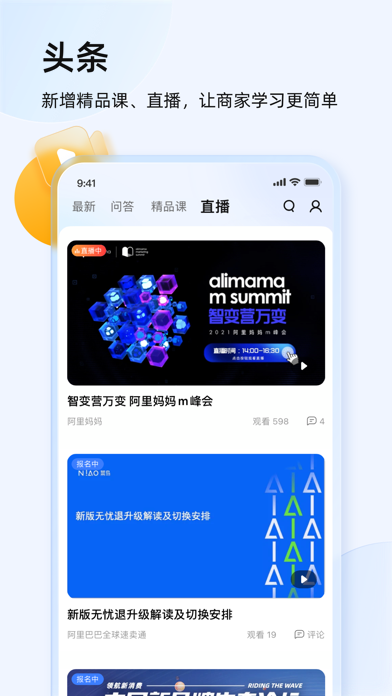
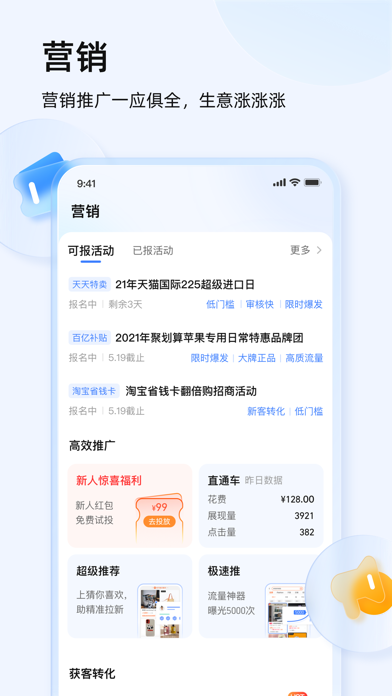
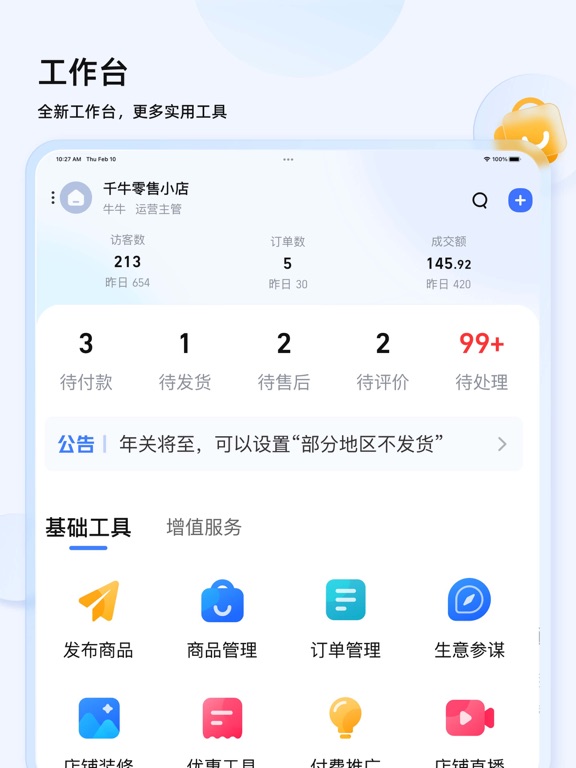
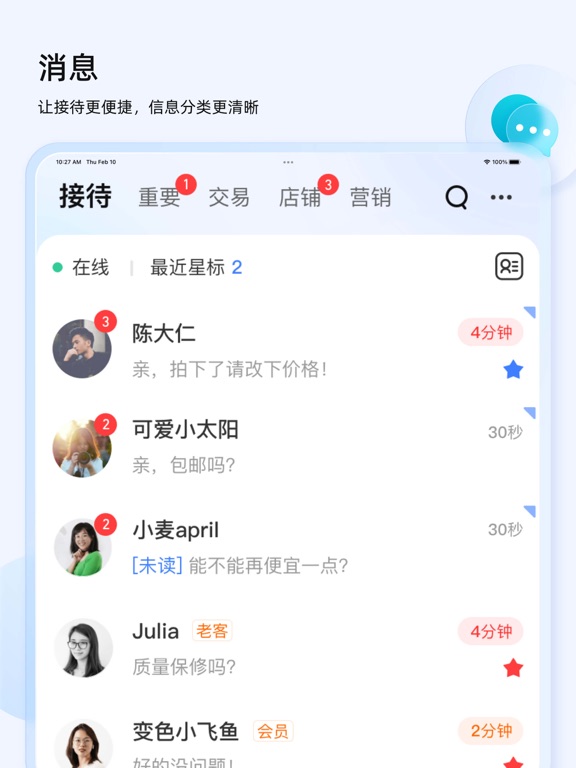
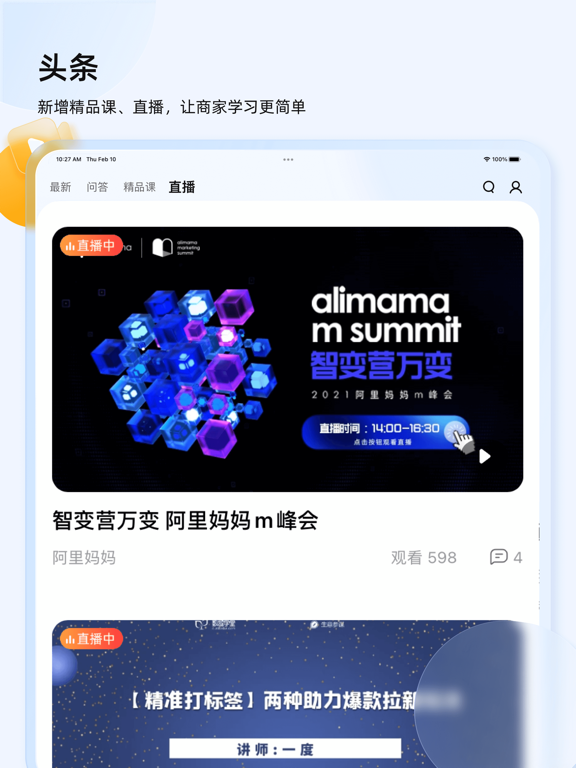
2021年千牛9.0全新发布,0元极速开店。淘宝天猫商家一站式店铺管理工作台,千万商家都在使用。 更多官方工具,等您解锁体验。 【全新工作台】 ● 工作台下拉查看全店经营数据,按需添加关注指标,长按还可以自定义指标排序 ● 店铺经营建议推荐,助力商家掌握经营技巧 ● 新增大量官方工具,全免费开放使用:商品管理、订单管理、评价管理、活动报名、优惠券… 【更多官方工具】 新版本千牛APP新增大量功能齐备的官方能力: 1、商品管理工具 ● 支持扫码或拍照发布宝贝,智能抠图提升发布效率 ● 从图片空间选图发布,PC手机无缝衔接 ● 随时保存草稿,误操作也不怕啦 ● 一键发同款、快速设置多规格、批量设置价格库存,批量上下架,大幅提升手机管理效率 ● 复制宝贝链接,分享宝贝给旺旺好友,满足您的推广需求 2、订单管理工具(天猫商家即将开放) ● 待付款订单支持备注、改价、关闭 ● 待发货订单支持扫码发货、改地址,对于多SKU订单,还支持拆分多个包裹发货、修改物流单号 ● 售后订单可以在手机端操作同意或拒绝,还可以延长收货时间、申请客服介入、查看协商历史 3…
App details
What you can learn from 千牛
Every shipping app on the App Store has gone through the same decisions you're working through right now: which screenshot goes first, what caption sits over it, which device frame to show, what color the background should be. The 10 screenshots above are 千牛's answers to those questions — they're public, they're real, and they made it through Apple's review.
What the numbers say: 千牛 runs a light set with one background colour (#F4F4FC) carried across every screenshot — the listing reads as a single poster when the shots sit side by side in search results. The accent colour we picked up, #3C7CFC, is the one to reuse for badges, arrows and highlighted words if you borrow this look. Hit Use this style to open the editor with these exact colours and drop your own screenshot in.
Notice the first screenshot in particular. It's the one users see in search results and on the product page, and it's where most apps spend their best caption and tightest design. Look at the proportion of background to phone, where the text sits, what one thing the image is trying to communicate.
Want to see how other Business apps approach the same problem? Browse more Business apps in the showcase.
Take what works into your own screenshots
Open LaunchShots and design your App Store & Google Play screenshots — pick a device frame, drop captions, ship in minutes. Free, in your browser.
Open the screenshot editor →Apps with a similar look
Closest background + accent colours among the listings we've analysed — useful when you want to see the same palette handled by a different team.