Screenshot style breakdown
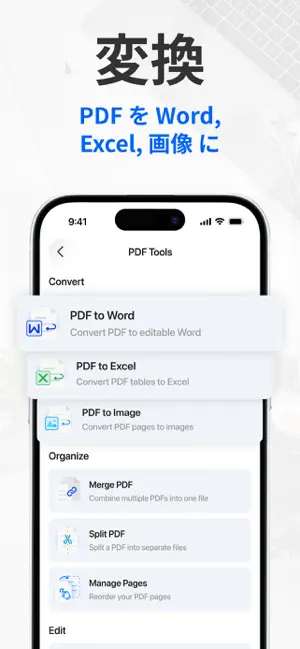
Sampled from 5 of Tiny Scanner: スキャン、PDF変換、OCR's App Store screenshots — background, accent and theme, measured by LaunchShots (not something Apple publishes).
#F4F4F4 bg
#D6D6D6
#2464CC accent
#111111 text
Screenshots
Icon palette
About this app
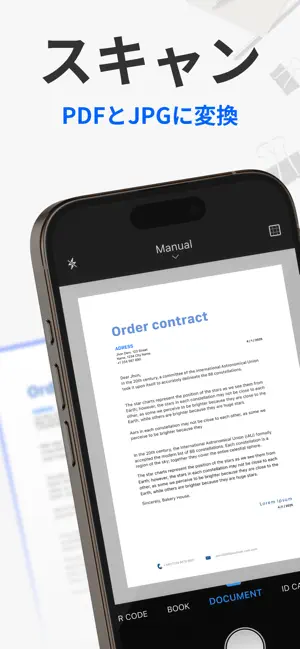
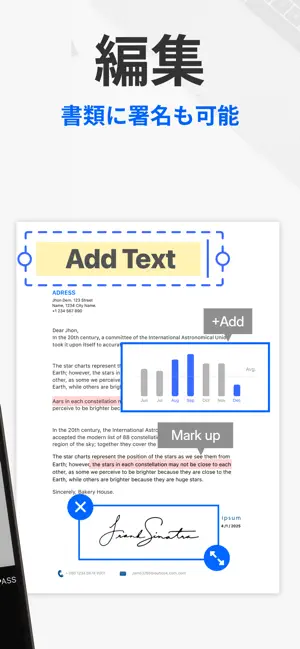
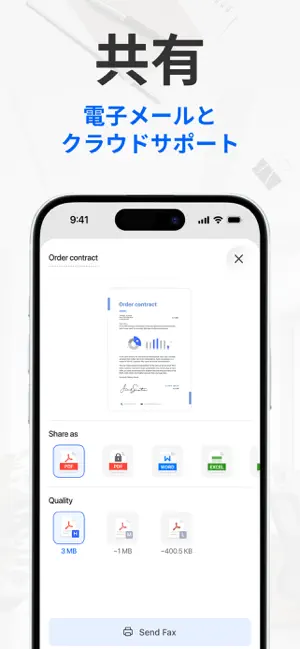
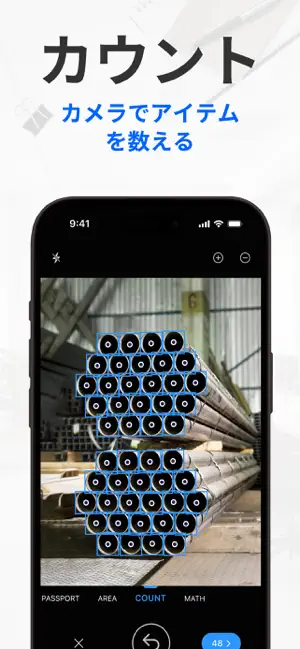
世界中で1000万人以上に10年以上支持されています。 シンプルで速く、プロ仕様。高齢者から学生まで、IDからメモまで、誰でも数秒で完璧なスキャンが可能です。 書類をスキャンしてPDFに変換し、豊富な編集ツールで必要な操作をすべて手元で完結できます。 Tiny Scannerでできること: スムーズなスキャンワークフロー; - AIによる境界検出で自動スキャン; - 複数ページの書類を効率的に処理するバッチスキャン; - あらゆるスキャンニーズに対応するプロフェッショナルフィルター; - ファイルサイズの圧縮と、複数の方法での共有に対応。 複数のスキャンモード - パスポート、ID、運転免許証を安全にスキャン; - QRコードの内容を自動認識しリンクを開く; - 物体の長さを測定し、面積を自動計算; - 同一物体を自動認識し合計数をカウント; - 数学の問題を認識し、結果を瞬時に表示。 充実したPDF編集ツール - スキャンした署名や直接署名に対応した文書署名; - スキャン文書にテキスト、画像、図形を追加; - PDFに日付、フッター、ページ番号を追加…
App details
What you can learn from Tiny Scanner: スキャン、PDF変換、OCR
Every shipping app on the App Store has gone through the same decisions you're working through right now: which screenshot goes first, what caption sits over it, which device frame to show, what color the background should be. The 5 screenshots above are Tiny Scanner: スキャン、PDF変換、OCR's answers to those questions — they're public, they're real, and they made it through Apple's review.
What the numbers say: Tiny Scanner: スキャン、PDF変換、OCR runs a light set with one background colour (#F4F4F4) carried across every screenshot — the listing reads as a single poster when the shots sit side by side in search results. The accent colour we picked up, #2464CC, is the one to reuse for badges, arrows and highlighted words if you borrow this look. Hit Use this style to open the editor with these exact colours and drop your own screenshot in.
Notice the first screenshot in particular. It's the one users see in search results and on the product page, and it's where most apps spend their best caption and tightest design. Look at the proportion of background to phone, where the text sits, what one thing the image is trying to communicate.
Want to see how other Business apps approach the same problem? Browse more Business apps in the showcase.
Take what works into your own screenshots
Open LaunchShots and design your App Store & Google Play screenshots — pick a device frame, drop captions, ship in minutes. Free, in your browser.
Open the screenshot editor →Apps with a similar look
Closest background + accent colours among the listings we've analysed — useful when you want to see the same palette handled by a different team.