Screenshot style breakdown
Sampled from 4 of BeadsDesign's App Store screenshots — background, accent and theme, measured by LaunchShots (not something Apple publishes).
#040404 bg
#272727
#0404FC accent
#FFFFFF text
Screenshots
iPad screenshots
Icon palette
About this app
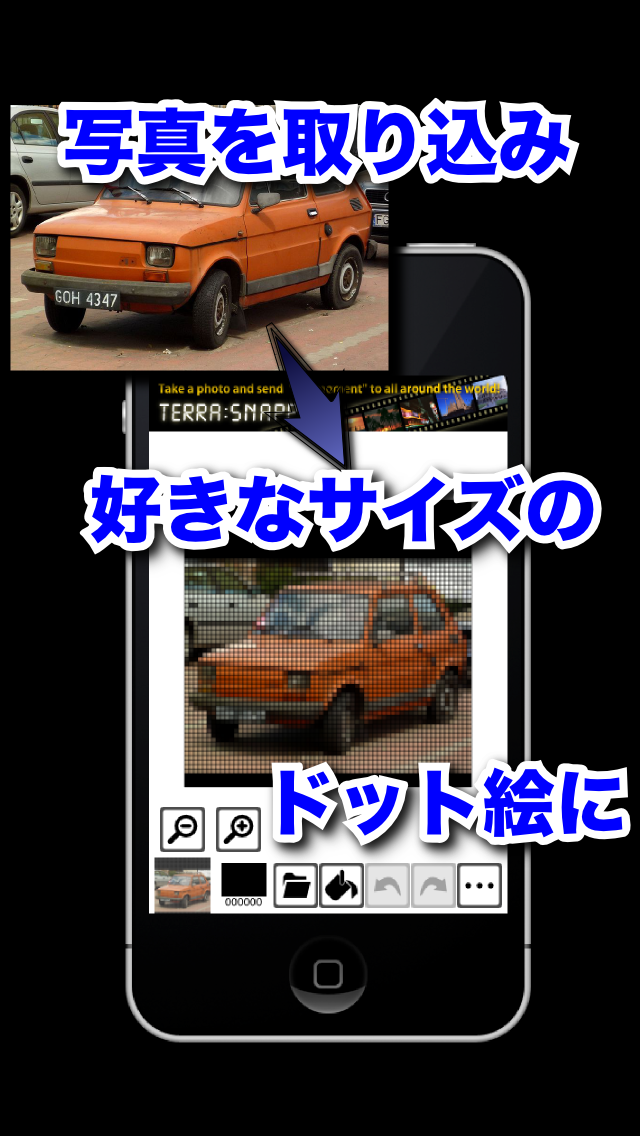
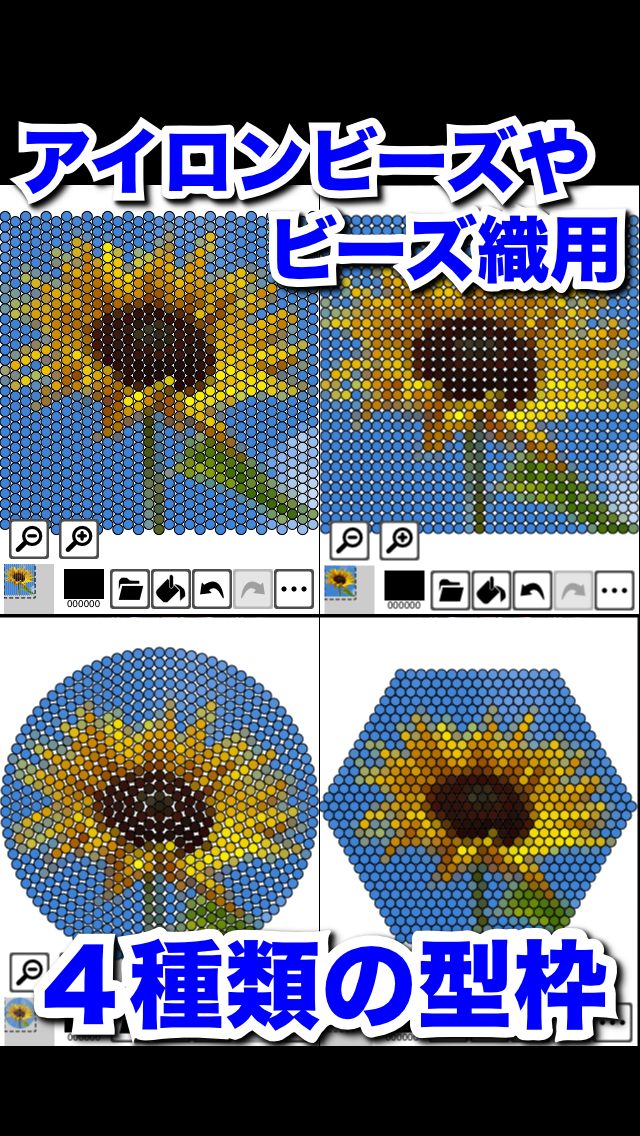
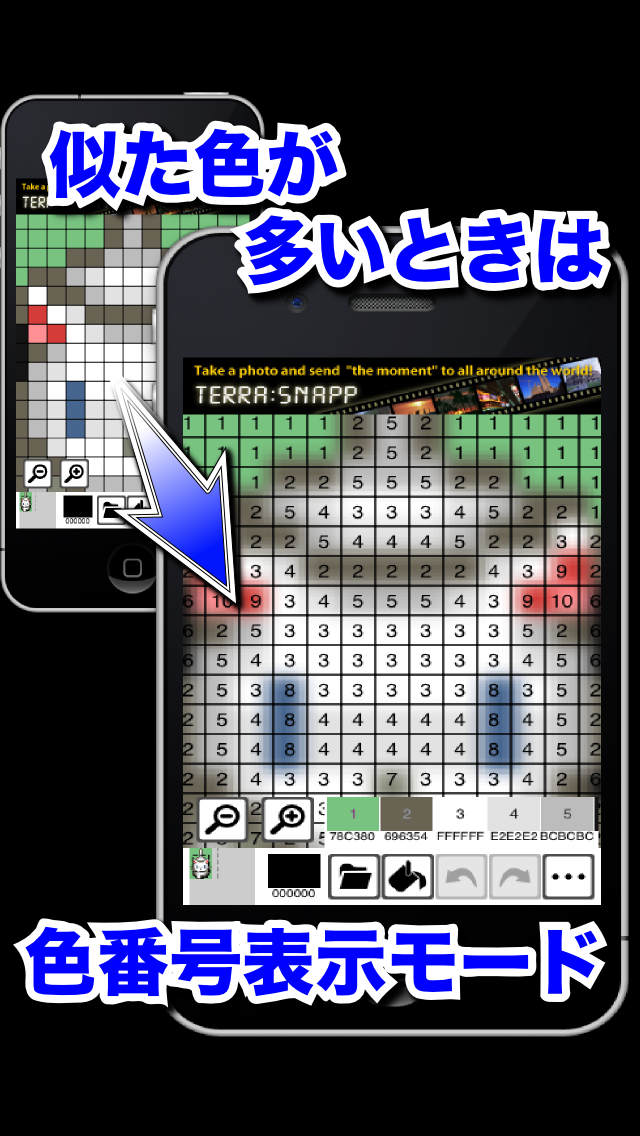
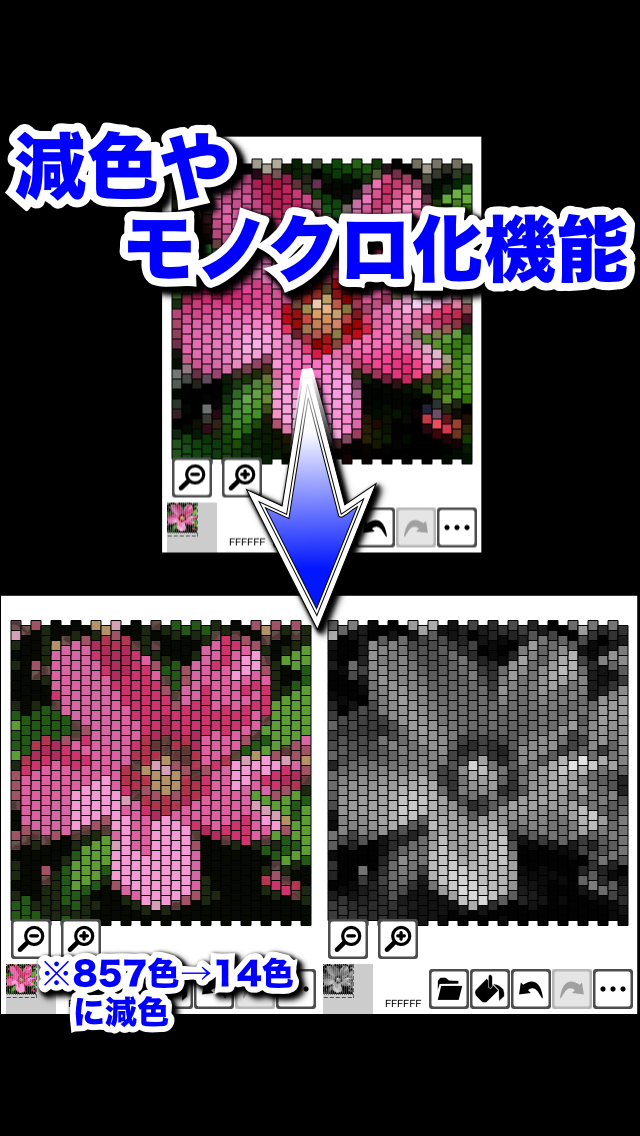
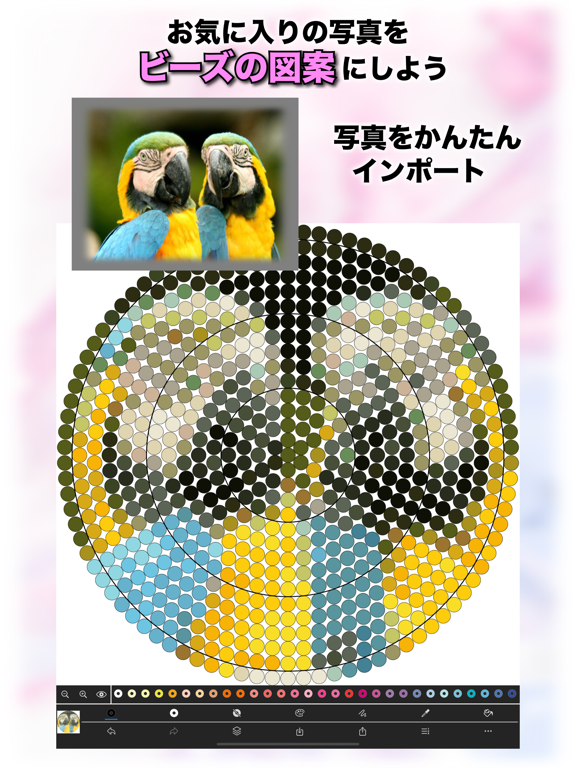
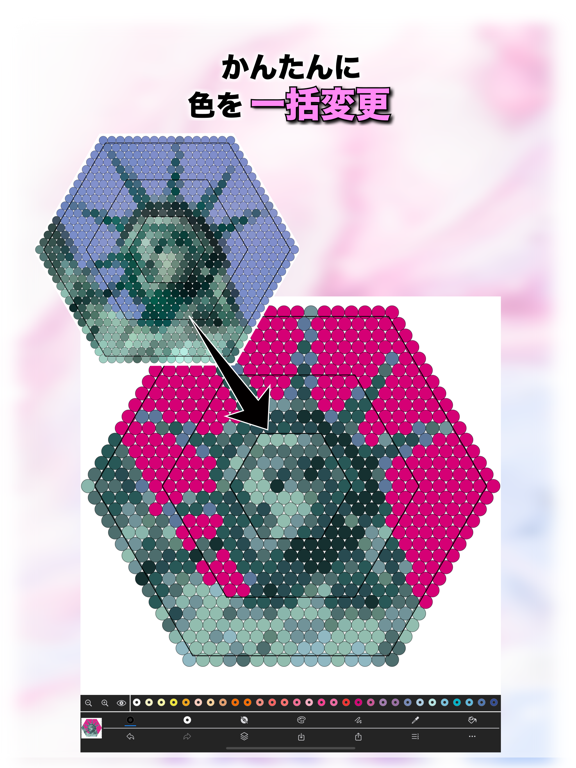
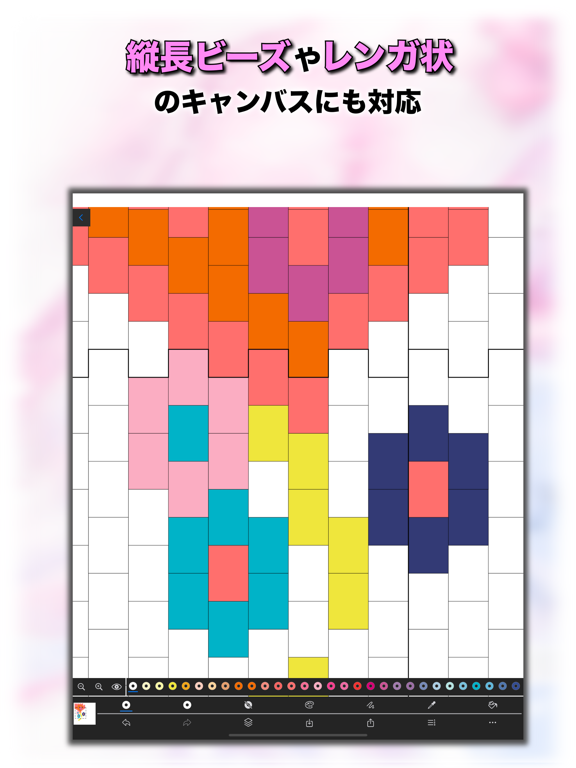
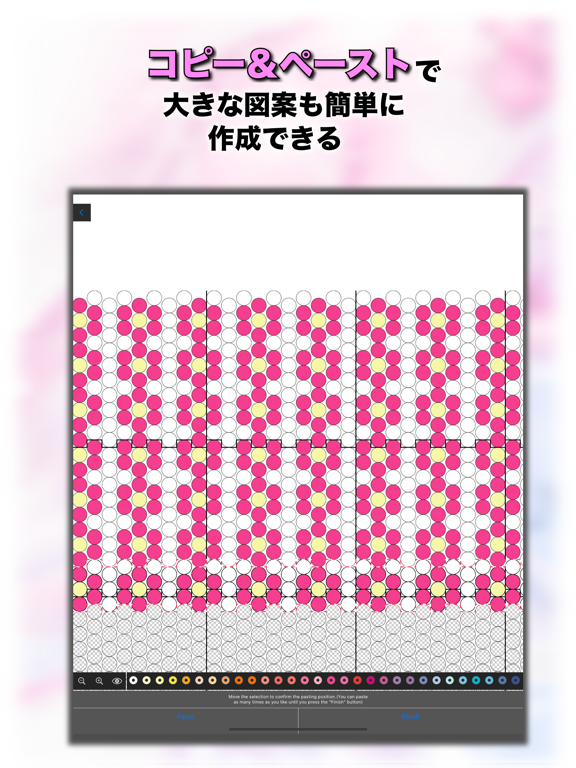
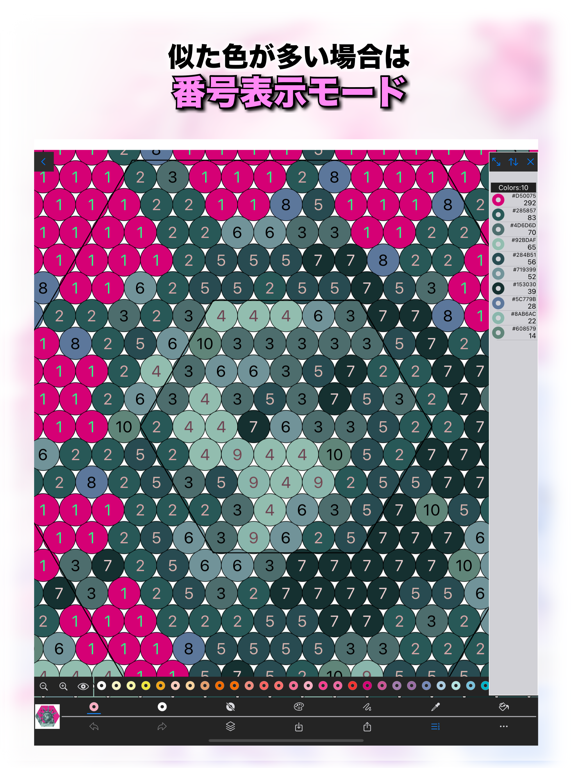
BeadsDesignは、アイロンビーズやビーズ織のデザインやドット絵を編集するアプリです。 好きな写真を読み込み8×8〜128×128までのサイズのデザインを作成できます。 アイロンビーズ用に円形や六角形の型枠も利用できます。 またビーズ織に便利なレンガ状(ペヨーテステッチ用)の型枠も利用できます。 [主な機能] -写真を好みのサイズのキャンバスにスキャンする機能 -写真を背景に見本として貼り付け、見本を見ながら編集する機能 -PNG形式の画像としてフォトライブラリに書き出す機能 -画像をSNSに投稿する機能 -拡大、縮小 -2本指スワイプで移動 -長押しでスポイト - 範囲塗り - 範囲選択してコピー&ペースト -アンドゥ(回数制限あり)、リドゥ -RGB指定による色作成、使用した色の履歴を保持 -色を選択して同色の全てのピクセルの色を一括変換 -減色、白黒化 -キャンバスの色を番号で表示する機能(番号と色の対応を見ながら実際のアイロンビーズの作成などに利用できます) - 使用中の色数一覧表示
App details
What you can learn from BeadsDesign
Every shipping app on the App Store has gone through the same decisions you're working through right now: which screenshot goes first, what caption sits over it, which device frame to show, what color the background should be. The 9 screenshots above are BeadsDesign's answers to those questions — they're public, they're real, and they made it through Apple's review.
What the numbers say: BeadsDesign runs a dark set with one background colour (#040404) carried across every screenshot — the listing reads as a single poster when the shots sit side by side in search results. The accent colour we picked up, #0404FC, is the one to reuse for badges, arrows and highlighted words if you borrow this look. Hit Use this style to open the editor with these exact colours and drop your own screenshot in.
Notice the first screenshot in particular. It's the one users see in search results and on the product page, and it's where most apps spend their best caption and tightest design. Look at the proportion of background to phone, where the text sits, what one thing the image is trying to communicate.
Want to see how other Graphics & Design apps approach the same problem? Browse more Graphics & Design apps in the showcase.
Take what works into your own screenshots
Open LaunchShots and design your App Store & Google Play screenshots — pick a device frame, drop captions, ship in minutes. Free, in your browser.
Open the screenshot editor →Apps with a similar look
Closest background + accent colours among the listings we've analysed — useful when you want to see the same palette handled by a different team.