Chart position — tracked daily by LaunchShots
Screenshot style breakdown
Sampled from 6 of 楽天GORA-ゴルフ場予約・ゴルフ場検索's App Store screenshots — background, accent and theme, measured by LaunchShots (not something Apple publishes).
#FC6404 bg
#FC7927
#44ACC4 accent
#FFFFFF text
Screenshots
Icon palette
About this app
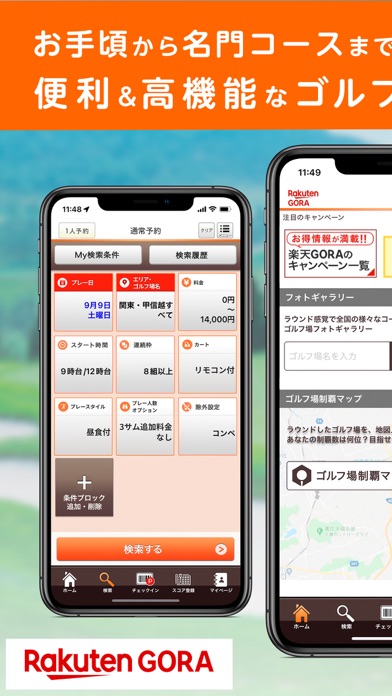
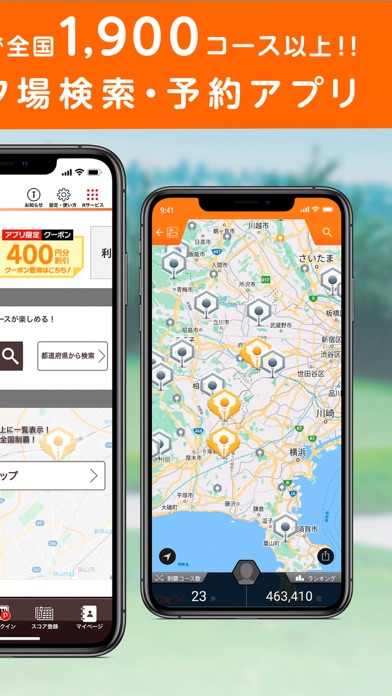
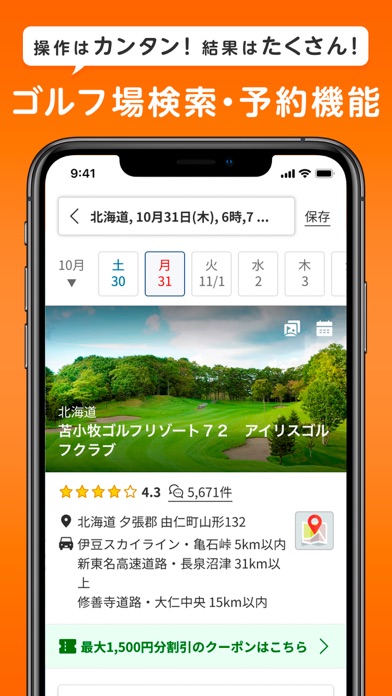
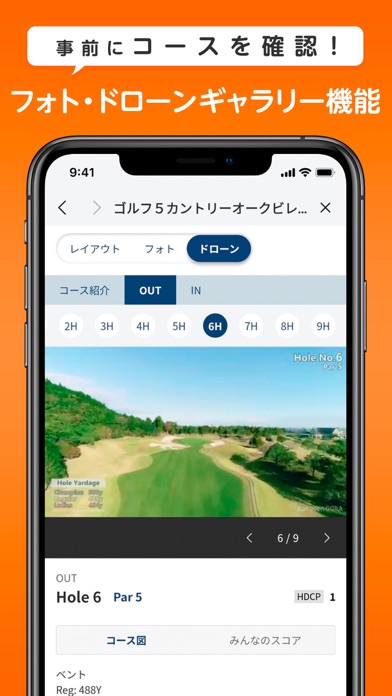
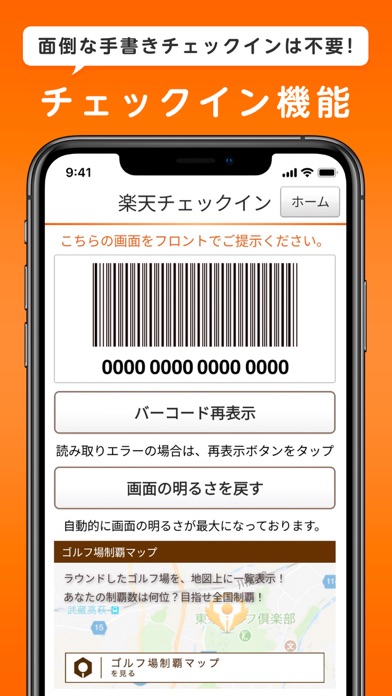
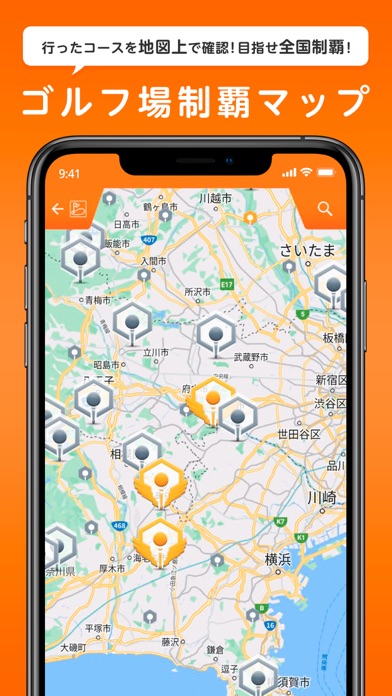
楽天GORA(ゴーラ) のゴルフ場検索・ゴルフ場予約・フォトギャラリー・ドローンギャラリー・チェックイン アプリ ~ゴルフアプリの決定版~ 「ゴルフ場予約アプリ - 楽天GORA(ゴーラ)」は楽天GORA(ゴーラ)が運営する、全国約1,900カ所のゴルフ場から選べる日本最大級のゴルフ予約アプリです。希望のエリアや価格、時間帯などでプランの検索が可能。昼食付きなどのお得なプランやコンペプランも沢山取り揃えています。さらに各ゴルフ場のホール写真や動画が見れるギャラリー機能やゴルフ場でのチェックイン機能も便利です。 ■■すべてのゴルファー必携の「ゴルフ場予約 - 楽天GORA(ゴーラ)」■■ ・今から予約できるゴルフ場、行きたいゴルフ場が見つかる ・キャンペーン情報をいち早くお届け!お得にゴルフ予約! ・全国約1,900カ所のゴルフ場から予約可能!フォトギャラリーでコースの下見もできる! ・シンプルな操作画面でラウンド中にも使いやすい仕様! ■アプリの特徴■ 【ゴルフ場予約(ゴルフ場検索)】 1)検索項目のカスタマイズ 検索項目を使いやすい…
App details
What you can learn from 楽天GORA-ゴルフ場予約・ゴルフ場検索
Every shipping app on the App Store has gone through the same decisions you're working through right now: which screenshot goes first, what caption sits over it, which device frame to show, what color the background should be. The 6 screenshots above are 楽天GORA-ゴルフ場予約・ゴルフ場検索's answers to those questions — they're public, they're real, and they made it through Apple's review.
What the numbers say: 楽天GORA-ゴルフ場予約・ゴルフ場検索 runs a mixed light-and-dark set where the background shifts from screenshot to screenshot (first shot #FC6404) — each image has to stand on its own, so the captions carry more of the story. The accent colour we picked up, #44ACC4, is the one to reuse for badges, arrows and highlighted words if you borrow this look. Hit Use this style to open the editor with these exact colours and drop your own screenshot in.
Notice the first screenshot in particular. It's the one users see in search results and on the product page, and it's where most apps spend their best caption and tightest design. Look at the proportion of background to phone, where the text sits, what one thing the image is trying to communicate.
Want to see how other Sports apps approach the same problem? Browse more Sports apps in the showcase.
Take what works into your own screenshots
Open LaunchShots and design your App Store & Google Play screenshots — pick a device frame, drop captions, ship in minutes. Free, in your browser.
Open the screenshot editor →Apps with a similar look
Closest background + accent colours among the listings we've analysed — useful when you want to see the same palette handled by a different team.