Screenshot style breakdown
Sampled from 5 of Du bist Dein Ort's App Store screenshots — background, accent and theme, measured by LaunchShots (not something Apple publishes).
#FCFCFC bg
#DDDDDD
#1C4C44 accent
#111111 text
- #1wll 56 5:48 PM -— DEIN ORT Meine Fille
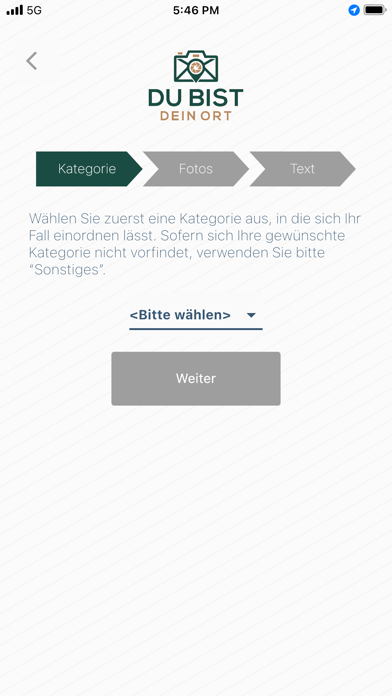
- #2all 56 5:46 PM © == DU BIST DEIN ORT
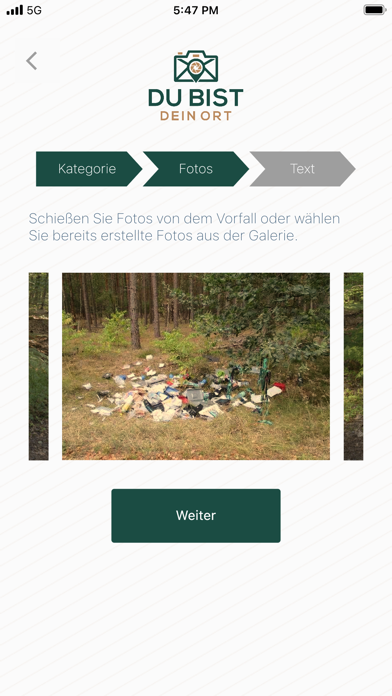
- #3all 56 5:47 PM J DU BIST Schießen Sie Fotos von dem Vorfall oder wahler
- #4wll 56 5:48 PM a DEIN ORT Gehen Sie in einer kurzen Beschreibung an worurr
- #5al 56 5:49 PM =
Captions read from the screenshots (OCR, may contain small errors): 5 headlines, 10.8 words on average (longest 15).
Screenshots



Icon palette
About this app
Modul Mängelmelder: Über ein Foto und eine kurze Beschreibung wird der Sachstand an die Verwaltung gemeldet. Der Standort wird automatisch über GPS mitgeteilt. Der meldende Bürger bleibt anonym. Die jeweiligen Gerätedaten werden aus Sicherheitsgründen auf dem Server registriert. Der Bearbeitungsstand des gemeldeten Sachstandes ist für den Bürger stets transparent verfolgbar. Modul Bürgerinformationssystem: Mit dem Bürgerinformationssystem bleiben Bürgerinnen und Bürger auf dem neuesten Stand. Sie können an Umfragen der Gemeinde teilnehmen, Amtsinformationen einsehen, Veranstaltungen direkt im eigenen Kalender speichern und auf einer Karte über das System eingezeichnete geplante Baugebiete und Straßensanierungen einsehen. Über alle Neuigkeiten erfahren sie per Push-Benachrichtigung direkt aufs Telefon. Die teilnehmenden Bürgerinnen und Bürger bleiben anonym. Sei aktiv und werde Teil d…
App details
What you can learn from Du bist Dein Ort
Every shipping app on the App Store has gone through the same decisions you're working through right now: which screenshot goes first, what caption sits over it, which device frame to show, what color the background should be. The 5 screenshots above are Du bist Dein Ort's answers to those questions — they're public, they're real, and they made it through Apple's review.
What the numbers say: Du bist Dein Ort runs a light set with one background colour (#FCFCFC) carried across every screenshot — the listing reads as a single poster when the shots sit side by side in search results. The accent colour we picked up, #1C4C44, is the one to reuse for badges, arrows and highlighted words if you borrow this look. Hit Use this style to open the editor with these exact colours and drop your own screenshot in.
Notice the first screenshot in particular. It's the one users see in search results and on the product page, and it's where most apps spend their best caption and tightest design. Look at the proportion of background to phone, where the text sits, what one thing the image is trying to communicate.
Want to see how other Utilities apps approach the same problem? Browse more Utilities apps in the showcase.
Take what works into your own screenshots
Open LaunchShots and design your App Store & Google Play screenshots — pick a device frame, drop captions, ship in minutes. Free, in your browser.
Open the screenshot editor →Apps with a similar look
Closest background + accent colours among the listings we've analysed — useful when you want to see the same palette handled by a different team.