Screenshots

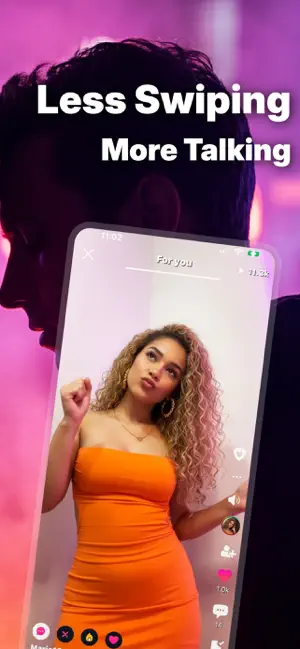
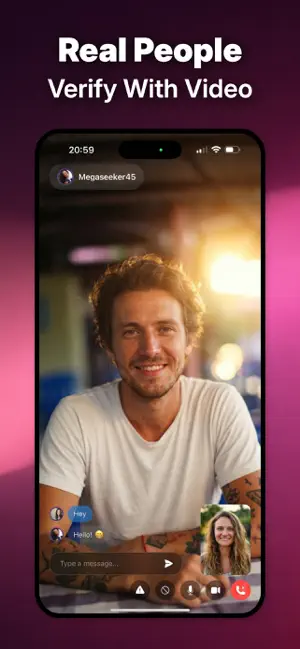
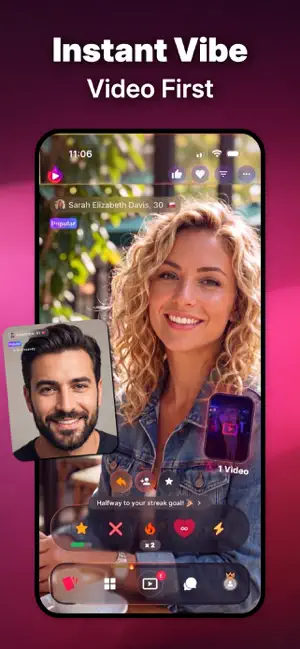

Icon palette
About this app
NAMORO POR VÍDEO, CHAT & IR AO VIVO Olá! Bem-vindo ao Minglify - o aplicativo de namoro por vídeo e bate-papo para encontrar novos amigos e expressar seu eu autêntico! Se você está procurando novos amigos ou datas, com o Minglify você pode descobrir pessoas que se alinham com seus desejos. ■ EXPRESSE-SE COM VÍDEOS Carregue os seus próprios vídeos ou veja outros membros expressarem a sua personalidade no feed de vídeo. Um vídeo diz mais do que mil palavras! LIGUE-SE, NÃO IMPORTA ONDE ESTEJA Minglify é uma aplicação internacional de chat de vídeo gratuita, disponível em todo o mundo. Se viajar para novos locais, o Minglify mostrará pessoas próximas e ajudá-lo-á a encontrar encontros, quer esteja em cidades como Nova Iorque, Londres, Paris ou Banguecoque. CARACTERÍSTICAS PRINCIPAIS - Conversa por vídeo - Transmissão em direto - Vídeos de encontros e sociais - Verificação de perfil - Fi…
App details
What you can learn from Namoro por vídeo - Minglify
Every shipping app on the App Store has gone through the same decisions you're working through right now: which screenshot goes first, what caption sits over it, which device frame to show, what color the background should be. The 5 screenshots above are Namoro por vídeo - Minglify's answers to those questions — they're public, they're real, and they made it through Apple's review.
Notice the first screenshot in particular. It's the one users see in search results and on the product page, and it's where most apps spend their best caption and tightest design. Look at the proportion of background to phone, where the text sits, what one thing the image is trying to communicate.
Want to see how other Social Networking apps approach the same problem? Browse more Social Networking apps in the showcase.
Take what works into your own screenshots
Open LaunchShots and design your App Store & Google Play screenshots — pick a device frame, drop captions, ship in minutes. Free, in your browser.
Open the screenshot editor →