Screenshot style breakdown
Sampled from 4 of Animal Helper's App Store screenshots — background, accent and theme, measured by LaunchShots (not something Apple publishes).
#FCFC04 bg
#DDDD03
#FCFC64 accent
#111111 text
Screenshots
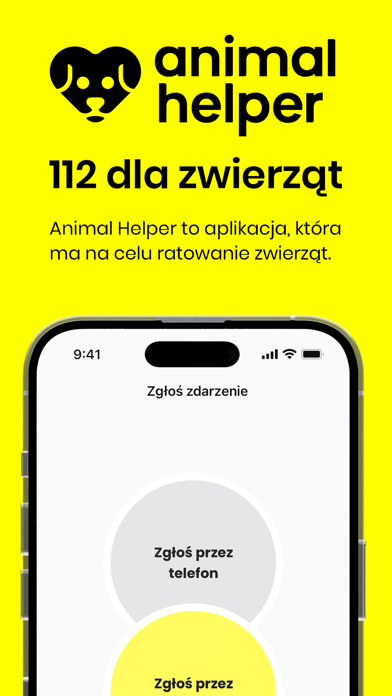


iPad screenshots


Icon palette
About this app
Chcesz zgłosić przypadek niehumanitarnego traktowania zwierząt? Ale… Zaraz, zaraz. Kto w zasadzie się tym zajmuje? Gmina, policja, weterynarz, a może jakaś fundacja? Nie chcemy, byś tracił cenny czas na szukanie odpowiedzi. To czas, który może uratować życie zwierzęcia. Chcemy, by odpowiedzią zawsze był ANIMAL HELPER. Aplikacja, która ma na celu ratowanie życia i zdrowia zwierząt. Dzięki niej możesz szybko wysłać zgłoszenie ze zdjęciem lub filmikiem, geotagiem i opisem sprawy, zawsze, gdy zwierzęciu – domowemu, dzikiemu czy gospodarskiemu, dzieje się krzywda. Animal Helper działa na podobnej zasadzie, jak Wojewódzkie Centra Powiadamiania Ratunkowego. Podstawowym założeniem jest skupienie w jednym miejscu zgłoszeń dotyczących zwierząt. Twoje zgłoszenie trafi do wykwalifikowanych pracowników centrali, którzy następnie powiadamiają odpowiednie dla danego przypadku, miejscowe organy ścigani…
App details
What you can learn from Animal Helper
Every shipping app on the App Store has gone through the same decisions you're working through right now: which screenshot goes first, what caption sits over it, which device frame to show, what color the background should be. The 7 screenshots above are Animal Helper's answers to those questions — they're public, they're real, and they made it through Apple's review.
What the numbers say: Animal Helper runs a light set with one background colour (#FCFC04) carried across every screenshot — the listing reads as a single poster when the shots sit side by side in search results. The accent colour we picked up, #FCFC64, is the one to reuse for badges, arrows and highlighted words if you borrow this look. Hit Use this style to open the editor with these exact colours and drop your own screenshot in.
Notice the first screenshot in particular. It's the one users see in search results and on the product page, and it's where most apps spend their best caption and tightest design. Look at the proportion of background to phone, where the text sits, what one thing the image is trying to communicate.
Want to see how other Education apps approach the same problem? Browse more Education apps in the showcase.
Take what works into your own screenshots
Open LaunchShots and design your App Store & Google Play screenshots — pick a device frame, drop captions, ship in minutes. Free, in your browser.
Open the screenshot editor →Apps with a similar look
Closest background + accent colours among the listings we've analysed — useful when you want to see the same palette handled by a different team.