Screenshots



Icon palette
About this app
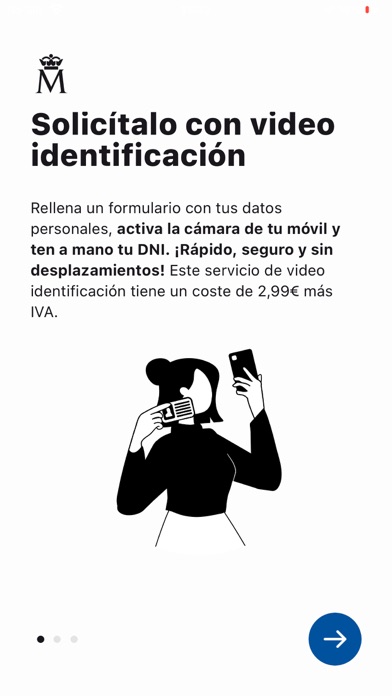
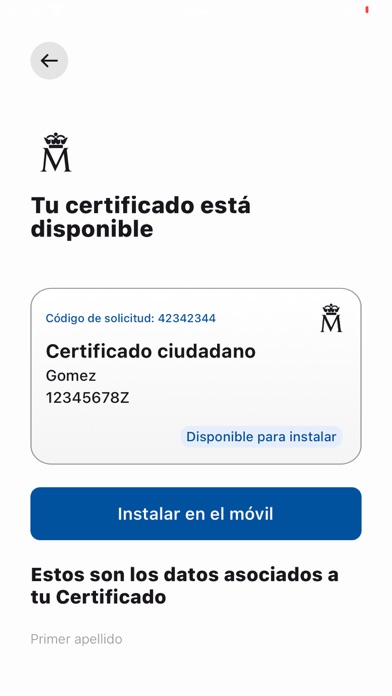
Con Certificado Digital FNMT podrás obtener tu certificado electrónico de la Fábrica Nacional de Moneda y Timbre de forma cómoda y segura. En tan solo unos pocos clics habrás completado todo el proceso para obtener tu certificado en tu dispositivo móvil. Certificado Digital incluye el nuevo sistema de vídeo-identificación “Identifícate estés donde estés”, que permite realizar la solicitud del certificado totalmente online de forma rápida, segura y sin desplazamientos. Con este nuevo servicio no necesitarás desplazarte a una oficina de registro. ¡Ahora puedes hacerlo todo desde tu dispositivo móvil! No obstante, si así lo deseas, siempre puedes acudir a una oficina de registro presencial para acreditar tu identidad de forma totalmente gratuita. Adicionalmente, tienes a tu disposición a nuestro equipo de soporte para ayudarte en caso de que tengas algún problema o consulta. Puedes cont…
App details
What you can learn from Certificado digital FNMT
Every shipping app on the App Store has gone through the same decisions you're working through right now: which screenshot goes first, what caption sits over it, which device frame to show, what color the background should be. The 5 screenshots above are Certificado digital FNMT's answers to those questions — they're public, they're real, and they made it through Apple's review.
Notice the first screenshot in particular. It's the one users see in search results and on the product page, and it's where most apps spend their best caption and tightest design. Look at the proportion of background to phone, where the text sits, what one thing the image is trying to communicate.
Want to see how other Productivity apps approach the same problem? Browse more Productivity apps in the showcase.
Take what works into your own screenshots
Open LaunchShots and design your App Store & Google Play screenshots — pick a device frame, drop captions, ship in minutes. Free, in your browser.
Open the screenshot editor →