Screenshots
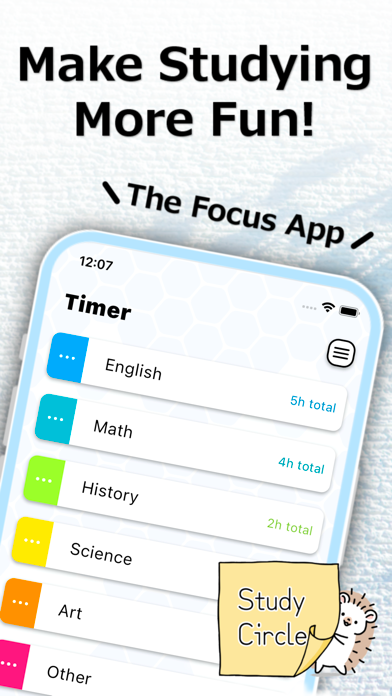


Icon palette
About this app
Searching for a study app? Look no further! Study Circle is the perfect app to boost your motivation and make studying enjoyable. Whether you're prepping for exams, learning new skills, or just need a productivity boost, Study Circle helps you stay focused and connected with your friends on the same journey. Unlock Your Study Potential: (1) Power of Community: Connect with your friends in real life and create your own virtual study circle! Share your study progress together, and cheer each other on. Motivation is contagious, and Study Circle makes it easy to stay inspired and accountable. (2) Intuitive Timer & Focus Mode: Beat procrastination with our easy-to-use study timer. Simply choose your subject, start the timer, and dive into focused study sessions. Break down your study time into manageable chunks for maximum efficiency. (3) Support & Encouragement: A little encouragement g…
App details
What you can learn from Study Circle - The Focus App
Every shipping app on the App Store has gone through the same decisions you're working through right now: which screenshot goes first, what caption sits over it, which device frame to show, what color the background should be. The 5 screenshots above are Study Circle - The Focus App's answers to those questions — they're public, they're real, and they made it through Apple's review.
Notice the first screenshot in particular. It's the one users see in search results and on the product page, and it's where most apps spend their best caption and tightest design. Look at the proportion of background to phone, where the text sits, what one thing the image is trying to communicate.
Want to see how other Education apps approach the same problem? Browse more Education apps in the showcase.
Take what works into your own screenshots
Open LaunchShots and design your App Store & Google Play screenshots — pick a device frame, drop captions, ship in minutes. Free, in your browser.
Open the screenshot editor →