Screenshots
Icon palette
About this app
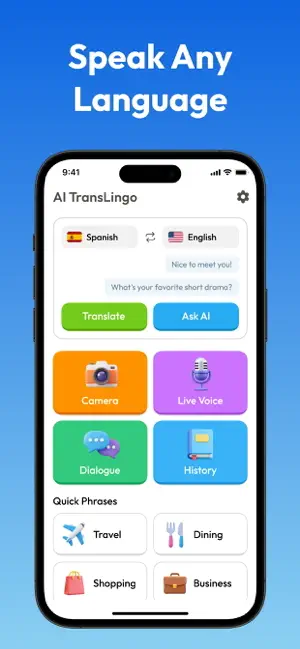
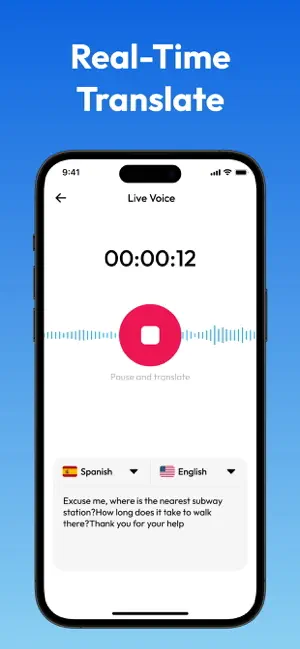
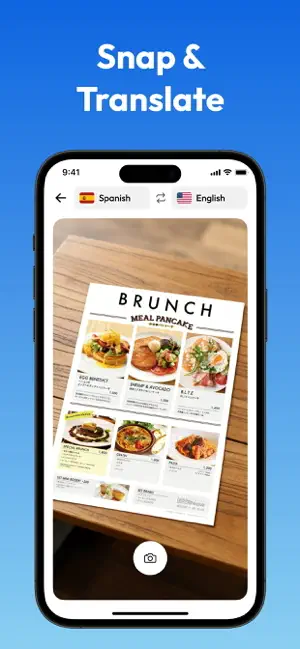
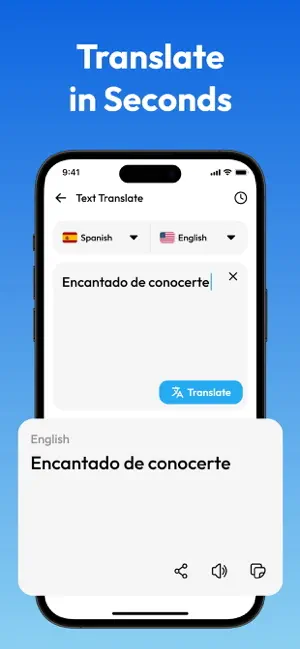
Your professional multilingual voice and conversation assistant Bridging language barriers with precision and speed. Designed for business travelers, global teams, and international professionals, our translator delivers seamless communication anytime, anywhere. ‒ Real-time voice translation Speak naturally and fluently to get instant, accurate translations. Perfect for meetings, interviews, or mobile communication. ‒ Interactive conversation mode Have smooth, two-way conversations in multiple languages with automatic voice playback and real-time switching. ‒ Smart camera translation Quickly scan a menu, sign, or document to get instant, contextual translations. ‒ AI phrasebook for professionals Access a curated library of phrases for travel, business, and more. ‒ 100+ languages supported Communicate confidently with clients, colleagues, and locals in 100+ languages. ‒ Clear, natural vo…
App details
What you can learn from Live Talk Translator
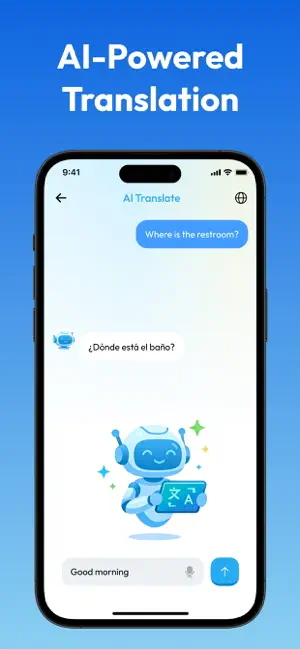
Every shipping app on the App Store has gone through the same decisions you're working through right now: which screenshot goes first, what caption sits over it, which device frame to show, what color the background should be. The 5 screenshots above are Live Talk Translator's answers to those questions — they're public, they're real, and they made it through Apple's review.
Notice the first screenshot in particular. It's the one users see in search results and on the product page, and it's where most apps spend their best caption and tightest design. Look at the proportion of background to phone, where the text sits, what one thing the image is trying to communicate.
Want to see how other Reference apps approach the same problem? Browse more Reference apps in the showcase.
Take what works into your own screenshots
Open LaunchShots and design your App Store & Google Play screenshots — pick a device frame, drop captions, ship in minutes. Free, in your browser.
Open the screenshot editor →