Chart position — tracked daily by LaunchShots
Screenshot style breakdown
Sampled from 6 of 駐車場予約 パーキング検索の特P 駐車料金が安い特P駐車場's App Store screenshots — background, accent and theme, measured by LaunchShots (not something Apple publishes).
#FC6C44 bg
#FC805E
#84AC2C accent
#FFFFFF text
Screenshots


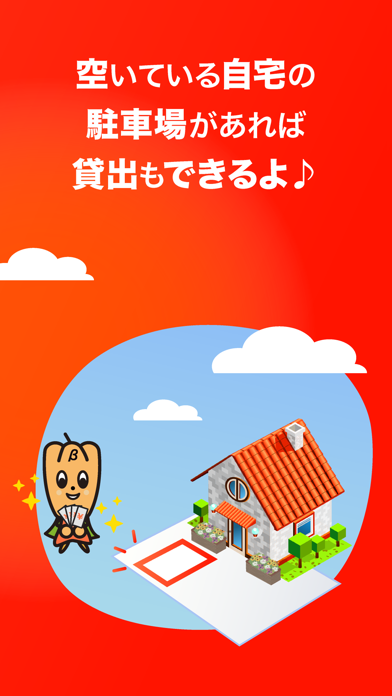
iPad screenshots


Icon palette
About this app
おトクな駐車場を 探せる、予約できる。 貸出もできる。 -------------------------------- ▼ 日本最大級の駐車場『検索』 -------------------------------- ・全国10万件以上の豊富な駐車場/コインパーキング情報 ・駅名、地名、店名などなど、どんなスポット名でも検索できます ・安い順、近い順、人気順、駐車できる車種など、とっても使いやすい便利機能満載! ・バイク用の駐車場、駐輪場もい〜っぱい ・タイムズやリパーク等の全国のコインパーキング情報も満載 ・迷わず案内してくれるGoogleマップナビ、現地も見れるストリートビュー搭載 -------------------------------- ▼ 『予約』だから確実に駐車できる 特P駐車場の特徴 -------------------------------- ・最大料金『激安』 ・相場の半額以下の駐車場がい~っぱい ・スマホからカンタンに駐車場の予約ができる ・『予約』だから確実に駐車できる ・もう満車に困らない ・予約したい日の空き状況もひと目でわかる ・領収書発行ができて、ビジネスでも大活躍 ・予約時間内は何度でも自由に入…
App details
What you can learn from 駐車場予約 パーキング検索の特P 駐車料金が安い特P駐車場
Every shipping app on the App Store has gone through the same decisions you're working through right now: which screenshot goes first, what caption sits over it, which device frame to show, what color the background should be. The 11 screenshots above are 駐車場予約 パーキング検索の特P 駐車料金が安い特P駐車場's answers to those questions — they're public, they're real, and they made it through Apple's review.
What the numbers say: 駐車場予約 パーキング検索の特P 駐車料金が安い特P駐車場 runs a dark set where the background shifts from screenshot to screenshot (first shot #FC6C44) — each image has to stand on its own, so the captions carry more of the story. The accent colour we picked up, #84AC2C, is the one to reuse for badges, arrows and highlighted words if you borrow this look. Hit Use this style to open the editor with these exact colours and drop your own screenshot in.
Notice the first screenshot in particular. It's the one users see in search results and on the product page, and it's where most apps spend their best caption and tightest design. Look at the proportion of background to phone, where the text sits, what one thing the image is trying to communicate.
Want to see how other Navigation apps approach the same problem? Browse more Navigation apps in the showcase.
Take what works into your own screenshots
Open LaunchShots and design your App Store & Google Play screenshots — pick a device frame, drop captions, ship in minutes. Free, in your browser.
Open the screenshot editor →Apps with a similar look
Closest background + accent colours among the listings we've analysed — useful when you want to see the same palette handled by a different team.