Chart position — tracked daily by LaunchShots
Screenshot style breakdown
Sampled from 5 of VouWallet: электронный кошелек's App Store screenshots — background, accent and theme, measured by LaunchShots (not something Apple publishes).
#FCFCFC bg
#DDDDDD
#FC843C accent
#111111 text
Screenshots

Icon palette
About this app
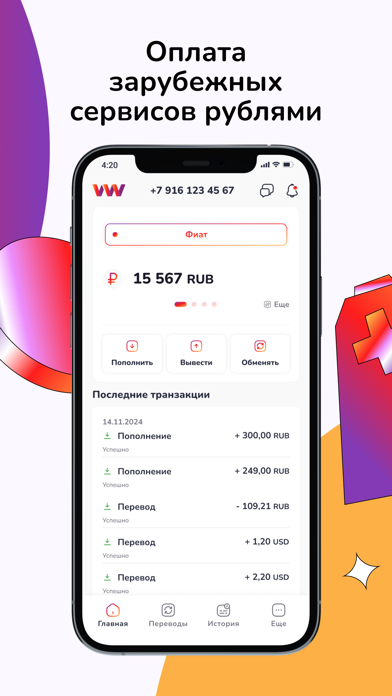
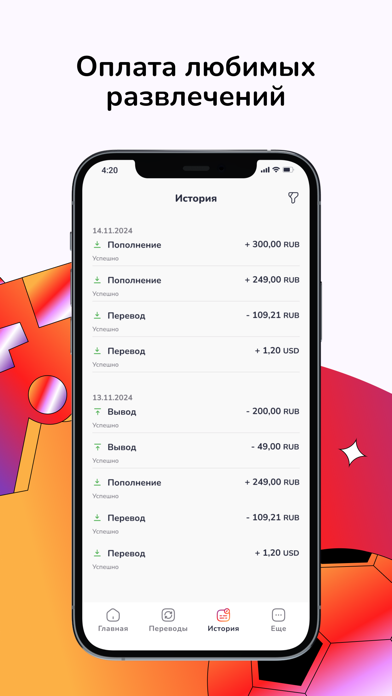
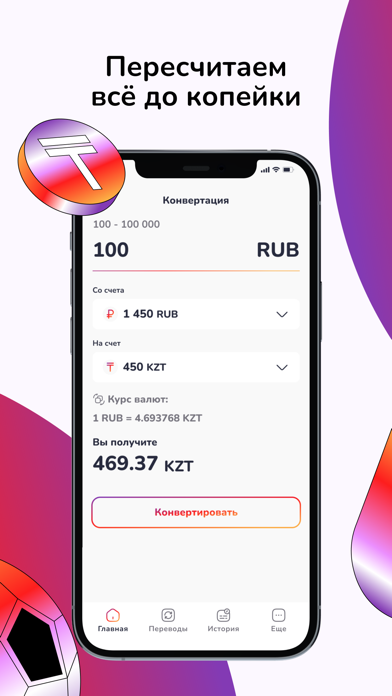
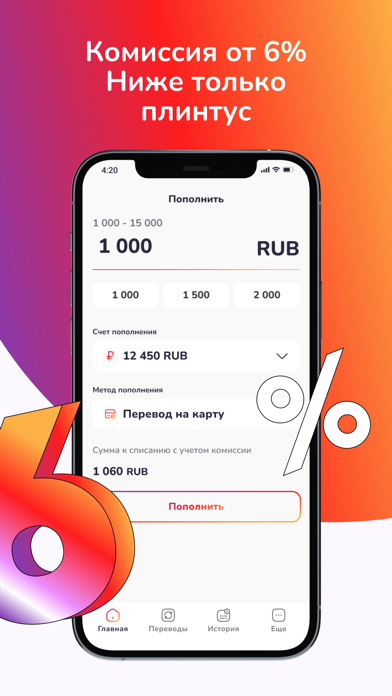
VouWallet – ваш надежный электронный кошелек для оплаты развлечений, игр и зарубежных сервисов. Свобода в вашем кармане. Нужен только номер телефона. Электронный кошелек VouWallet — это платежная система для хранения, перевода и обмена денежных средств. Он позволяет: • оплачивать любимые игры и услуги, зарубежные сайты и сервисы; • быстро и удобно оплачивать выставленные счета. Возможности VouWallet • Оплата игр и зарубежных сервисов: лёгкая и удобная оплата с минимальной комиссией прямо в приложении. Поддерживаются сервисы: международная сотовая связь, интернет и многое другое. • Переводы: отправляйте деньги на кошельки VouWallet, банковские карты по реквизитам, другие электронные кошельки и платформы. • Обмен валюты: выгодный обмен валют в реальном времени. Экономьте на комиссиях с лучшими курсами. • Кэшбэк и акции: возвращаем часть потраченных средств обратно на кошелек. По…
App details
What you can learn from VouWallet: электронный кошелек
Every shipping app on the App Store has gone through the same decisions you're working through right now: which screenshot goes first, what caption sits over it, which device frame to show, what color the background should be. The 5 screenshots above are VouWallet: электронный кошелек's answers to those questions — they're public, they're real, and they made it through Apple's review.
What the numbers say: VouWallet: электронный кошелек runs a light set with one background colour (#FCFCFC) carried across every screenshot — the listing reads as a single poster when the shots sit side by side in search results. The accent colour we picked up, #FC843C, is the one to reuse for badges, arrows and highlighted words if you borrow this look. Hit Use this style to open the editor with these exact colours and drop your own screenshot in.
Notice the first screenshot in particular. It's the one users see in search results and on the product page, and it's where most apps spend their best caption and tightest design. Look at the proportion of background to phone, where the text sits, what one thing the image is trying to communicate.
Want to see how other Finance apps approach the same problem? Browse more Finance apps in the showcase.
Take what works into your own screenshots
Open LaunchShots and design your App Store & Google Play screenshots — pick a device frame, drop captions, ship in minutes. Free, in your browser.
Open the screenshot editor →Apps with a similar look
Closest background + accent colours among the listings we've analysed — useful when you want to see the same palette handled by a different team.