Chart position — tracked daily by LaunchShots
Screenshot style breakdown
Sampled from 6 of ZingPlay game giải trí-Bắn cá's App Store screenshots — background, accent and theme, measured by LaunchShots (not something Apple publishes).
#1C3C74 bg
#3B5787
#4CCCD4 accent
#FFFFFF text
Screenshots


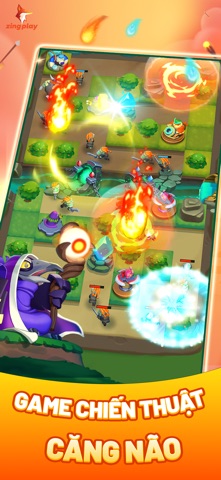
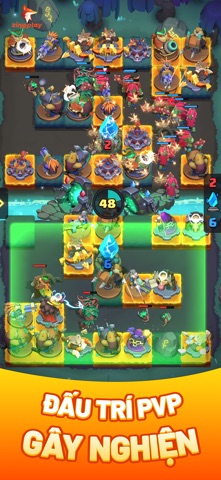
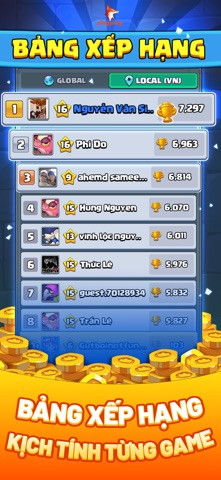
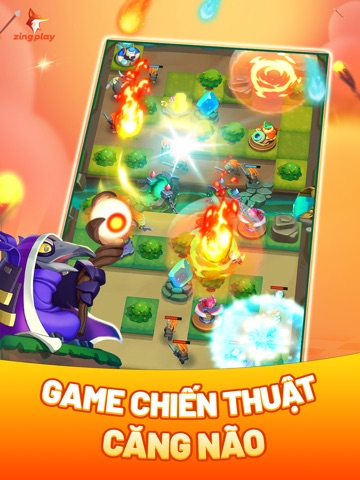
iPad screenshots



Icon palette
About this app
ZingPlay là cổng game quốc dân đến từ ZingPlay Game Studios thuộc VNG, nơi quy tụ hàng loạt trò chơi giải trí hấp dẫn và thân quen với game thủ Việt. Từ những tựa game tuổi thơ đình đám như cho đến các trò chơi chiến thuật và bắn cá đầy thử thách, ZingPlay đáp ứng mọi nhu cầu giải trí: thư giãn nhẹ nhàng hay cạnh tranh căng thẳng – tất cả đều có trong một ứng dụng duy nhất. - Trải nghiệm chân thực: Với đồ họa tinh tế và âm thanh sống động, ZingPlay mang đến trải nghiệm giải trí cực kì chân thực. Bạn sẽ cảm nhận được sự thú vị và hồi hộp từng ván game. - Kết nối và cạnh tranh: Đánh bại hàng triệu game thủ khác và chứng tỏ bản lĩnh của mình. Hãy trở thành ngôi sao của ZingPlay và thể hiện sự xuất sắc của bạn trong các giải đấu và sự kiện hàng tuần. - Cộng đồng sôi nổi: Giao lưu và kết bạn với hơn 8 triệu người chơi trên khắp cả nước. Hãy thể hiện tài năng của mình, chia sẻ kinh nghiệm…
App details
What you can learn from ZingPlay game giải trí-Bắn cá
Every shipping app on the App Store has gone through the same decisions you're working through right now: which screenshot goes first, what caption sits over it, which device frame to show, what color the background should be. The 11 screenshots above are ZingPlay game giải trí-Bắn cá's answers to those questions — they're public, they're real, and they made it through Apple's review.
What the numbers say: ZingPlay game giải trí-Bắn cá runs a dark set where the background shifts from screenshot to screenshot (first shot #1C3C74) — each image has to stand on its own, so the captions carry more of the story. The accent colour we picked up, #4CCCD4, is the one to reuse for badges, arrows and highlighted words if you borrow this look. Hit Use this style to open the editor with these exact colours and drop your own screenshot in.
Notice the first screenshot in particular. It's the one users see in search results and on the product page, and it's where most apps spend their best caption and tightest design. Look at the proportion of background to phone, where the text sits, what one thing the image is trying to communicate.
Want to see how other Games apps approach the same problem? Browse more Games apps in the showcase.
Take what works into your own screenshots
Open LaunchShots and design your App Store & Google Play screenshots — pick a device frame, drop captions, ship in minutes. Free, in your browser.
Open the screenshot editor →Apps with a similar look
Closest background + accent colours among the listings we've analysed — useful when you want to see the same palette handled by a different team.