Screenshot style breakdown
Sampled from 6 of Sztorm Appka's App Store screenshots — background, accent and theme, measured by LaunchShots (not something Apple publishes).
#1C6C8C bg
#3B809C
#649CB4 accent
#FFFFFF text
Screenshots
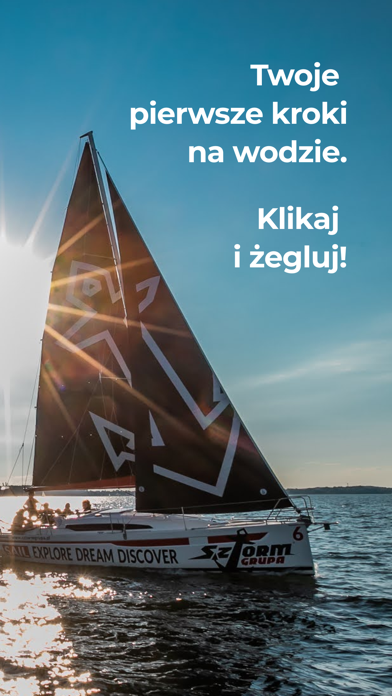
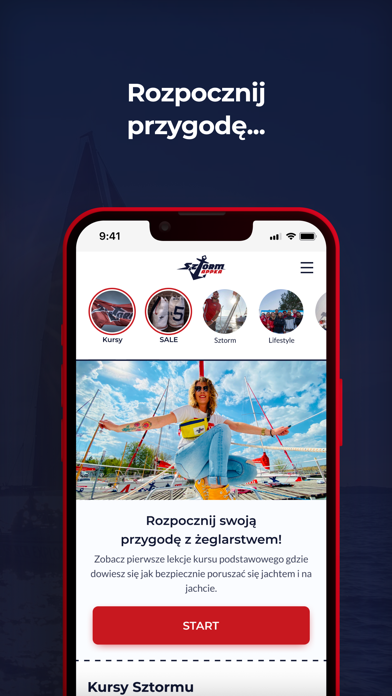
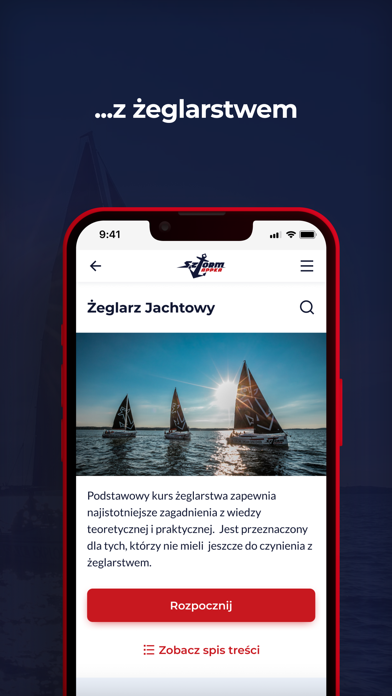
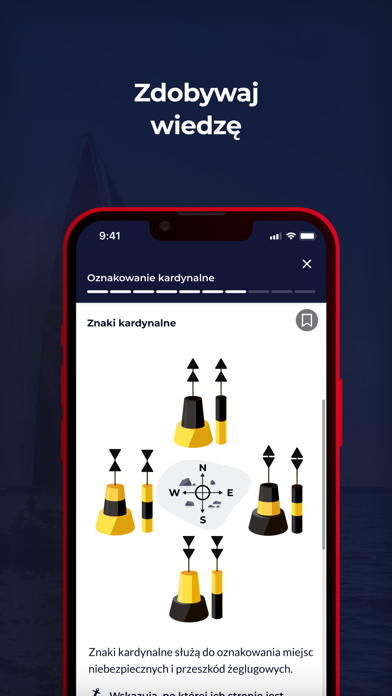


iPad screenshots


Icon palette
About this app
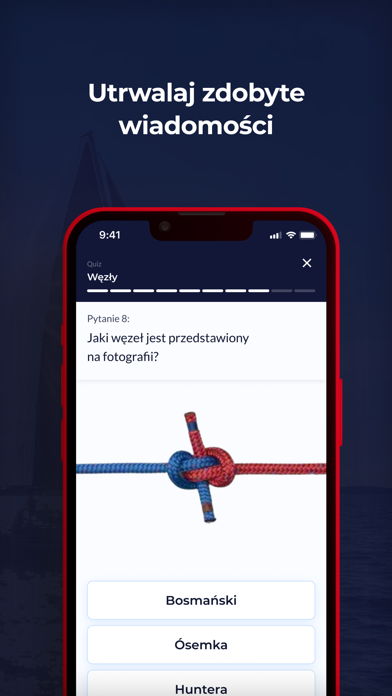
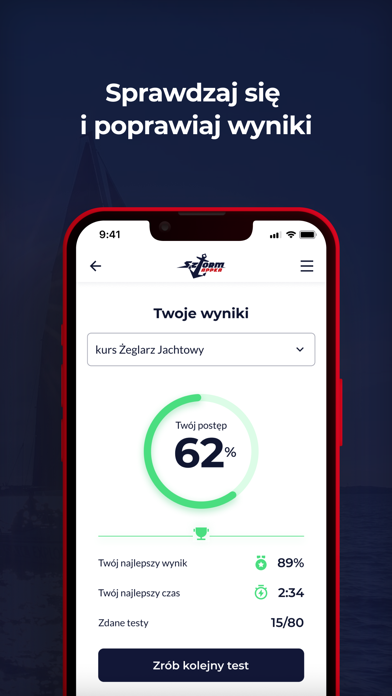
Chcesz zacząć żeglować? A może już żeglujesz, ale chcesz pogłębić swoją wiedzę lub przypomnieć sobie to, co znasz z dawnych lat? Ta aplikacja jest dla Ciebie! Zadaniem Sztormappki jest dostarczanie żeglarskiej wiedzy w przystępny i ciekawy sposób. Aplikacja jest bezpłatna, a jej zadaniem jest nauka żeglarstwa od podstaw dla każdego, niezależnie od wieku, płci czy zainteresowań. Dostępne są również płatne moduły, które przygotowują do egzaminów na patenty żeglarskie i motorowodne. Znajdziesz tutaj: - wiele GRAFIK z budowy jachtów, manewrów i znaków - VIDEO LEKCJE objaśniające pojęcia żeglarskie, wykonywanie manewrów na wodzie i ogólnie obsługę jachtu - wyjaśnienia trudnych DEFINICJI z różnych działów żeglarstwa - setki ZDJĘĆ prosto z pokładu jachtu - ANIMACJE wyjaśniające krok po kroku manewry na jachcie - demonstracje węzłów żeglarskich - wiele QUIZÓW sprawdzających Twoją wiedzę - TESTY…
App details
What you can learn from Sztorm Appka
Every shipping app on the App Store has gone through the same decisions you're working through right now: which screenshot goes first, what caption sits over it, which device frame to show, what color the background should be. The 11 screenshots above are Sztorm Appka's answers to those questions — they're public, they're real, and they made it through Apple's review.
What the numbers say: Sztorm Appka runs a dark set where the background shifts from screenshot to screenshot (first shot #1C6C8C) — each image has to stand on its own, so the captions carry more of the story. The accent colour we picked up, #649CB4, is the one to reuse for badges, arrows and highlighted words if you borrow this look. Hit Use this style to open the editor with these exact colours and drop your own screenshot in.
Notice the first screenshot in particular. It's the one users see in search results and on the product page, and it's where most apps spend their best caption and tightest design. Look at the proportion of background to phone, where the text sits, what one thing the image is trying to communicate.
Want to see how other Education apps approach the same problem? Browse more Education apps in the showcase.
Take what works into your own screenshots
Open LaunchShots and design your App Store & Google Play screenshots — pick a device frame, drop captions, ship in minutes. Free, in your browser.
Open the screenshot editor →Apps with a similar look
Closest background + accent colours among the listings we've analysed — useful when you want to see the same palette handled by a different team.