Screenshots
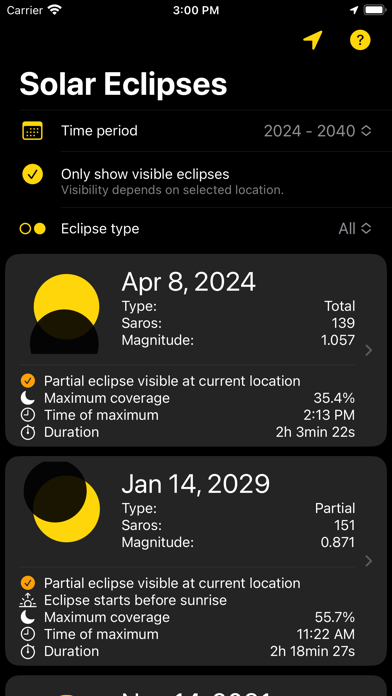


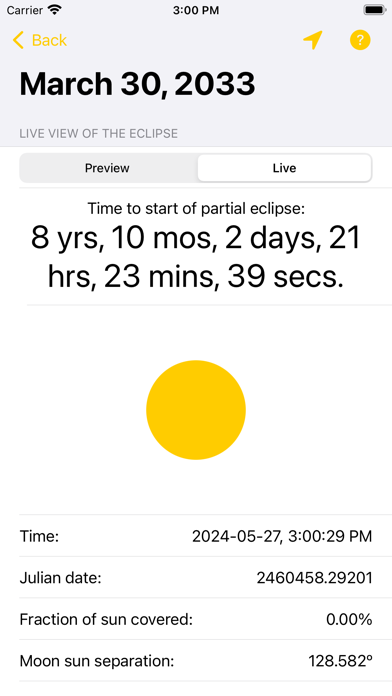

iPad screenshots


Icon palette
About this app
This app lets you explore all solar eclipse until the year 2200 for any location on Earth. You can preview each eclipse from your current location (or select a location manually). The app uses the most accurate research-grade NASA ephemeris data (DE440) to calculate the most accurate eclipse timings possible. The predictions have an error of less than one second. A new home screen widget shows you a countdown to the next solar eclipse based on your current location.
App details
What you can learn from Solar Eclipse Live
Every shipping app on the App Store has gone through the same decisions you're working through right now: which screenshot goes first, what caption sits over it, which device frame to show, what color the background should be. The 12 screenshots above are Solar Eclipse Live's answers to those questions — they're public, they're real, and they made it through Apple's review.
Notice the first screenshot in particular. It's the one users see in search results and on the product page, and it's where most apps spend their best caption and tightest design. Look at the proportion of background to phone, where the text sits, what one thing the image is trying to communicate.
Want to see how other Education apps approach the same problem? Browse more Education apps in the showcase.
Take what works into your own screenshots
Open LaunchShots and design your App Store & Google Play screenshots — pick a device frame, drop captions, ship in minutes. Free, in your browser.
Open the screenshot editor →