Screenshots
iPad screenshots


Icon palette
About this app
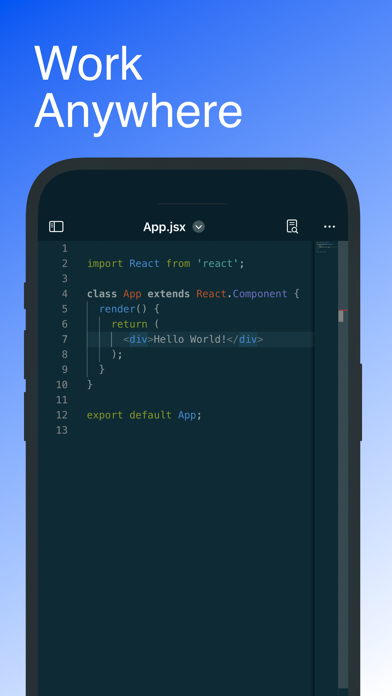
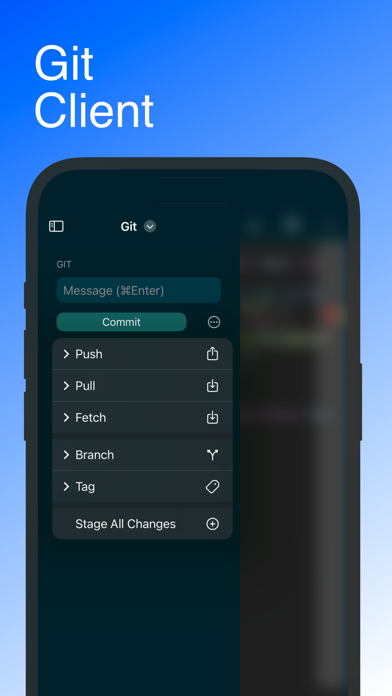
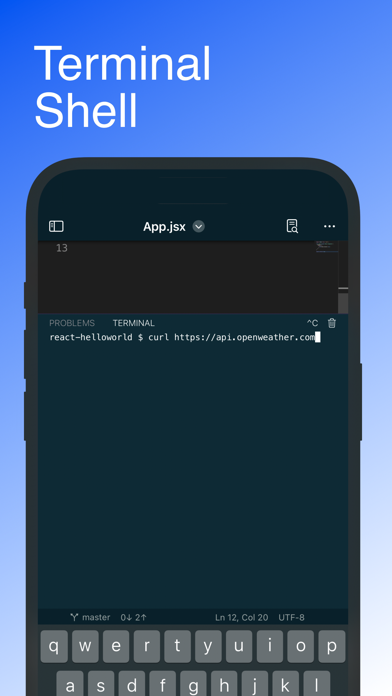
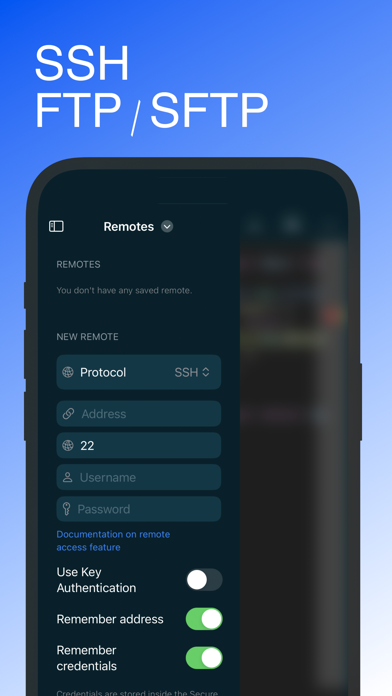
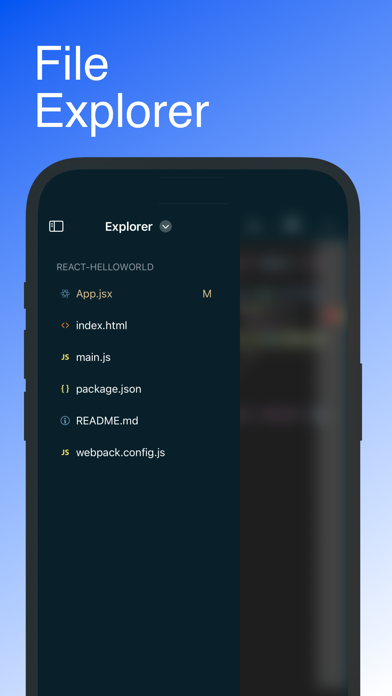
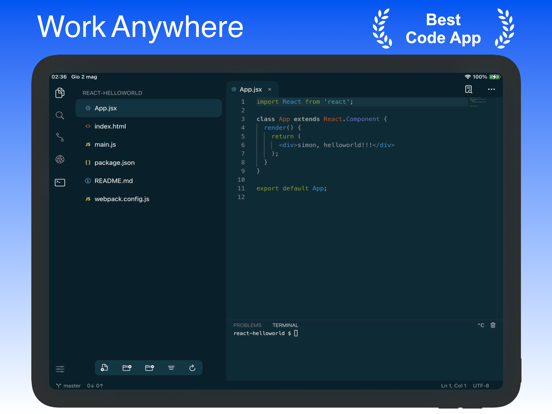
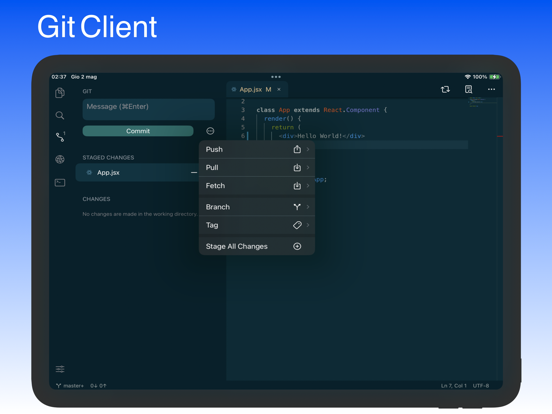
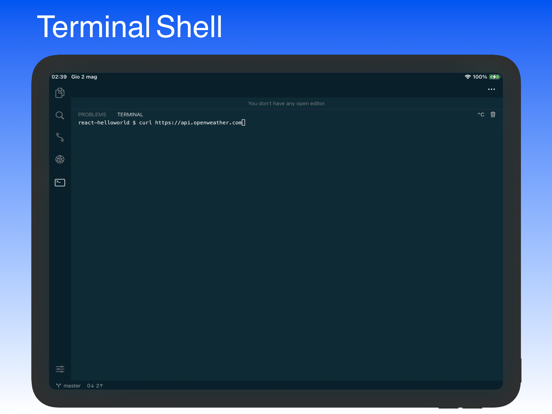
Code, Work Anywhere! This app has an entire developer suite embedded in this app, and it's fully native! ## Code Editor - Various Themes - Colored Syntax - Autocompletion - Minimap - Row Diff indicator ## File Explorer Move between your file like if you were at your main workstation. ## Git - Clone - Commit - Fetch - Push - Pull - Tag and more! ## Terminal An integrated Shell that support most of the commands available ( Yes, Curl is supported ;-) ) ## SSH Connect to a remote machine with no problems ## FTP / SFTP Since some of you was needing this, we've added support for it! The only app that will allow you to use your device like a real workstation! Code! Privacy Policy: https://firebasestorage.googleapis.com/v0/b/apppurchases-6fa17.appspot.com/o/PrivacyPolicy.html?alt=media&app=Code Terms of Service: https://firebasestorage.googleapis.com/v0/b/apppurchases-6fa17.apps…
App details
What you can learn from Code - Editor Git and Terminal
Every shipping app on the App Store has gone through the same decisions you're working through right now: which screenshot goes first, what caption sits over it, which device frame to show, what color the background should be. The 10 screenshots above are Code - Editor Git and Terminal's answers to those questions — they're public, they're real, and they made it through Apple's review.
Notice the first screenshot in particular. It's the one users see in search results and on the product page, and it's where most apps spend their best caption and tightest design. Look at the proportion of background to phone, where the text sits, what one thing the image is trying to communicate.
Want to see how other Developer Tools apps approach the same problem? Browse more Developer Tools apps in the showcase.
Take what works into your own screenshots
Open LaunchShots and design your App Store & Google Play screenshots — pick a device frame, drop captions, ship in minutes. Free, in your browser.
Open the screenshot editor →